5.1 Error Message
5-3 ZM2376
5.1.1 Errors at Power ON
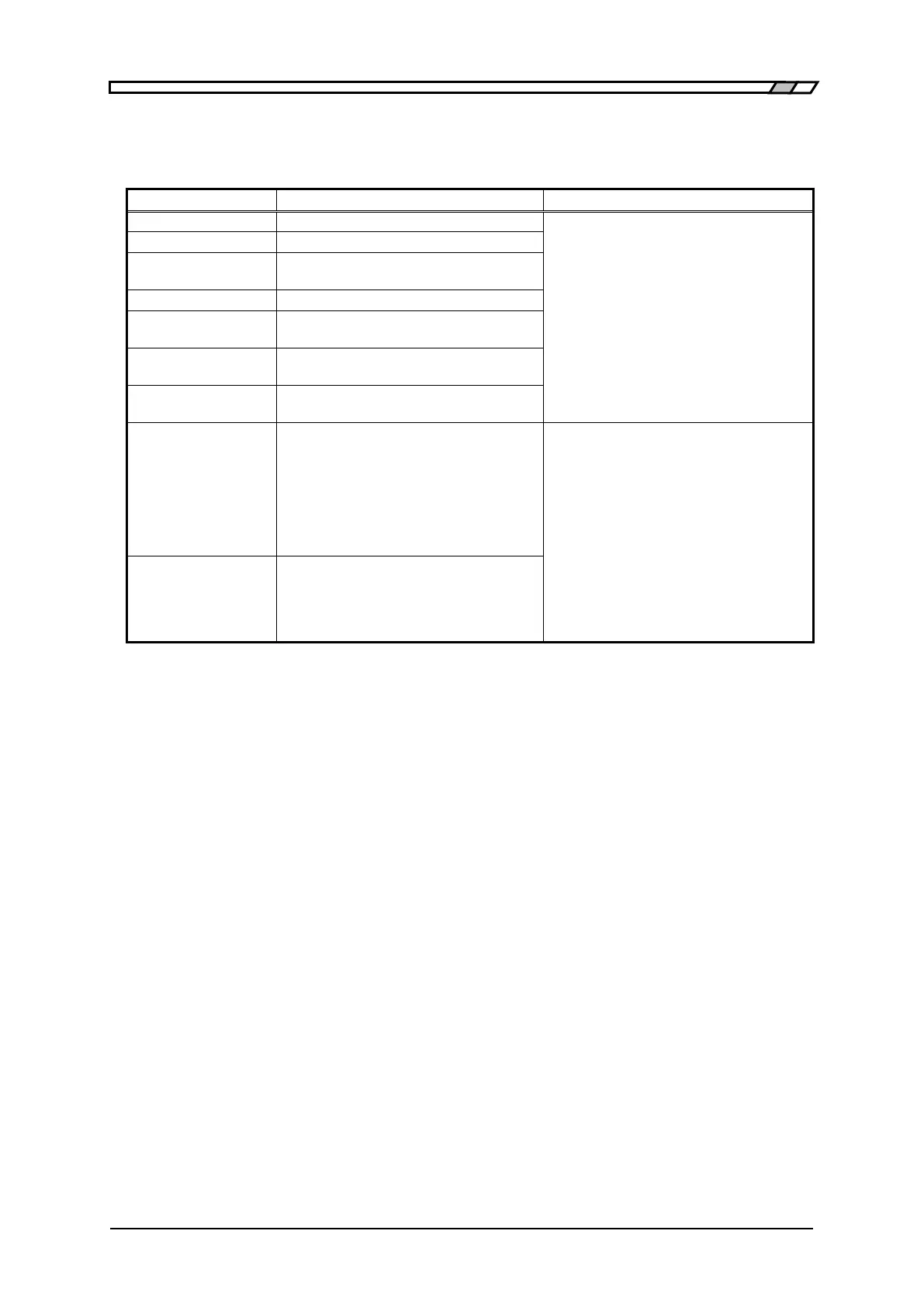
At power-on, the self-diagnosis is conducted and if an error is found, an error message as listed
below is displayed on the initial screen.
Internal memory (ROM) error
Turn off the power once, and turn it on
again.
If the error occurs again, the device is
defective, requiring the repair.
If either of these errors is detected, the
error message is kept displayed, and the
device cannot proceed to usual
operation.
Internal memory (RAM) error
Calibration data has been lost
Error of general measurement circuit
Drive signal source (H
CUR
terminal)
failure
Error of voltage/current measurement
section
Error of high-frequency internal
impedance bridge
Settings or correction values have been
lost.
An error is found in the setting memory,
correction value memory, or resume
memory.
•Defective memory
•Temporary failure due to power off,
etc. during data processing
Re-set the lost data.
If data loss is detected, the memory is
initialized and the device proceeds to
usual operation. This error message can
be reset by pressing any key.
If this error message is displayed every
time when the power is turned on, the
device is defective, requiring the repair.
Configuration
memory lost
System settings such as GPIB address
have been lost.
•Defective memory
•Temporary failure due to power off,
etc. during data processing



 To Next Page