3.5 Basic Operations
3-42 ZM2376
Selection of trigger source
_SHIFT_
+ [ TRIG MODE ]
Press the _SHIFT_
+ [TRIG MODE] keys to display the trigger setting menu.
Trigger source Trigger delay Triggered drive
TRIG SRC:Ext Delay=100.0000s SRC Sync=ON Current setting
0) Int 1) Man 2) Ext 3) Bus 4) Delay 5) S . Sync Options
Int Internal trigger. Upon completion of measurement, a trigger is
applied automatically and measurement is executed continuously.
Other trigger signals are ignored.
Man Manual trigger. Press the
_TRIG_
key on the front panel to apply
a trigger signal.
Ext External trigger.
Trigger source
A trigger is applied with TRIG signal through the handler interface.
Bus A trigger is applied by the remote control.
Refer to the description of *TRG and GET.
Delay Displays the trigger delay setting menu.
S.Sync Displays the triggered drive setting menu.
Select a trigger source or perform the EXIT operation to return to the measurement screen.
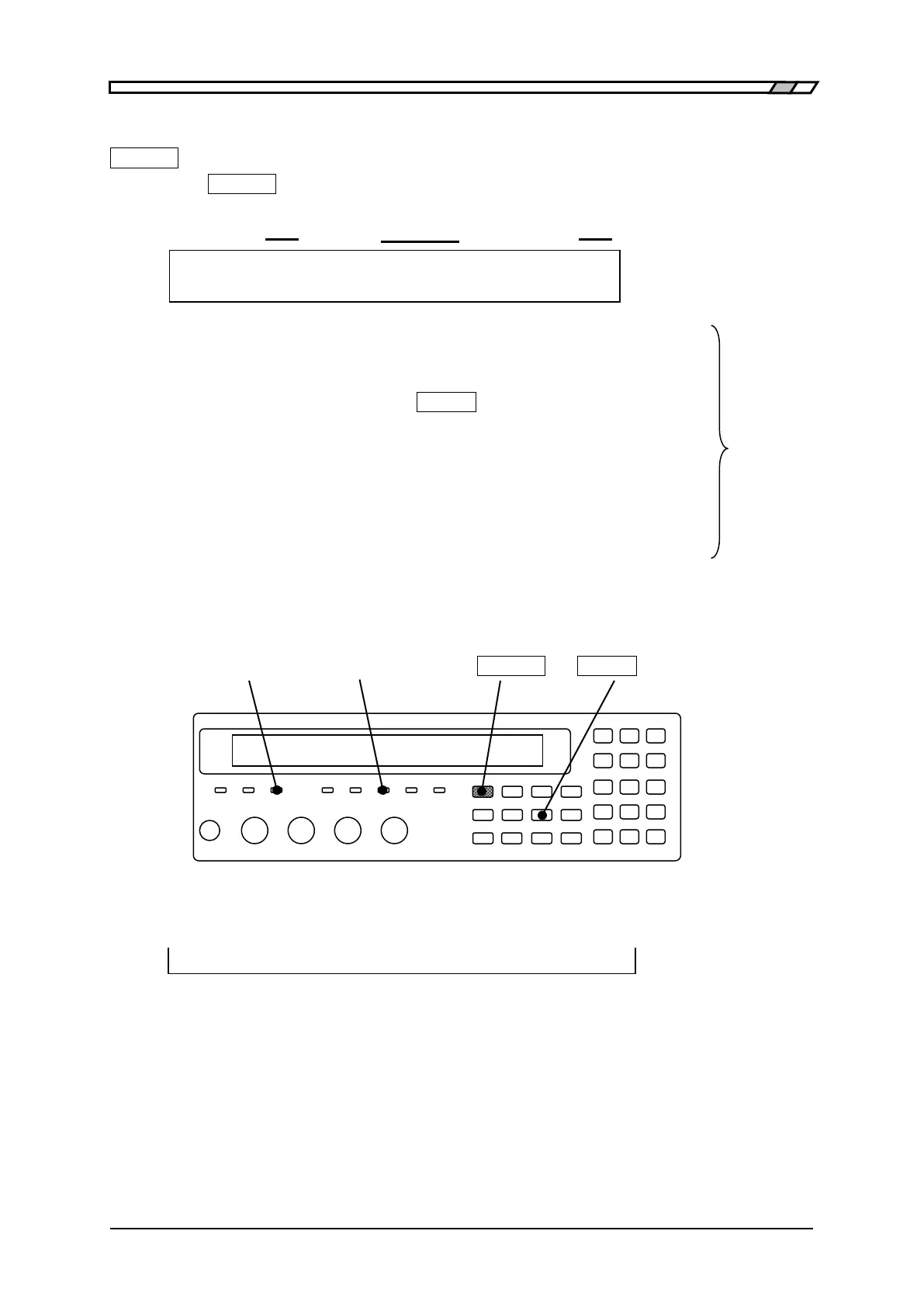
BUSY SOURCE SYNC _SHIFT_ _TRIG_ | [TRIG MODE]
Current trigger source is displayed on the second line of measurement screen (in case of status
display).
A100Ω FAST256 Int OpShLd1m • • • • • •
TRIG SOURCE
Trigger source: Int / Man / Ext / Bus



 To Next Page