3.5 Basic Operations
3-65 ZM2376
LOAD correction menu
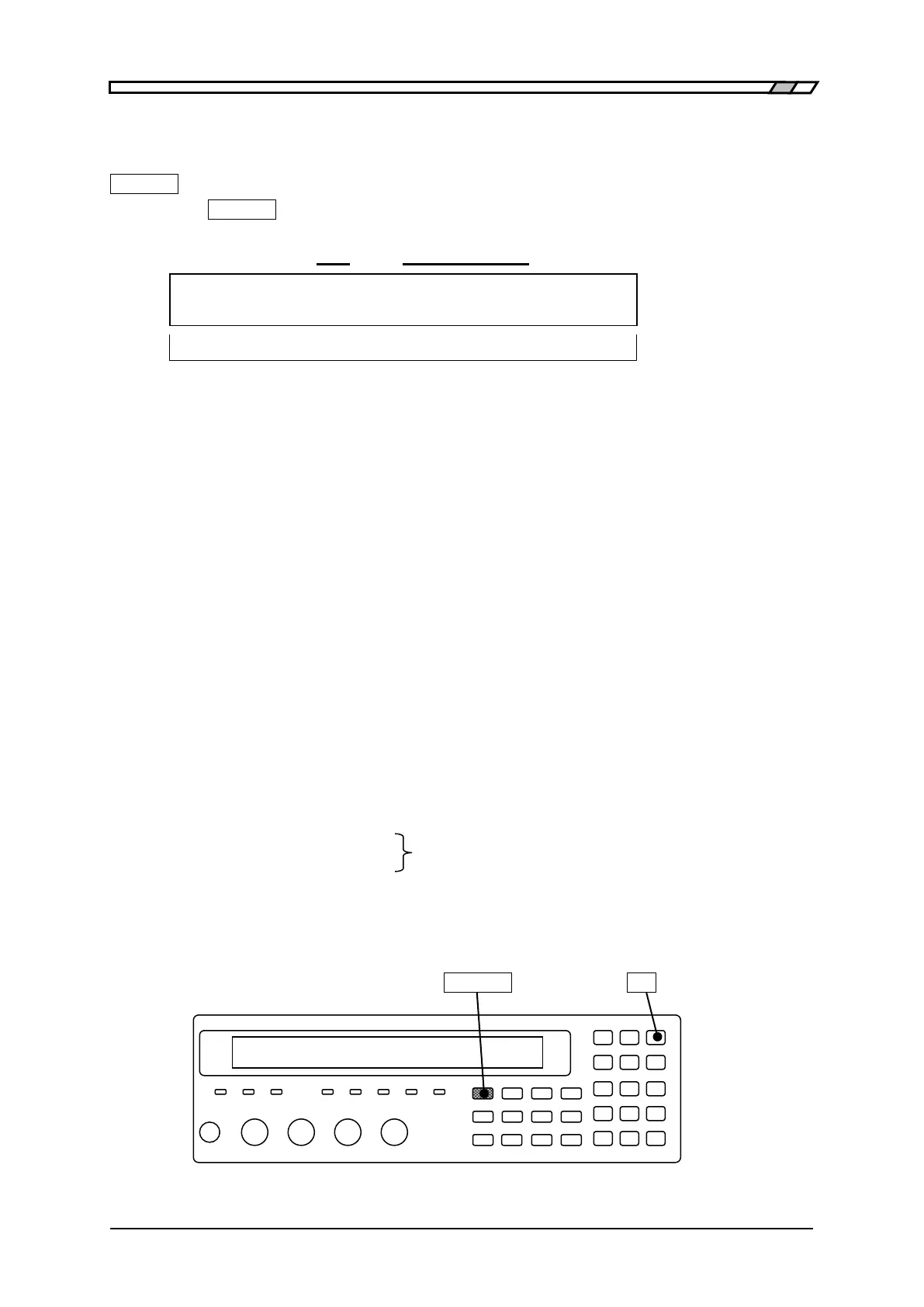
The operation of LOAD correction is executed with the LOAD correction menu.
_SHIFT_
+ [ LOAD ]
Press the _SHIFT_
+ [LOAD] keys to display the LOAD correction menu.
OFF|ON Lower limit - Upper limit or SPOT
LOAD Correction: OFF 100Hz - 1.0MHz Current setting
0 ) OFF 1) ON 2) Measure 3) SPOT >NEXT Options (first page)
4) LowFREQ 5) UppFREQ 6) STD-Meas <PREV Options (second page)
OFF Disables the LOAD correction and returns to the measurement screen.
LOAD correction value is held internally.
ON Enables the LOAD correction and returns to the measurement screen.
The OPEN correction and SHORT correction are also enabled.
Measure Measures the LOAD correction value.
Before measurement, connect the standard with a known value at the end of
the actual connection circuit network.
SPOT Displays the spot LOAD correction menu.
LowFREQ Displays the lower limit frequency setting menu for the global correction.
UppFREQ Displays the upper limit frequency setting menu for the global correction.
STD-Meas Measures the LOAD standard value.
Before measurement, connect the standard under high measurement accuracy
conditions.
If a setting is made or the EXIT operation is performed, the measurement screen comes back.
The lower and upper limit frequencies set for the global correction are common to the OPEN,
SHORT, and LOAD corrections.
Lower limit frequency setting menu
Upper limit frequency setting menu “3.5.6.7 OPEN Correction”
The LOAD correction of DC resistance Rdc is not supported.
_SHIFT_ _9_ | [LOAD]



 To Next Page