Autoexposure Lock
(P,
5,
and A Modes
Onl~
Use
auto exposure lock
to
recompose photographs after metering exposure:
1 Select center-weighted or spot
metering.
Select mode
P,
5,
or Aand choose
center-weighted or spot metering
(exposure lock
has
no effect in mode
M,
while auto and scene modes are
not
recommended
as
center-
weighted and spot metering
are
not
available).
:.:
button
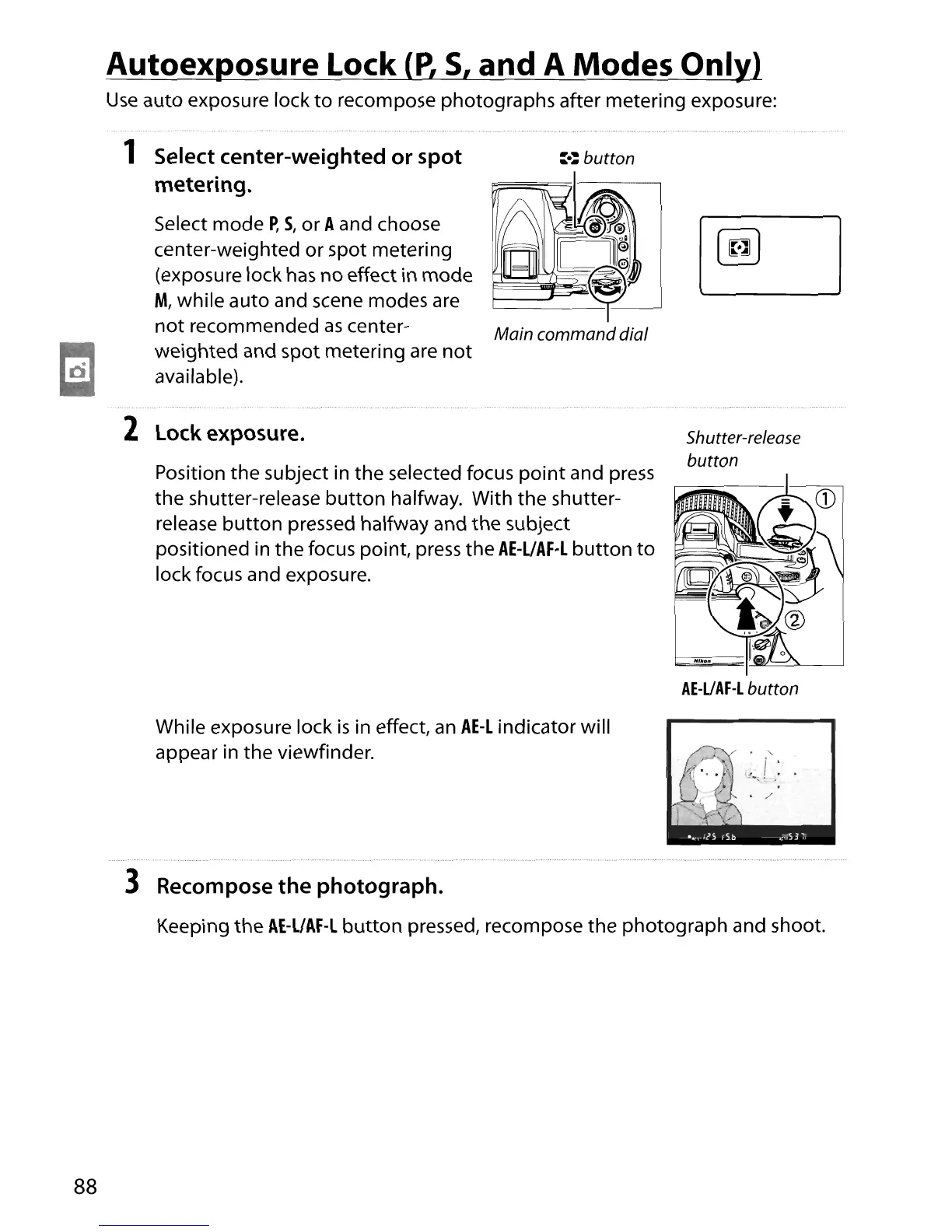
2 Lock exposure.
Position the subject in
the
selected focus
point
and
press
the shutter-release
button
halfway. With the shutter-
release
button
pressed halfway and the subject
positioned in the focus point,
press
the
AE-L/AF-L
button
to
lock focus and exposure.
While exposure lock
is
in effect,
an
AE-L
indicator will
appear in the viewfinder.
Shutter-release
button
AE-UAF-L
button
88
3 Recompose
the
photograph.
Keeping the
AE-L/AF-L
button
pressed, recompose the photograph and shoot.





 To Next Page