Basic Playback
At default settings, photographs are automatically displayed for about 4 safter
shooting. If no photograph
is
displayed in the monitor, the most recent picture can
be viewed by pressing the
[B
button.
1
Press
the
[EI
button.
.,'
j'
,-1
B
Vvtl
CS
~
~
~/""J
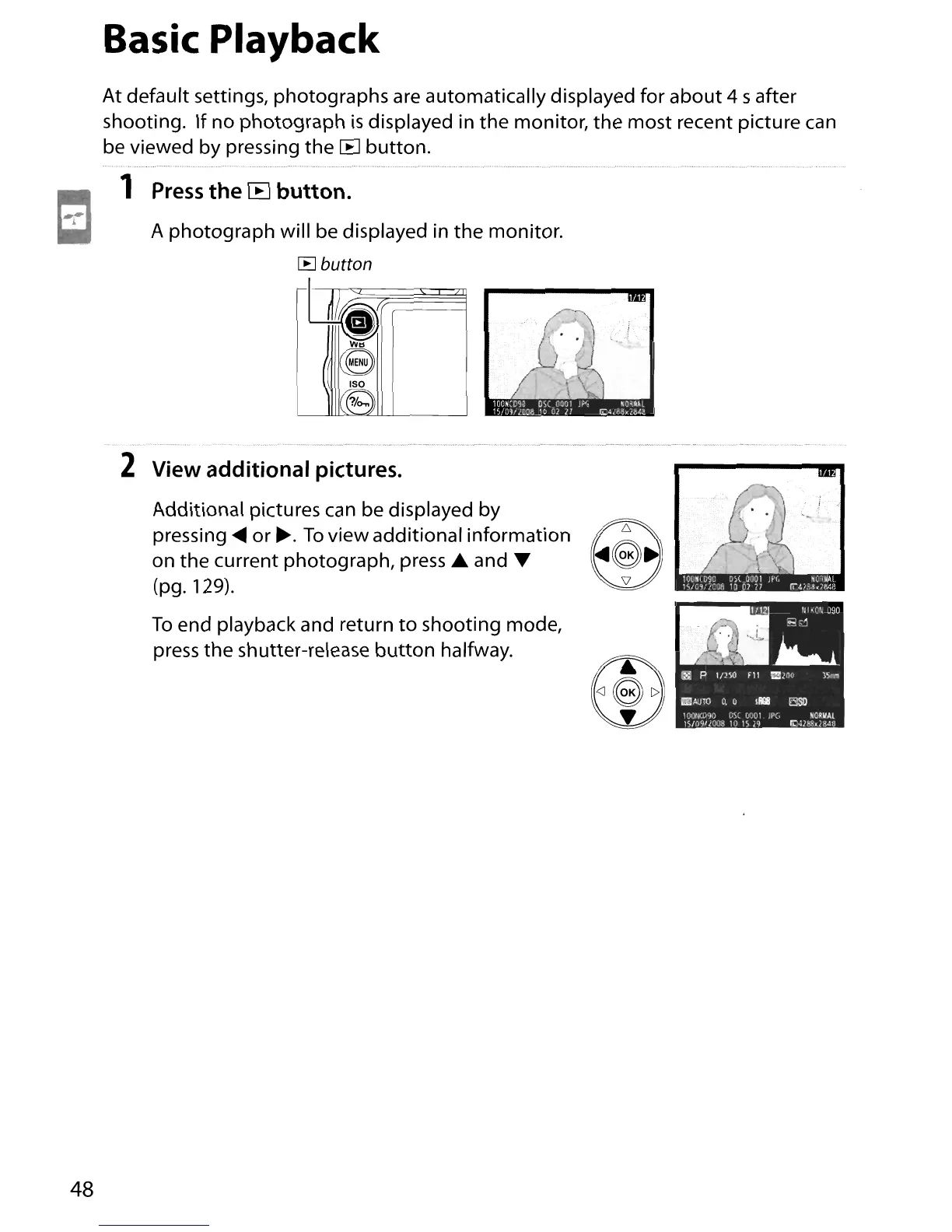
A photograph will be displayed in the monitor.
~
button
t§
2 View additional pictures.
Additional pictures
can
be displayed by
pressing
.....
or~.
To
view additional information
~
on
the
current photograph,
press'"
and'"
~
(pg.129).
To
end playback and return
to
shooting mode,
press the shutter-release
button
halfway.
48





 To Next Page