Using
the
Built-in Flash
The camera supports a variety
of
flash modes for photographing poorly lit or backlit
subjects.
II
Using
the
Built-in
Flash:
A~,
2",
~,
and
~
Modes
1 Choose a shooting mode.
Rotate the mode dial
to
select
the
desired mode.
101
2 Choose a flash mode.
Press
the
~
button
and rotate until
the
desired flash mode
is
displayed in the
control panel (pg.
71
).
.........................
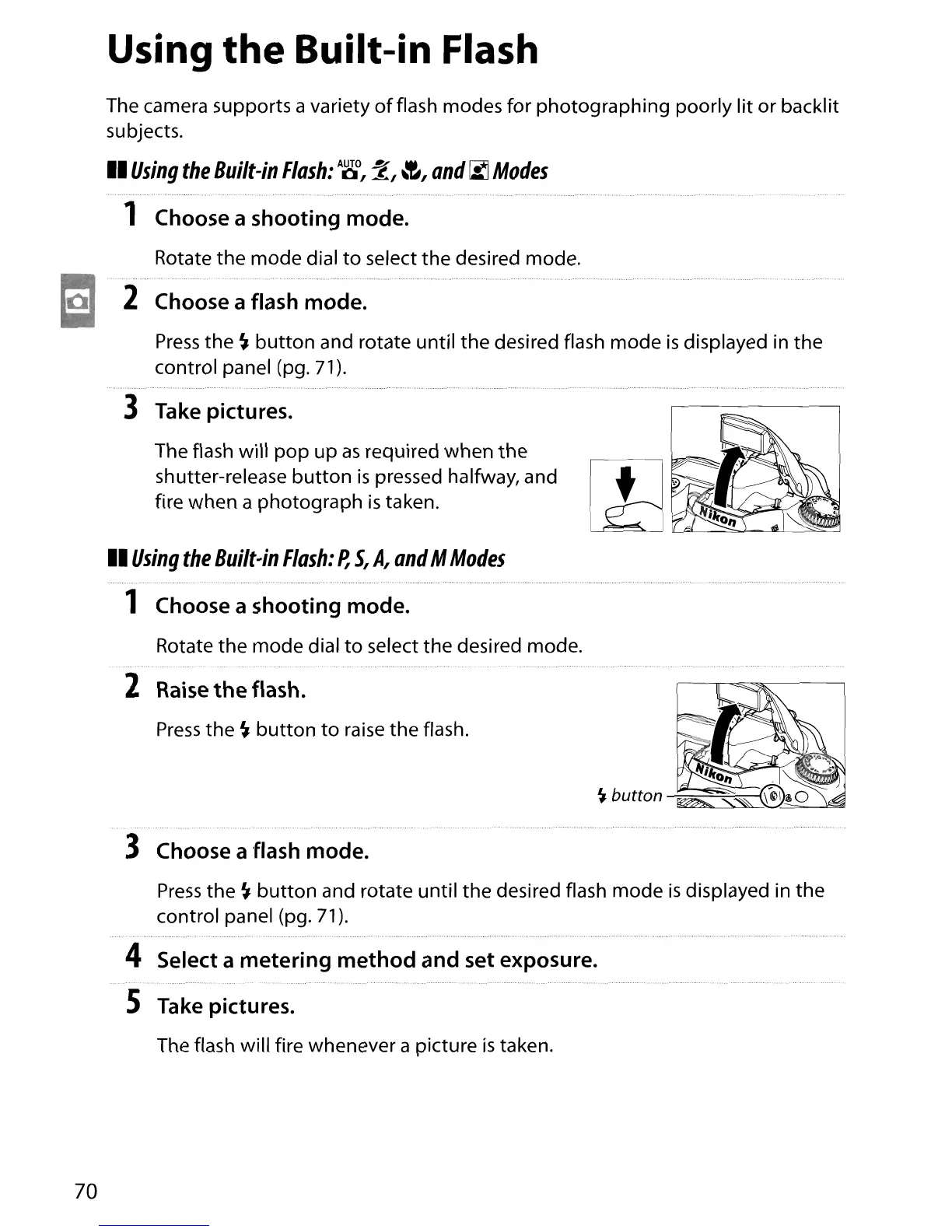
3 Take pictures.
The flash will
pop
up
as
required when
the
shutter-release
button
is
pressed halfway, and
fire when a photograph
is
taken.
Press
the
~
button
to
raise the flash.
II
Using
the
Built-in
Flash:
P,
S,
A,
and
M
Modes
1 Choose a shooting mode.
Rotate the mode dial
to
select the desired mode.
2 Raise
the
flash.
3 Choose a flash mode.
Press
the
~
button
and rotate until
the
desired flash mode
is
displayed in the
control panel (pg.
71)
.
....................................................................................................................................................................................................................................................................................
4 Select a metering
method
and set exposure.
S Take pictures.
The flash will fire whenever a picture
is
taken.
70





 To Next Page