Basic
Photography
and
Playback
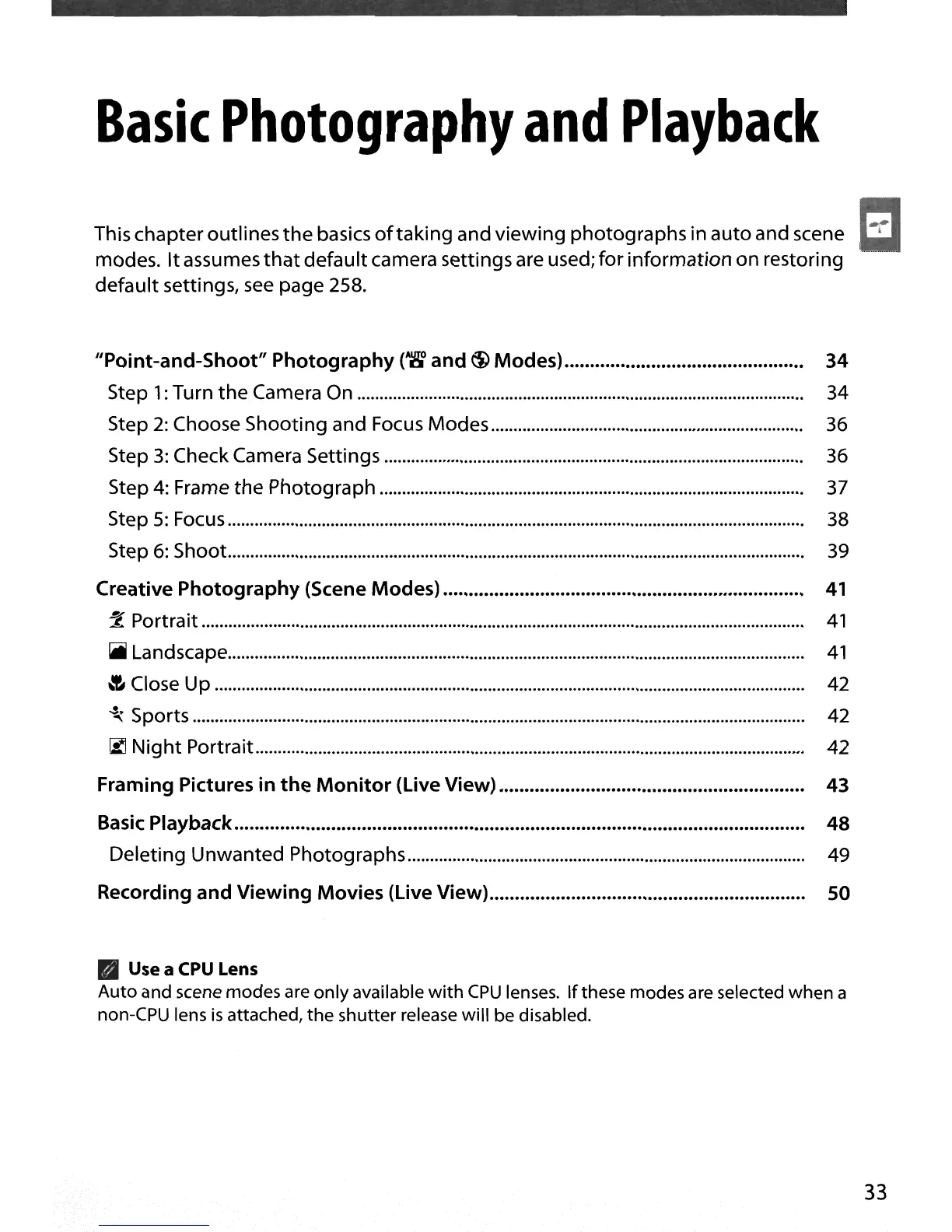
This chapteroutlines
the
basics oftaking and viewing photographs
in
auto and scene
modes.
It
assumes
that
default camera settings are used; for information on restoring
default settings, see page 258.
"Point-and-Shoot"
Photography
(~
and
<i)
Modes)............................................... 34
Step
1:
Turn
the
Camera
On
34
Step
2:
Choose Shooting and Focus
Modes......................................................................
36
Step
3:
Check Camera Settings 36
Step
4:
Frame
the
Photograph 37
Step
5:
Focus 38
Step
6:
Shoot.................................................................................................................................
39
Creative
Photography
(Scene Modes)
41
:Z"
Portrait
41
~
Landscape.................................................................................................................................
41
~
Close
Up
42
~
Sports 42
[;lI Night
Portrait...........................................................................................................................
42
Framing Pictures in
the
Monitor
(Live
View)
43
Basic Playback
48
Deleting Unwanted Photographs......................................................................................... 49
Recording
and
Viewing Movies
(Live
View).............................................................. 50
• Use a CPU Lens
Auto
and scene modes are
only
available
with
CPU
lenses.
If
these modes are selected
when
a
non-CPU lens
is
attached,
the
shutter
release will be disabled.
EI
33





 To Next Page