Creating Custom Picture Controls
The Nikon Picture Controls supplied
with
the
camera can be
modified
and saved
as
custom Picture Controls.
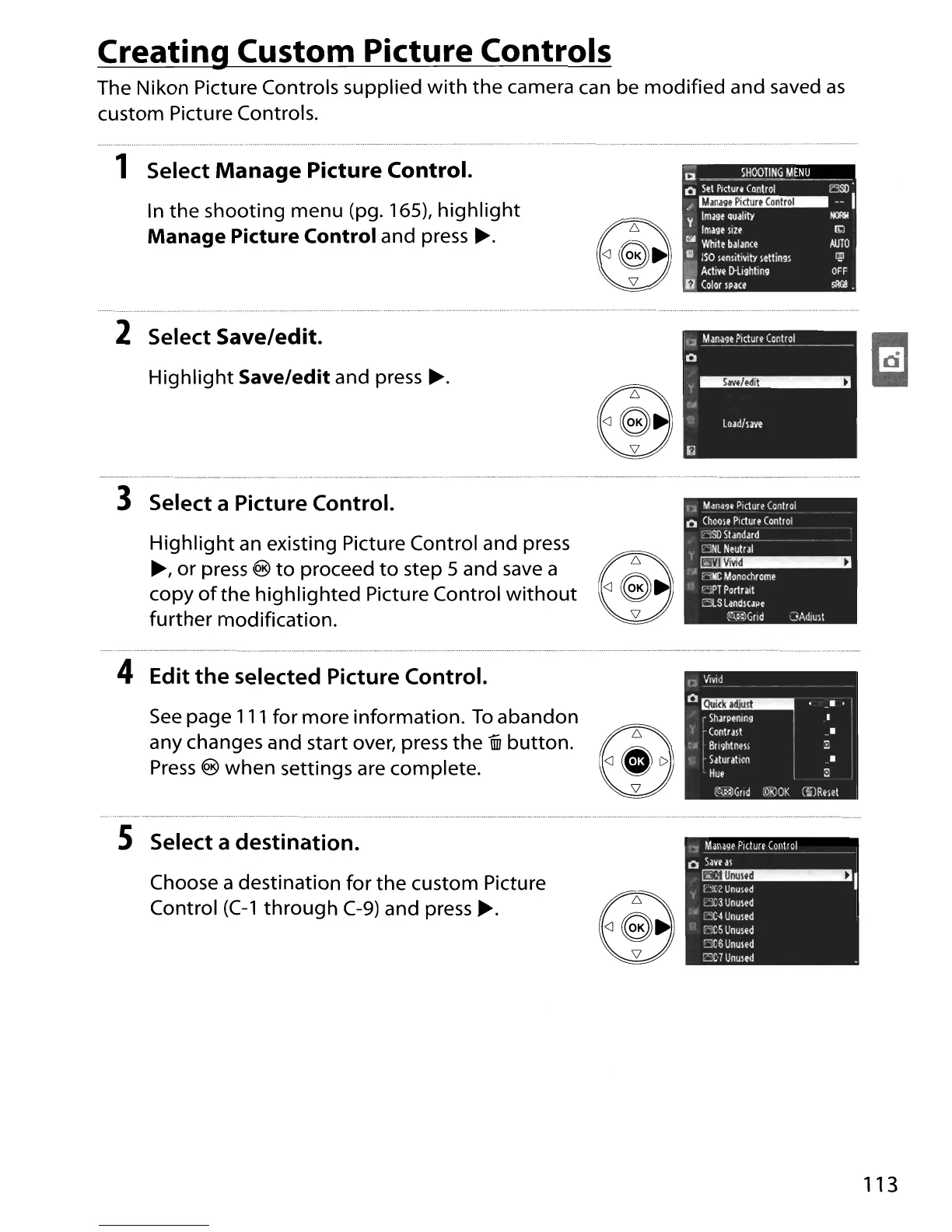
1 Select
Manage
Picture Control.
In
the
shooting menu (pg. 165),
highlight
Manage
Picture Control and press
~.
•
(a
-.-iH~T1_~~NJ!
_
o
Sel
PIcture
Conlrol
E!SO'
.I~--I
Y
Imase
quality
I«R4
Image
Silt
ro
e:.;,
White
balance
AlITO
•
ISO
sensilivity
sellings
!iil
~
A<ti~e
[)-lighling
OFF
i)
Color
space
sRG8
•
2 Select Save/edit.
Highlight
Save/edit and press
~.
.EJ
3 Select a Picture Control.
Highlight
an
existing Picture Control and press
~,
or
press@toproceedtostep5andsavea@f'\,
copy
of
the
highlighted
Picture Control
without
<J
~
further
modification.
11
Manage
Picture
Conlrol
o
Choole
Picture
Conlrol
':':!Sll
Standard
,
DR
Neutral
I~
; 4 ,:
"IIC
Monochrome
.:
~PT
Portra.1
:3.5
Landlupe
~":)Grld
3Adlult
4 Edit the selected Picture Control.
D
Vivid
_.
•
..
•
I
I
CQ,~:)GlId
~6reOK
(ilRmt
o~
r
Sharpening
I
Conlrasl
:
~
BlIghlnelS
I
Saturation
Hue
See
page
111
for more information.
To
abandon
any changes and start over, press
the
1iii
button.
~
Press
@
when
settings are complete.
~
5 Select a destination.
Choose a destination for
the
custom Picture
Control
(C-1
through
C-9)
and
press~.
•
~
_M~_~Pi<l~~C~ntrcL
__
o
Save
as
~I
f
',C2
Unused
cC3Unused
•
~'X"
Unused
[:'!C
5
Unused
CCllUnused
3;·7
Unuled
113





 To Next Page