Deleting Individual Photographs
To
delete the photograph displayed in full-frame playback or the photograph
highlighted in
the
thumbnail list, press the
UiJ
button. Once deleted, photographs
can
not
be recovered.
1 Select an image.
Display the image or
highlight
it
in the thumbnail list.
2
Press
the
Uii
button.
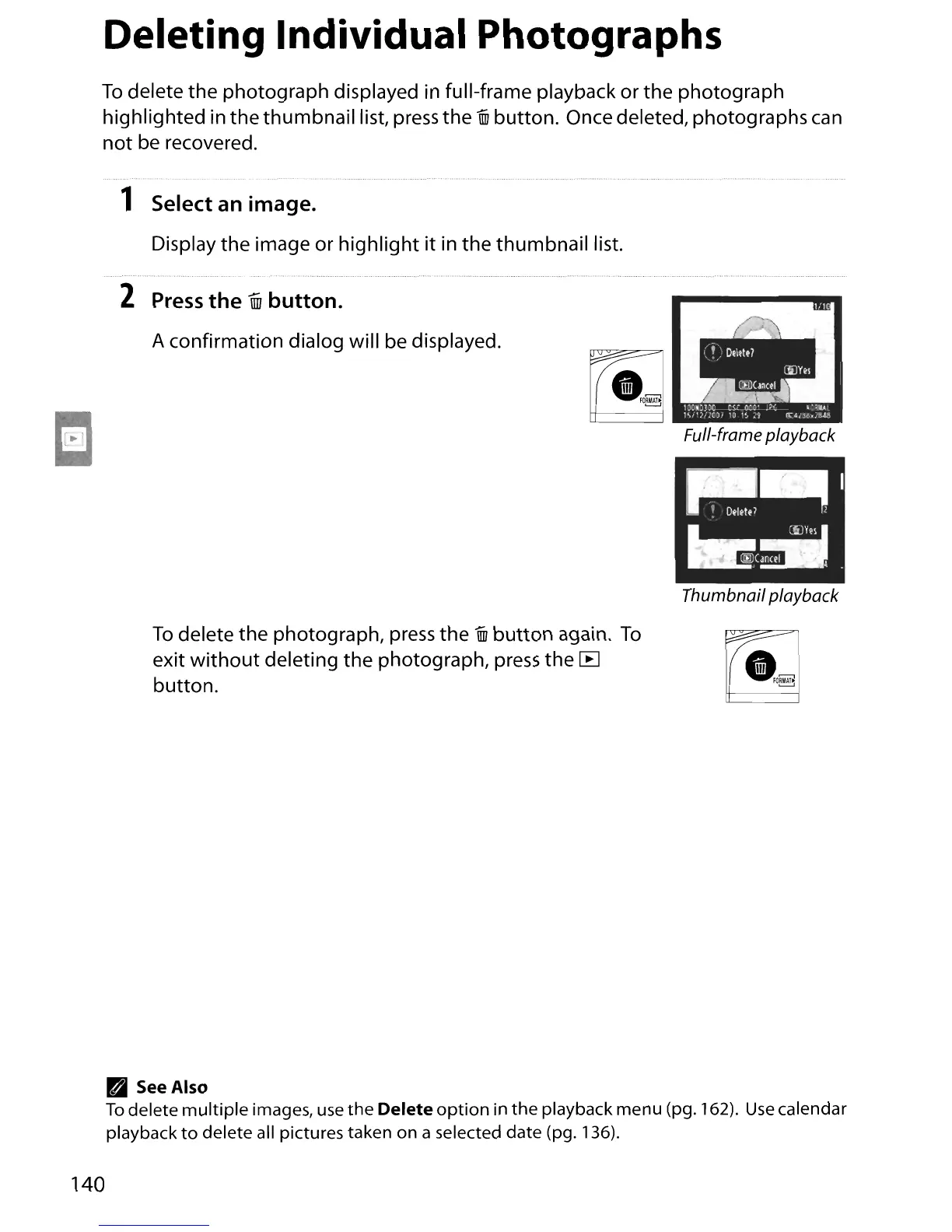
A confirmation dialog will be displayed.
Full-frame playback
Thumbnail playback
To
delete the photograph, press
the
UiJ
button
again.
To
exit
without
deleting the photograph, press the
[B
button
.
~
•
~o~
• SeeAlso
To
delete
multiple
images, use
the
Delete
option
in
the
playback menu (pg. 162).
Use
calendar
playback
to
delete all pictures taken on a selected date (pg. 136).
140





 To Next Page