Display
Mode
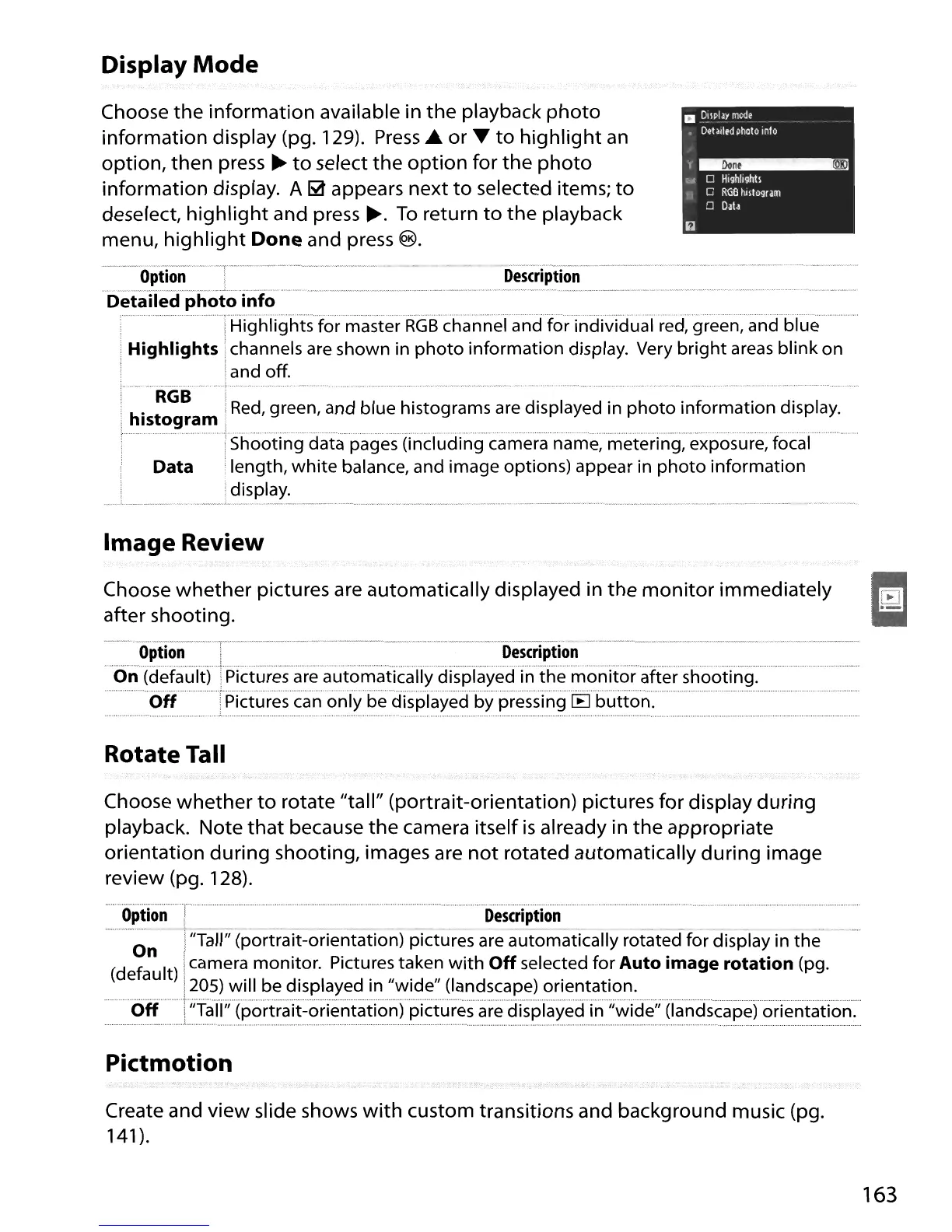
Choose
the
information available in
the
playback
photo
information display (pg. 129).
Press.
or
....
to
highlight
an
option,
then
press
~
to
select
the
option
for
the
photo
information display. A
~
appears next
to
selected items;
to
deselect,
highlight
and press
~.
To
return
to
the
playback
menu,
highlight
Done and press
@.
a
~\pIJY
mode
•
Detailed
photo
info
'I_
t"
0
Highllghtl
! i 0
RGB
tultogram
o
Data
Description
---····_················
..
_··-·······
..
······
..
T·········
- - - - .
Option
i
_____
,
~
__
._m~.'
__
._._.,
....
~
__
~_·.~"nn_"._.'
...•...
,,,
..
...
"""',"
~.
·_->~._.".V."_'ww",,.,
Detailed photo info
,"
·······THighTightsformasterRGBchannefandforindividuaTred,'green;andbfue .
..
Highlights! channels
are
shown in
photo
information display. Very
bright
areas
blink on
Iand off.
, .
,,,
...
,,-
.... .
..
-_
..
"
....
~.......
.
..
h'
t
RGB
I
Red,
green, and blue histograms
are
displayed in
photo
information display.
! IS ogram
'1
t
H
''''
..
•
••••••••••.••••••••
,
••
, ,
••
"
••••••
~-
••
--------_.-
.•
_"._--
••.•••••
'"
•••••••••••••••••
",
••.••••••••••••
;
•••.••
-
•••••••••.••••••••••
~
'
.••••••••••
_--_
••
,
••••••••••••••
"
••••••••••••••••••••••••••••••••••••••••••••••••••••••••
:
••••••••••••••••••••••••••••••••••••••••••••••••••.•••••••••••••••••••••••••••••••••••••••
, !Shooting data pages (Including camera name, metenng, exposure, focal
: Data i length, white balance, and image options) appear in
photo
information
: :display.
•....•.;..•......•.. _ _.L _ _ _ _ _ _ .
Image Review
Choose
whether
pictures are automatically displayed in
the
monitor
immediately
after shooting.
Option
i
Description
.~
.
.....
~.~
..
(cJ~f~~.I~)
.....
~.i~t~r~~
..
~.r~
..
~.~
..
~c:>~~~i.~.~llycJi~pl~~~cJi~~~~~c:>~i~c:>~~~.~r
shooting.
Off
.Pictures
can
only be displayed by pressing
[B
button.
Rotate Tall
Choose
whether
to
rotate "tall" (portrait-orientation) pictures for display
during
playback. Note
that
because
the
camera itself
is
already in
the
appropriate
orientation
during
shooting, images are
not
rotated automatically
during
image
review (pg. 128).
·········O.,.lon·········:····
Description
_.-.
t
---
.- -
--
-
_.
-
---
- _ - .
o I"Tall" (portrait-orientation) pictures are automatically rotated for display in the
(d
f n It) Icamera monitor. Pictures taken
with
Off
selected for Auto image rotation (pg.
e
au
205) will be displayed in "wide" (landscape) orientation.
Off
"Tall"
(portr·ait~orientation)··pictI.Jresare·displayed··in···,iwide';(landscape)
orientation."
Pictmotion
Create and
view
slide shows
with
custom transitions and background music (pg.
141
).
163





 To Next Page