f4:
Assign
AE-LI
AF-L
Button
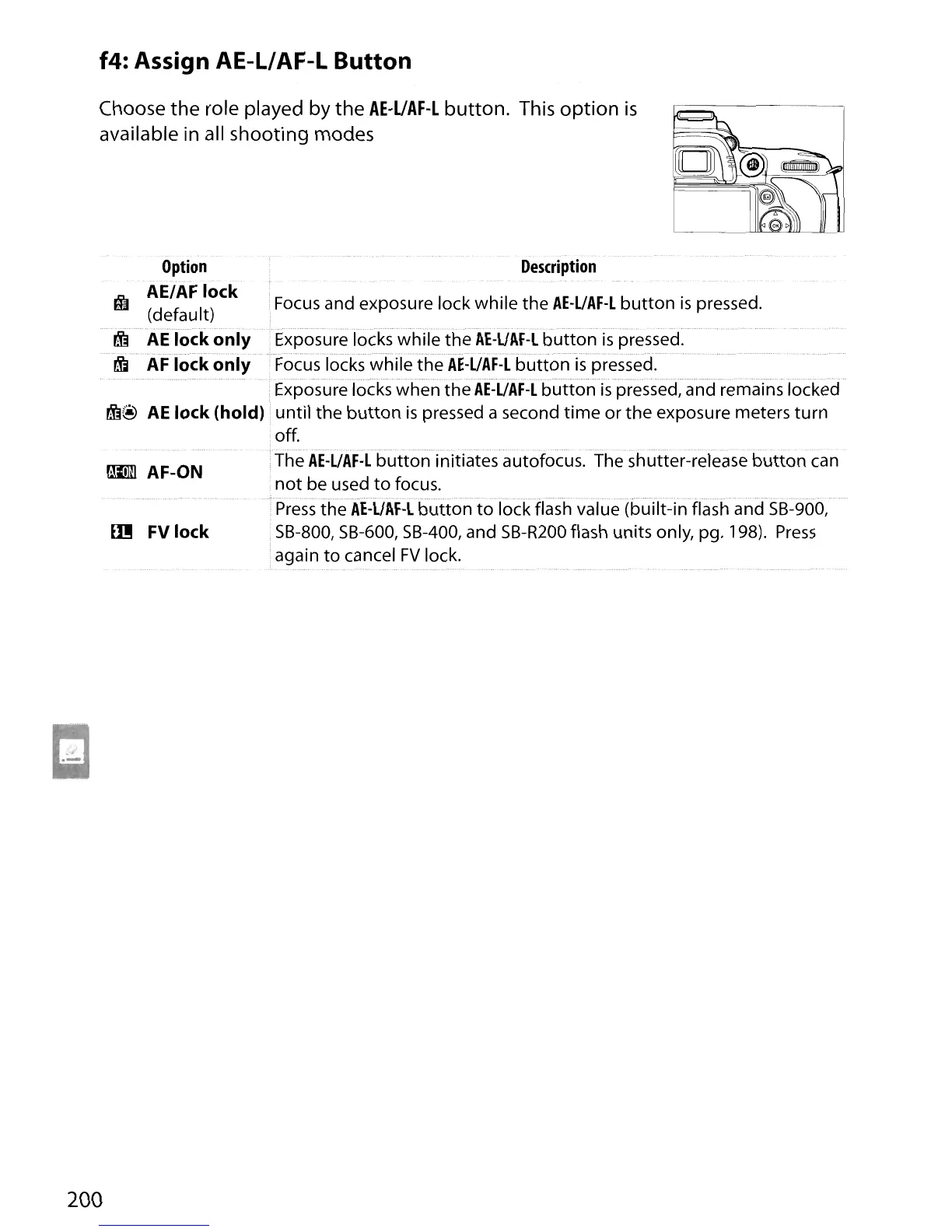
Choose the role played by the
AE-UAF-l
button. This
option
is
available in all shooting modes
Option
~ AE/AF lock
(default)
......
~
AE
lock
only
rj;j
AF
lock
only
~@
AE
lock (hold)
am
AF-ON
Ell!
FV lock
Description
i
Focus
and exposure lock while the
AE-UAF-L
button
is
pressed.
•Exposure locks while the
AE-UAF-L
button
is
pressed.
...................................................
•Focus locks while the
AE-UAF-L
button
is
pressed.
Exposurelock$whenthe
AE-UAF-Lhuttonispressec{andremains
locked
...
until the
button
is
pressed a second
time
or
the
exposure meters turn
off.
The
AE-UAF·L
button
initiates autofocus. The shutter-release
button
can
not
be used
to
focus.
Press
the
AE-L/AF-L
button
to
lock flash value (built-in flash and
SB-900,
SB-800, SB-600,
SB-400,
and
SB-R200
flash units only, pg. 198).
Press
again
to
cancel
FV
lock.
200





 To Next Page