Self-Timer
Mode
@
The self-timer
can
be used
to
reduce camera shake or for self-portraits.
1
Mount
the camera on a tripod.
Mount
the
camera on a
tripod
or place
the
camera on a stable, level surface.
2 Select
~
mode.
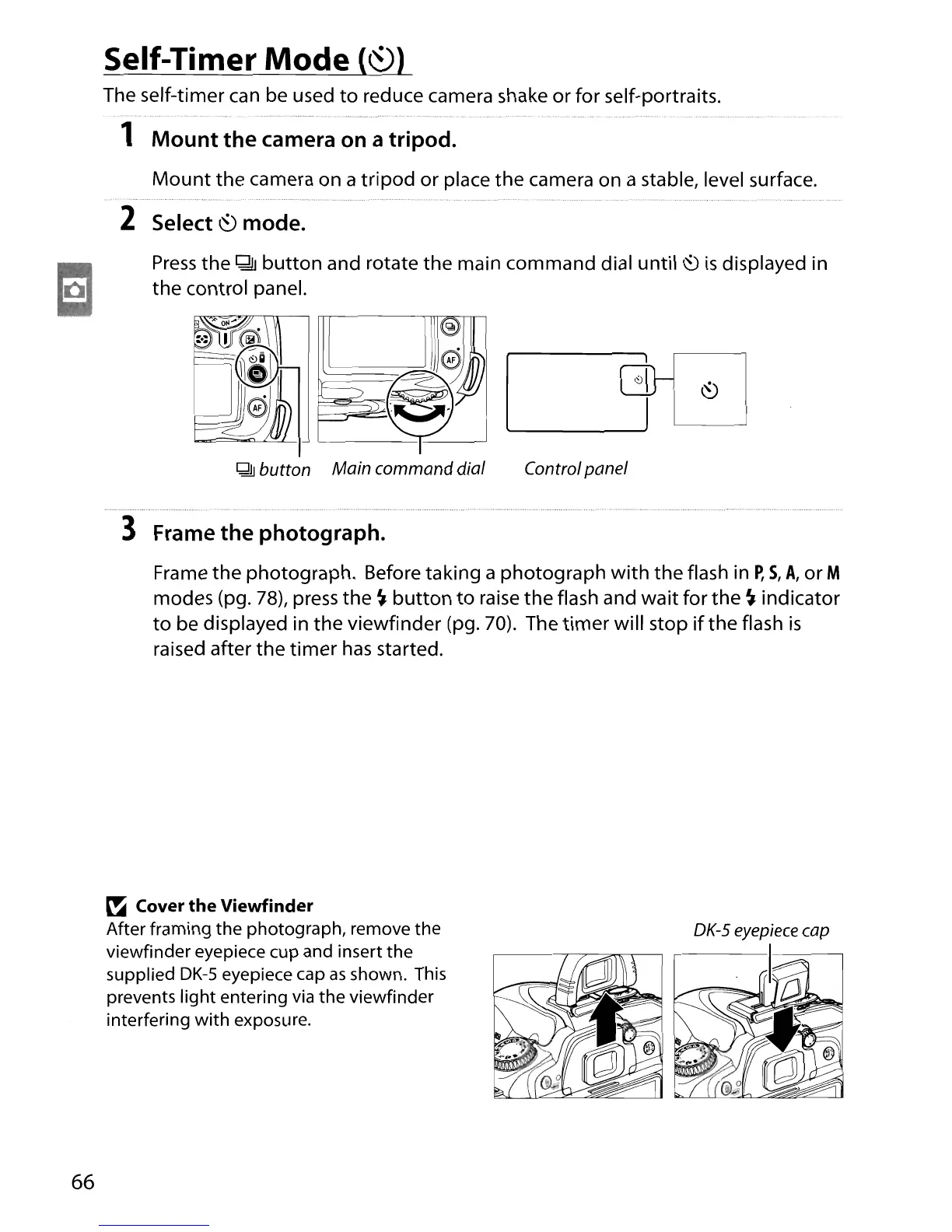
Press
the
QlJ
button
and rotate the main command dial until
~
is
displayed in
the
control panel.
Controlpanel
3 Frame the photograph.
Frame the photograph. Before taking a photograph
with
the flash in
P,
S,
A,
or M
modes (pg.
78),
press the
~
button
to
raise
the
flash and wait for the
~
indicator
to
be displayed in the viewfinder (pg.
70).
The
timer
will stop
if
the
flash
is
raised after the
timer
has
started.
66
~
Cover
the
Viewfinder
After framing the photograph, remove the
viewfinder eyepiece cup and insert the
supplied
DK-5
eyepiece cap
as
shown. This
prevents light entering via the viewfinder
interfering
with
exposure.





 To Next Page