b3: Center-Weighted Area
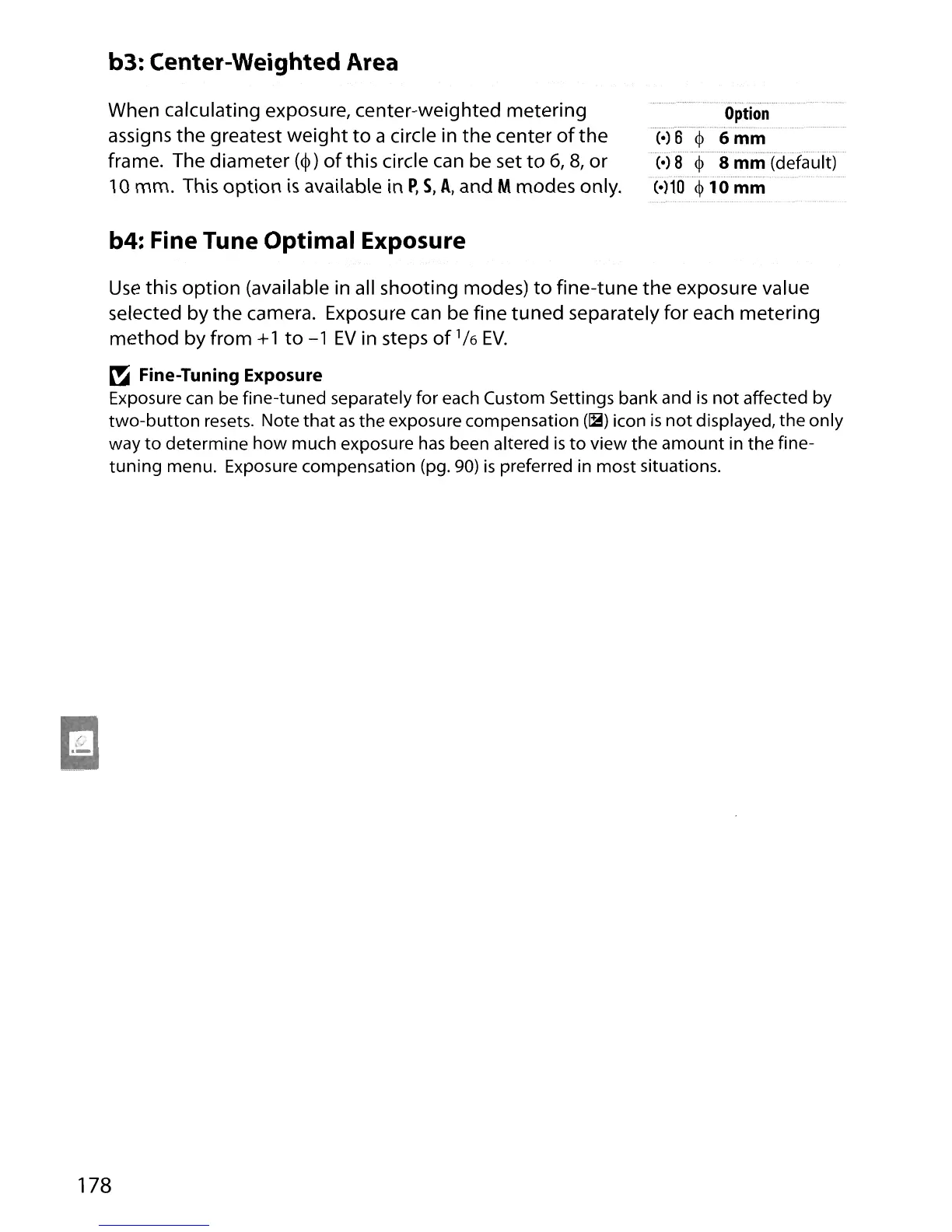
When calculating exposure, center-weighted metering
assigns the greatest
weight
to
a circle in the center
of
the
frame. The diameter
(</»
of
this circle can be set
to
6,8,
or
10 mm. This
option
is
available in
P,
S,
A,
and Mmodes only.
b4: Fine Tune Optimal Exposure
Option
(.)
B 6
mm
(0)
8
<p
8
mm
(default)
(·)10
<p
10
mm
Use
this
option
(available in all shooting modes)
to
fine-tune the exposure value
selected by
the
camera. Exposure can be fine
tuned
separately for each metering
method by from
+1
to
-1
EV
in steps
of
1/
6
EV.
~
Fine-Tuning Exposure
Exposure
can
be fine-tuned separately for each Custom Settings bank and
is
not
affected by
two-button
resets. Note
that
as
the exposure compensation
(~)
icon
is
not
displayed, the only
way
to
determine
how
much exposure
has
been altered
is
to
view the
amount
in the fine-
tuning
menu. Exposure compensation (pg.
90)
is
preferred in most situations.
178





 To Next Page