Trim
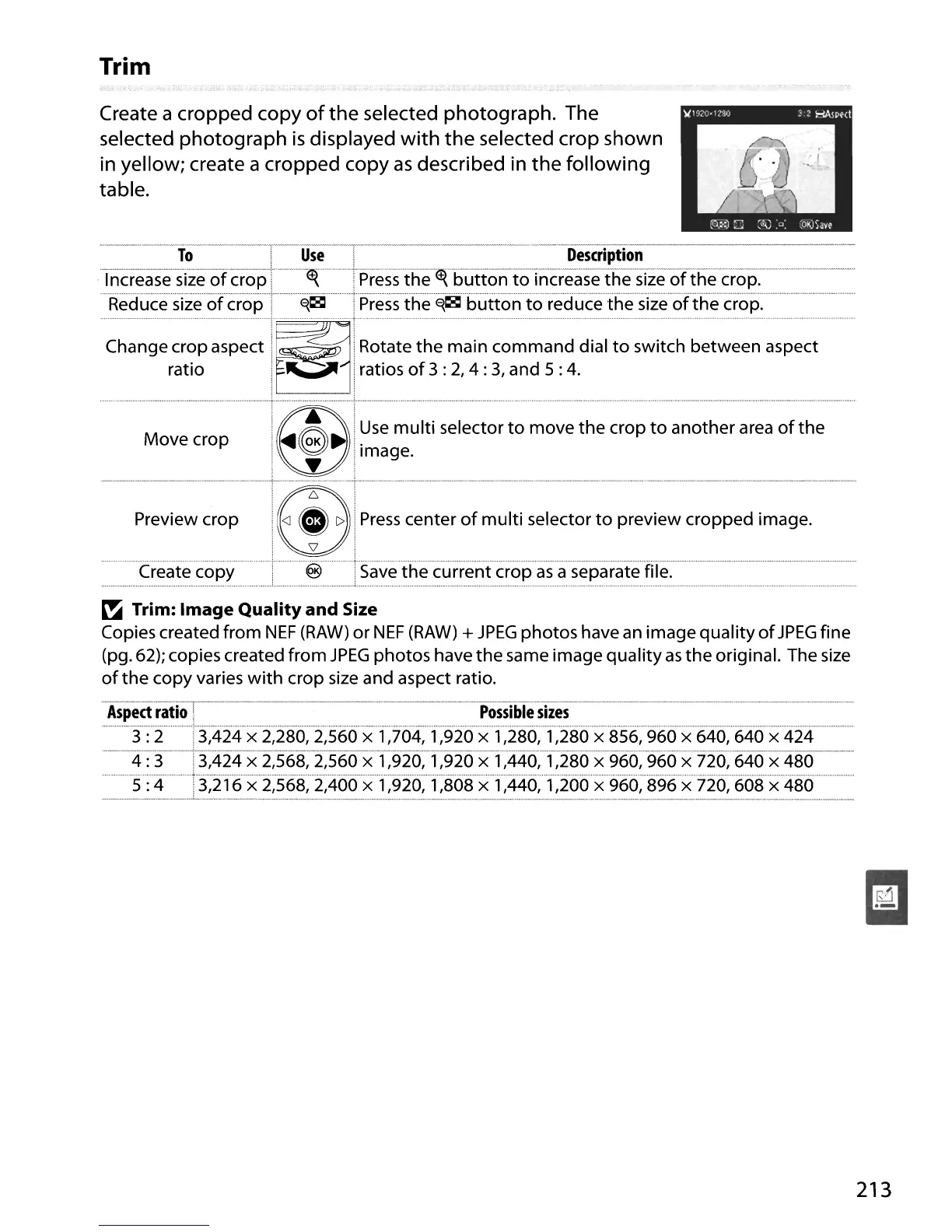
Create a cropped copy
of
the selected photograph. The
selected photograph
is
displayed
with
the
selected crop shown
in yellow; create a cropped copy
as
described in the following
table.
To
I
Use
.
Description
'Tncrea
sesize-ofc-rop""---"~
Lj5ress·the·~1;uttonto'in-c-reasethesizeofthe·crop:···--····-····--·····-··-······
·····Reduce·sfzeofcropT··············~~·
······rj5ressthe·~~·buttonioreduceihesfzeorthe·cr·op:·
.
Move
crop
Preview
crop
Create copy
@
Press
center
of
multi
selector
to
preview
cropped
image.
f.§
Save
:he
current
crop
as
a separate file.
~
Trim:
Image
Quality
and
Size
Copies created
from
NEF
(RAW)
or
NEF
(RAW)
+
JPEG
photos
have an image
quality
of
JPEG
fine
(pg.
62); copies created
from
JPEG
photos
have
the
same
image
quality
as
the
original. The size
of
the
copy
varies
with
crop size and aspect ratio.
-Aspedratlor-·--------------------·---·---------·-·-··possiiiie-siies-·-···-·-··_···_·····················-
...
-.
, " .
3 : 2 .3,424 x 2,280, 2,560 x 1,704, 1,920 x 1,280, 1,280 x 856, 960 x 640, 640 x
424
---4:3---T3~4i4-x-2:568~·2:s6ox-f92-6;-r920x·f:446:1~28(fx·966~966x·720:640·x·480--·
..
............
"'
.;.
5 :4
'3;216x'2;568;2;460><1';926,
1,808 x 1,440, 1,200 x 960,
896
x 720, 608 x 480
213





 To Next Page