~
:25
FS.O
~
6
UTO~
-
~.~
~
~A~~O-AUTO
l'
[:::'J
~_131)
NORM
I'm] A
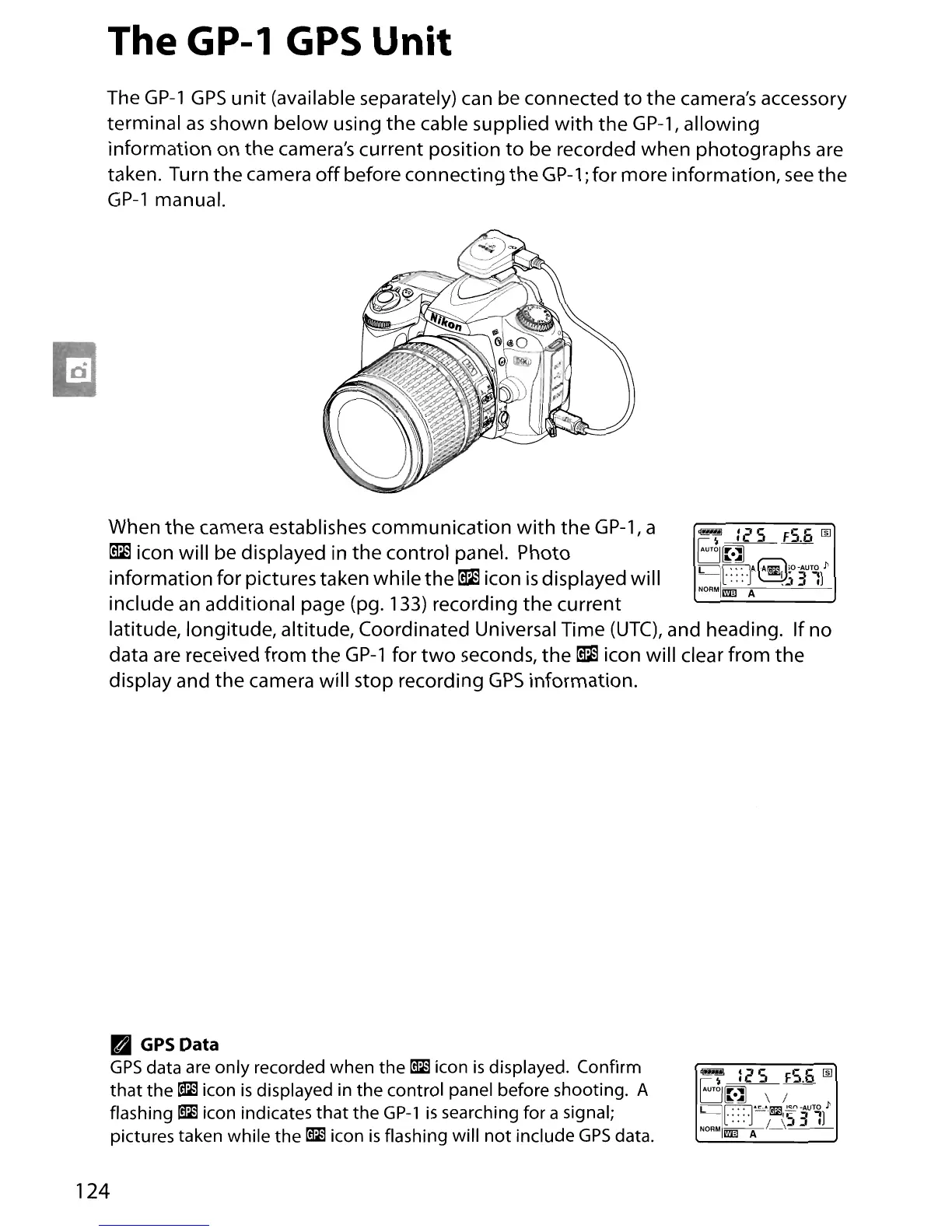
The GP-l
GPS
Unit
The
GP-1
GPS
unit
(available separately)
can
be connected
to
the camera's accessory
terminal
as
shown below using the cable supplied
with
the
GP-1,
allowing
information on the camera's current position
to
be recorded when photographs
are
taken. Turn the camera
off
before connecting the
GP-1;
for more information,
see
the
GP-1
manual.
When the camera establishes communication
with
the
GP-1,
a
~
icon will be displayed in
the
control panel. Photo
information for pictures taken while
the
~
icon
is
displayed will
include
an
additional page (pg. 133) recording the current
latitude, longitude, altitude, Coordinated Universal Time
(UTC),
and heading. If no
data
are
received from the
GP-1
for
two
seconds, the
~
icon will clear from the
display and the camera will stop recording
GPS
information.
• GPSData
GPS
data are only recorded when the g icon
is
displayed. Confirm
that
the g icon
is
displayed in the control panel before shooting. A
flashing
g icon indicates that the GP-l
is
searching for a signal;
pictures taken while the
g icon
is
flashing will
not
include
GPS
data.
124
~
:25
F5.6
~
6
UTO~
-
~',,!J
\ /
~I~~"i!ml'~-AUTO
l'
-[::::.1
~5
31]
NORM--
1
-,--
I'm] A





 To Next Page