Fi
Iter
Effects
Choose from
the
following
color filter effects. After adjusting filter effects
as
described below, press @
to
copy
the
photograph.
..
.
Option
Description
--
..
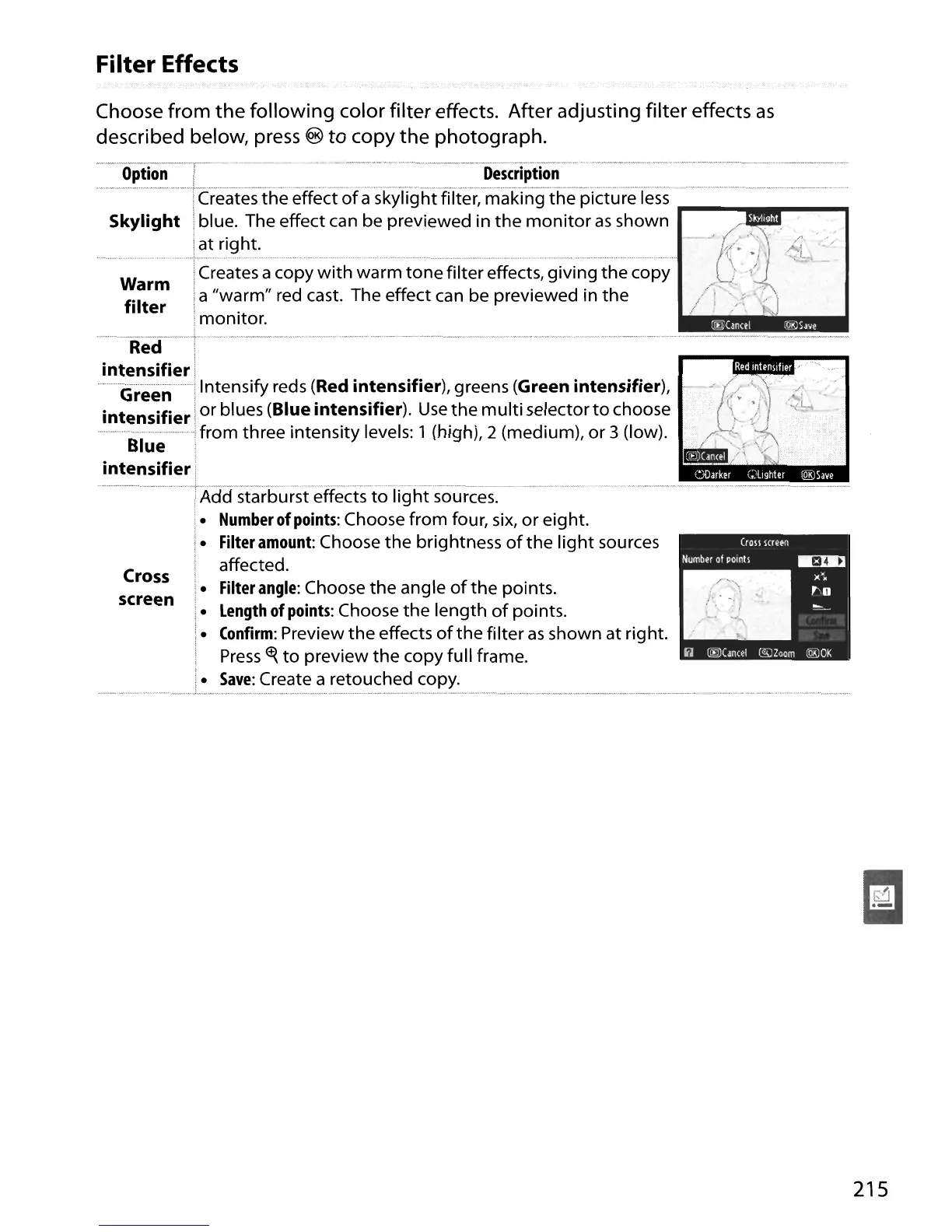
----.- Creates
the
eHect'ofa's'kyTight-fifter;-making
the
Picture-Tess
....
--.
Skylight
iblue. The effect can be previewed in
the
monitor
as
shown
iat right.
warm!Creates
a
c~py
~i1:h~'~~;;'1:;~e
filter effects,
givingth~c;py
filter
Ia "warm" red cast. The effect can be previewed in
the
Imonitor.
i
-------·-Re-cr----
.
T--
-
.......
-
...
--
...
-.---
....
-
.....
-
..
-
......
----.---
..
------
..
-.".,,---
..
--.
-_.-
.---.
-
...
---
_
.....
-
...
--
....
--.---.-
....
-.---.---------
..
-
....
-.--
....
---.--
---
..
----.----
._.-------.-.
----.---.---.--
i
intensifier'
Green I Intensify reds (Red
intensifier),
greens (Green
intensifier),
intensifier
i
or
blues (Blue
intensifier).
Use
the
multi
selector
to
choose
B
--I
Ifrom three intensity levels: 1 (high), 2 (medium),
or
3 (low).
ue
i
intensifier!
·-·--·
-·-----·
·--rAd'crs·i-arb
urst·eHects-io·Tight"sources.--··---··-"·-·
-.
..-
-------.--.--.-.-
--
--
-----
.
i.
Number
of
points:
Choose from four,
six,
or
eight.
i
i.
Filter
amount:
Choose
the
brightness
of
the
light
sources
affected.
Cross
i.
Filter
angle:
Choose
the
angle
of
the
points.
screen
i.
Length
of
points:
Choose
the
length
of
points.
i.
Confirm:
Preview
the
effects
of
the
filter
as
shown at rig ht.
;
Press
~
to
preview
the
copy full frame.
I.
Save:
Create a retouched copy.
__
~_.
.,
~,,
__
...J,"
'"
,..
.
""
..
_"
..
__
.."..
_~,,____
. " .........•.n
wo
.
.,
, .
.,
,."
_""
..
,_.,._.~.,.
'''''''_'''''~'_.y
mw·.,.~"
__
~_·
··
_".,
..
".·v.,·._·y"
~_~.,
•..
_
215





 To Next Page