Step
5:
Focus
1
Press
the shutter-release button halfway.
Press
the shutter-release
button
halfway
to
focus. The camera will
select the focus points automatically. Ifthe subject
is
poorly lit, the
flash may
pop
up
and the AF-assist illuminator may light.
2 Check
the
indicators in
the
viewfinder.
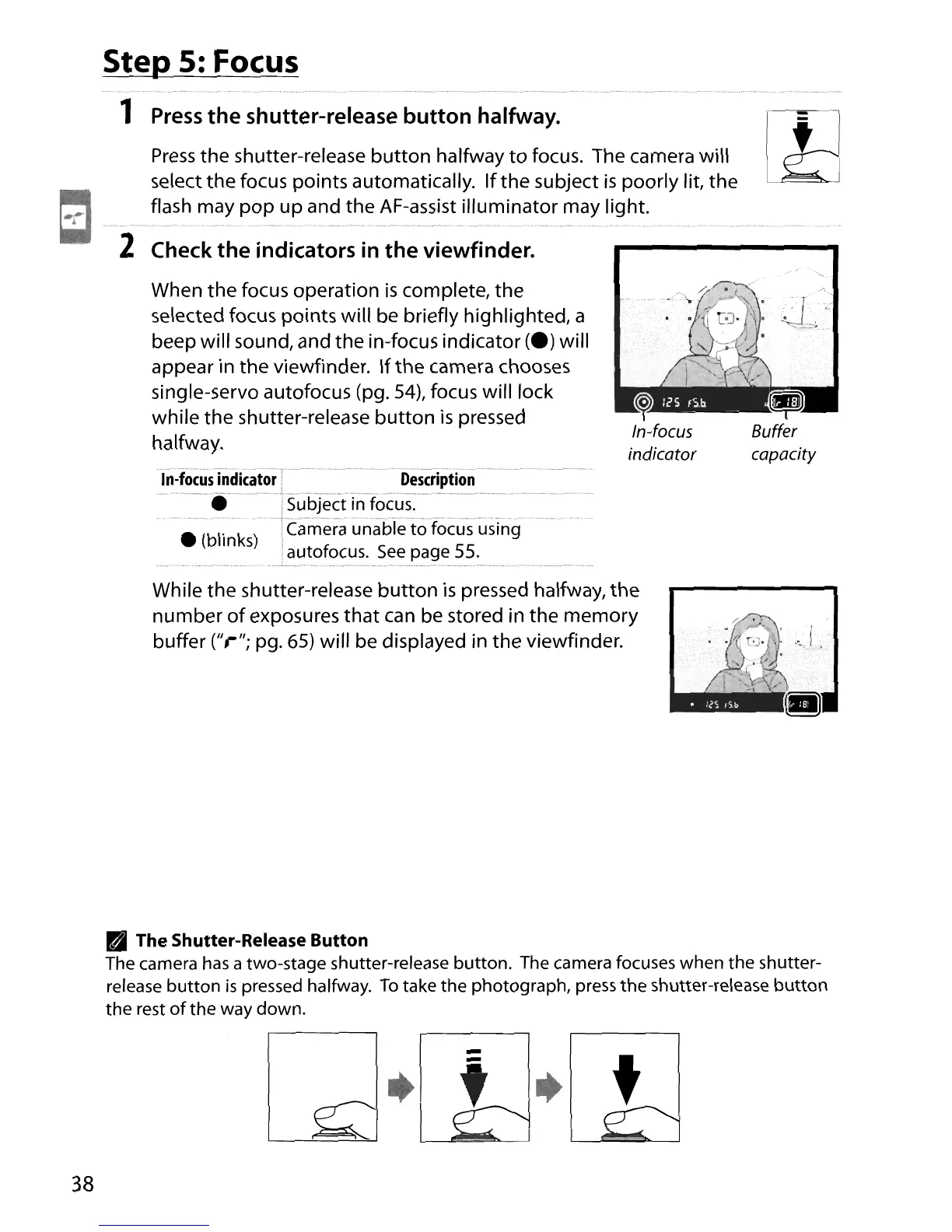
When the focus operation
is
complete, the
selected focus points will be briefly highlighted, a
beep will sound, and the in-focus indicator
(e)
will
appear in the viewfinder.
If
the camera chooses
single-servo autofocus (pg.
54),
focus will lock
while the shutter-release
button
is
pressed
halfway.
in~focusindicator:'
.
Description
-_·.·····'·Subject
in
focus:-'
• (blinks) "n::ameraunahie'tofocus'us'lng
.autofocus. See page
55
.
....................................
-.-
.
.-
---
.
....
.....
r
.~.
V-,;-;,_
..
While the shutter-release
button
is
pressed halfway,
the
number
of
exposures
that
can
be stored in the memory
buffer
("r";
pg. 65) will be displayed in the viewfinder.
PI
The Shutter-Release Button
The camera has a two-stage shutter-release button. The camera focuses when
the
shutter-
release
button
is
pressed halfway.
To
take
the
photograph, press
the
shutter-release
button
the
rest of
the
way down.
38
•
t





 To Next Page