Picture Controls
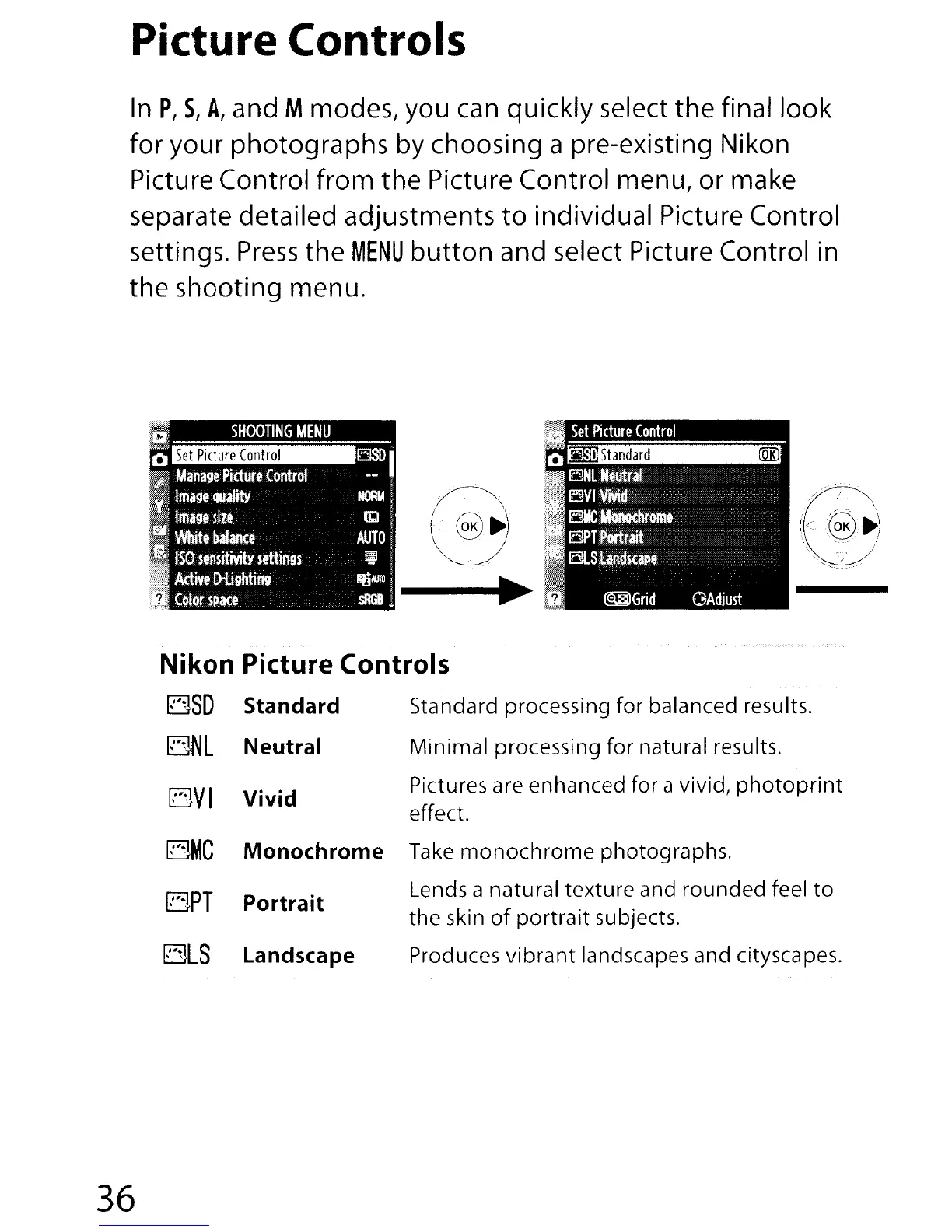
In
P,
5,
A,
and M modes, you can quickly select
the
final
look
for
your
photographs
by choosing a pre-existing Nikon
Picture Control
from
the
Picture Control menu, or make
separate detailed adjustments
to
individual Picture Control
settings.
Press
the
MENU
button
and select Picture Control in
the
shooting menu.
Nikon Picture Controls
rBSD
Standard
BNL
Neutral
BVI
Vivid
BMC
Monochrome
BPT
Portrait
ElLS
Landscape
Standard processing for balanced results.
Minimal processing for natural results.
Pictures are enhanced for a vivid,
photoprint
effect.
Take
monochrome
photographs.
Lends a natural texture and
rounded
feel
to
the skin
of
portrait
subjects.
Produces
vibrant
landscapes and cityscapes.
36





 To Next Page