Using an Optional Remote Control
(Ai
Use
the optional ML-L3 remote control for self-portraits (pg. 241) or
to
operate the
camera remotely.
~
Before Using
the
Remote Control
Before using the remote control for the first time, remove the clear plastic battery insulator
sheet.
1
Mount
the camera on a tripod.
Mount
the camera on a
tripod
or place the camera on a stable, level surface.
2 Select
i~
or amode.
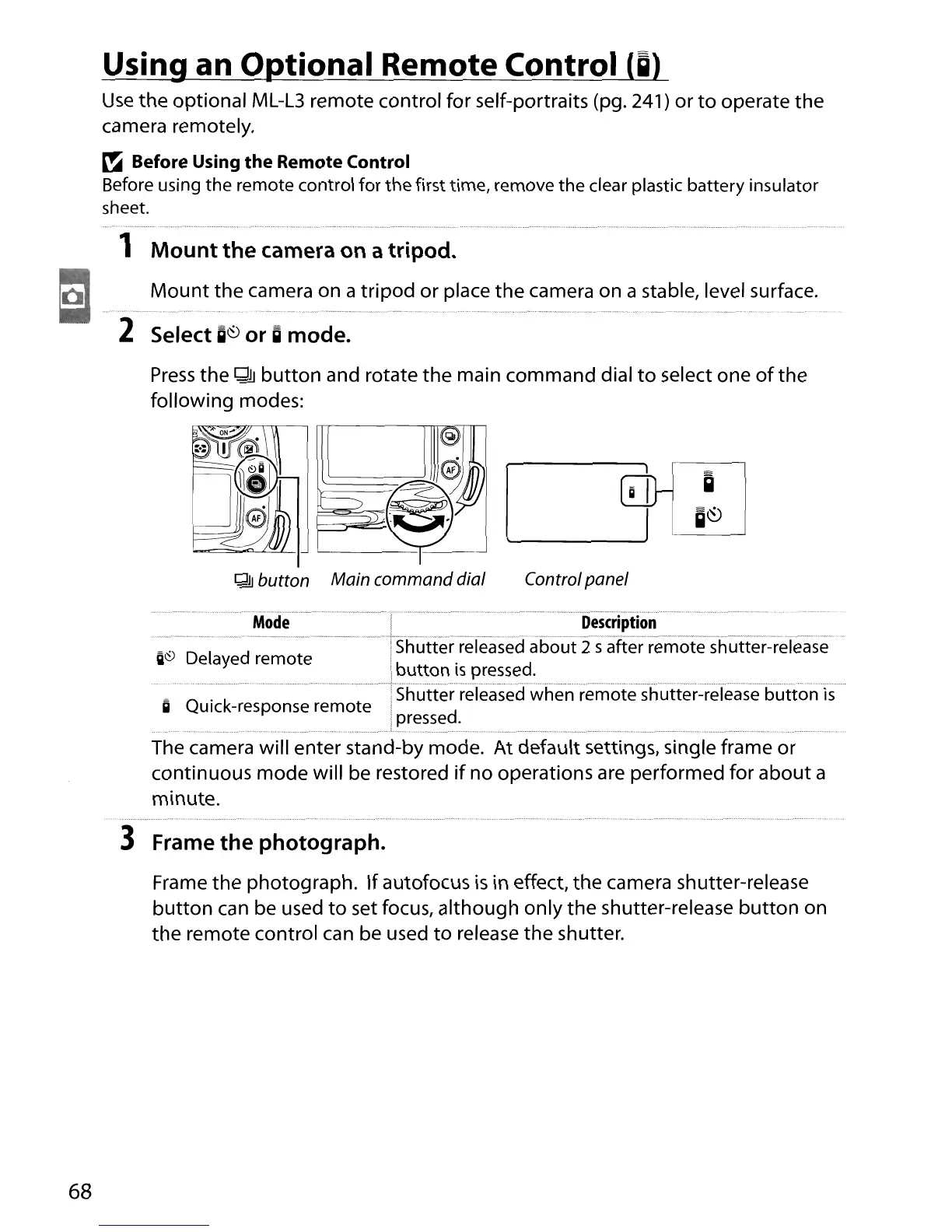
Press
the
QJJ
button
and rotate
the
main command dial
to
select one
of
the
following modes:
~
button Main command dial
Controlpanel
68
'"'"
"
".
""--
•.
".""
..
~--.""
-.,
..
_...
. " " .
.,
,,_.,,-,,~
"
..
.,.,,,._-,,.,,
_.
"",
"
..
----"
"",
_ -"
•.....
Mode
Description
..........
-.-......-.-
...
__
..
_
.....
_.
;
Shut:t'e-r-'refeasecraboiJt'Tsafterrem'otesE'utte';:~release"
iii~
Delayed remote I
button
is
pressed.
..
············!·shut:ter··released···whe·nremote··shut:ter~refeas·ebuttonis······
a Quick-response remote ;
Ipressed.
..................................... _ ) .
The camera will enter stand-by mode. At default settings, single frame or
continuous mode will be restored
if
no operations are performed for about a
minute.
3 Frame
the
photograph.
Frame the photograph.
If
autofocus
is
in effect, the camera shutter-release
button
can be used
to
set focus, although only the shutter-release
button
on
the remote control
can
be used
to
release the shutter.





 To Next Page