f:
Controls
f1
:
:!'!:
Switch
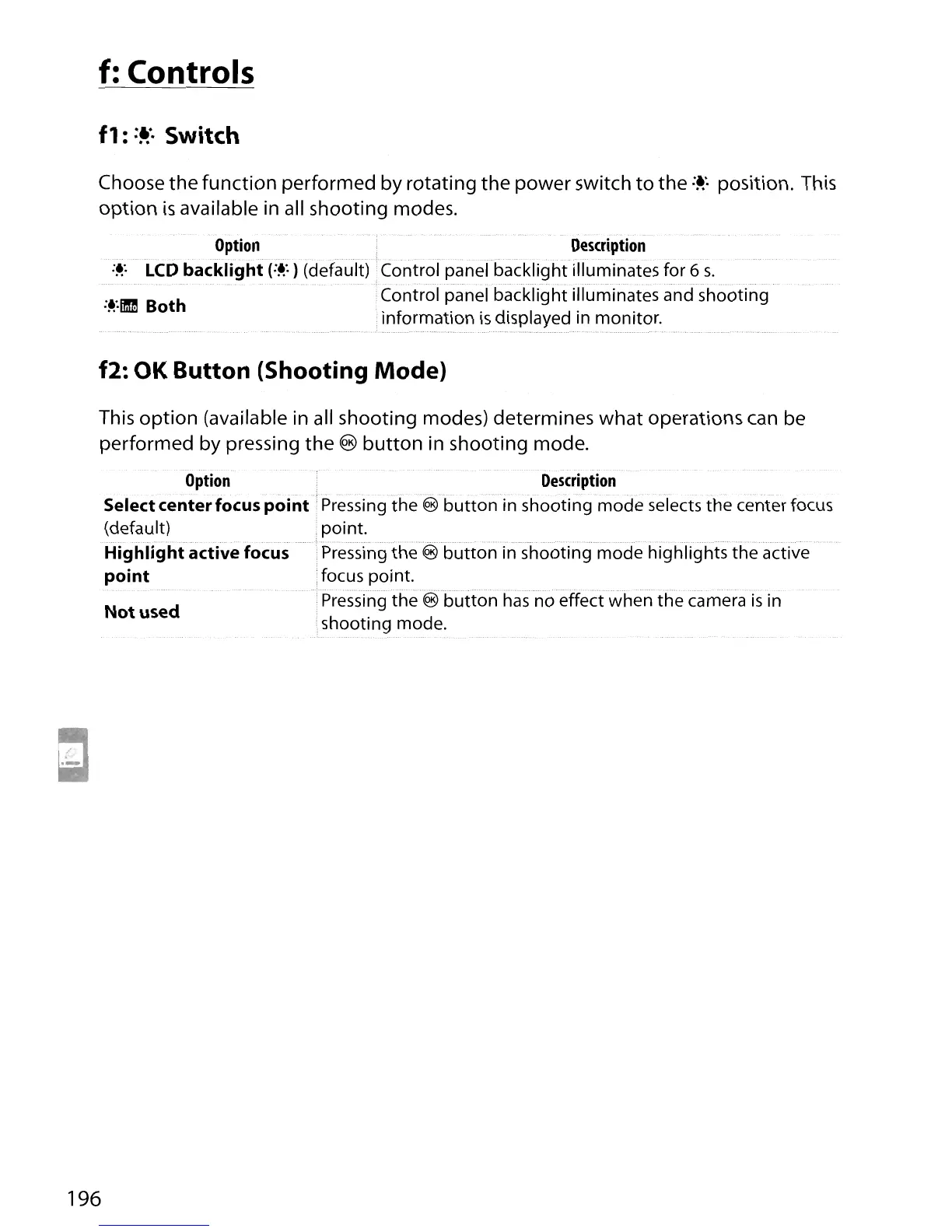
Choose the
function
performed by rotating the power switch
to
the
:~'.
position. This
option
is
available
in
all shooting modes.
Option
Description
:~:
LCD backlight
(:~'.
) (default) IControfpanel backlight illuminates for 6
s.
:~:1Ilm
Both Control panel backlight illuminates and shooting
information
is
displayed in monitor.
....................•..
f2:
OK
Button (Shooting Mode)
This
option
(available in all shooting modes) determines
what
operations can be
performed by pressing the
®
button
in shooting mode.
Option
Selectcenterfocus point
(default)
Highlfghiactive focus
point
........................
Not used
Description
Pressing
the€l'button
in shooting mode selects the center focus
point.
Pressingthe€lbuiton
in
shooting mode highlights
iheactive
;focus point.
Pressing
the €5button has
no
eHectwhenthecamera
is
in
shooting mode.
196





 To Next Page