EasyManua.ls Logo

Nikon D90 - Page 311

Nikon D90
359 pages
Print Icon
To Next Page IconTo Next Page
To Previous Page IconTo Previous Page
Loading...
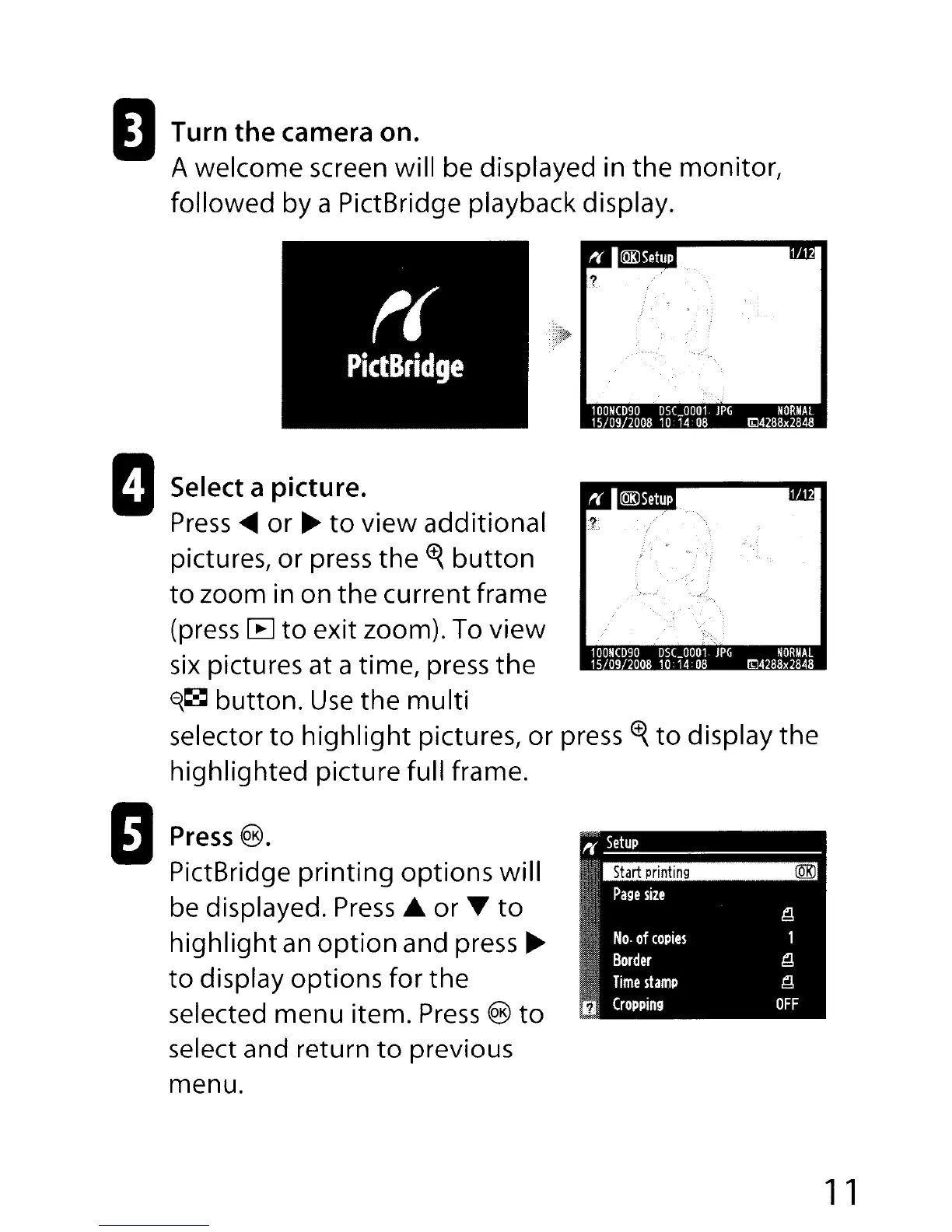
oTurn
the
camera on.
A welcome screen will be displayed in
the
monitor,
followed by a PictBridge playback display.
Select
a picture.
Press
....
or
~
to
view additional
pictures, or press
the
<t{
button
to
zoom in on
the
current frame
(press
[E]
to
exit zoom). To
view
six
pictures at a time, press
the
~~
button.
Use
the
multi
selector
to
highlight
pictures,
or
press
<t{
to
display the
highlighted picture full frame.
Press
@.
PictBridge printing options will
be displayed.
Press
...
or
T
to
highlight
an
option
and press
~
to
display options for the
selected menu item.
Press
®
to
select and return
to
previous
menu.
11

Table of Contents

Other manuals for Nikon D90

Related product manuals