Buttons and Dials
iID
(delete) button
Delete unwanted images (pg.
9).
[B
(playback) button
View photographs in
the
monitor
(pg.
9)
.
....
MENU
button
Display
the
camera menus, where adjustments can be made
to
most shooting, playback, and setup options (pg. 42).
?/o-n
(protect) button
Protect images, or remove protection from protected images.
.
<f{
(playback zoom in)/
.
~~
(thumbnail/playback zoom out) button
During playback, press
the
~
button
to
zoom in. When the
image
is
zoomed in, press the
E{~
button
to
zoom out.
To
view
multiple
images, press
the
~~
button
when a picture
is
displayed full frame.
ImJ
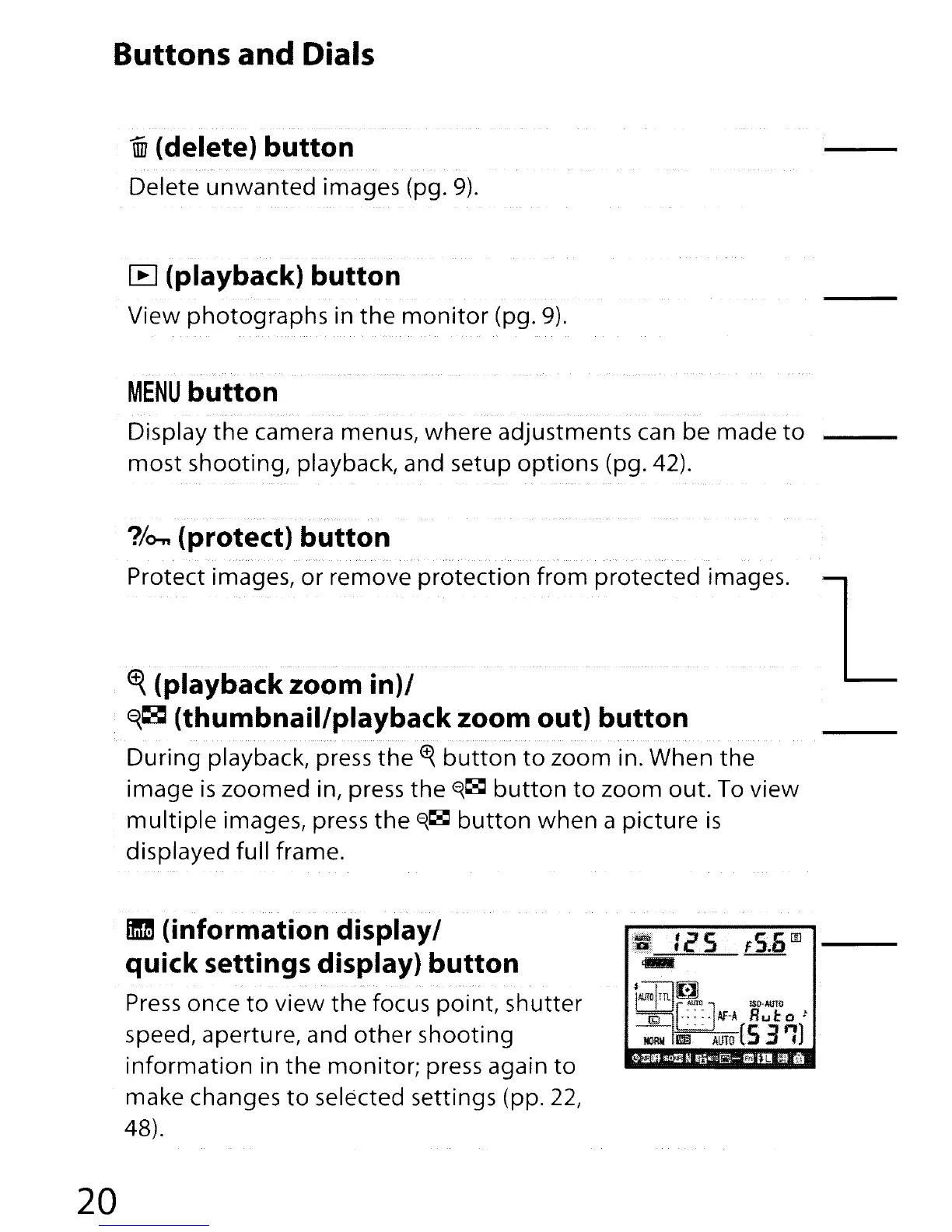
(information display/
quick settings display) button
Press
once
to
view the focus point, shutter
speed, aperture, and
other
shooting
information in
the
monitor; press again
to
make changes
to
selected settings (pp.
22,
48).
20





 To Next Page