Chapter 8 Capturing Images with Advanced Setting Menu
93
Photographing and
Playing Images
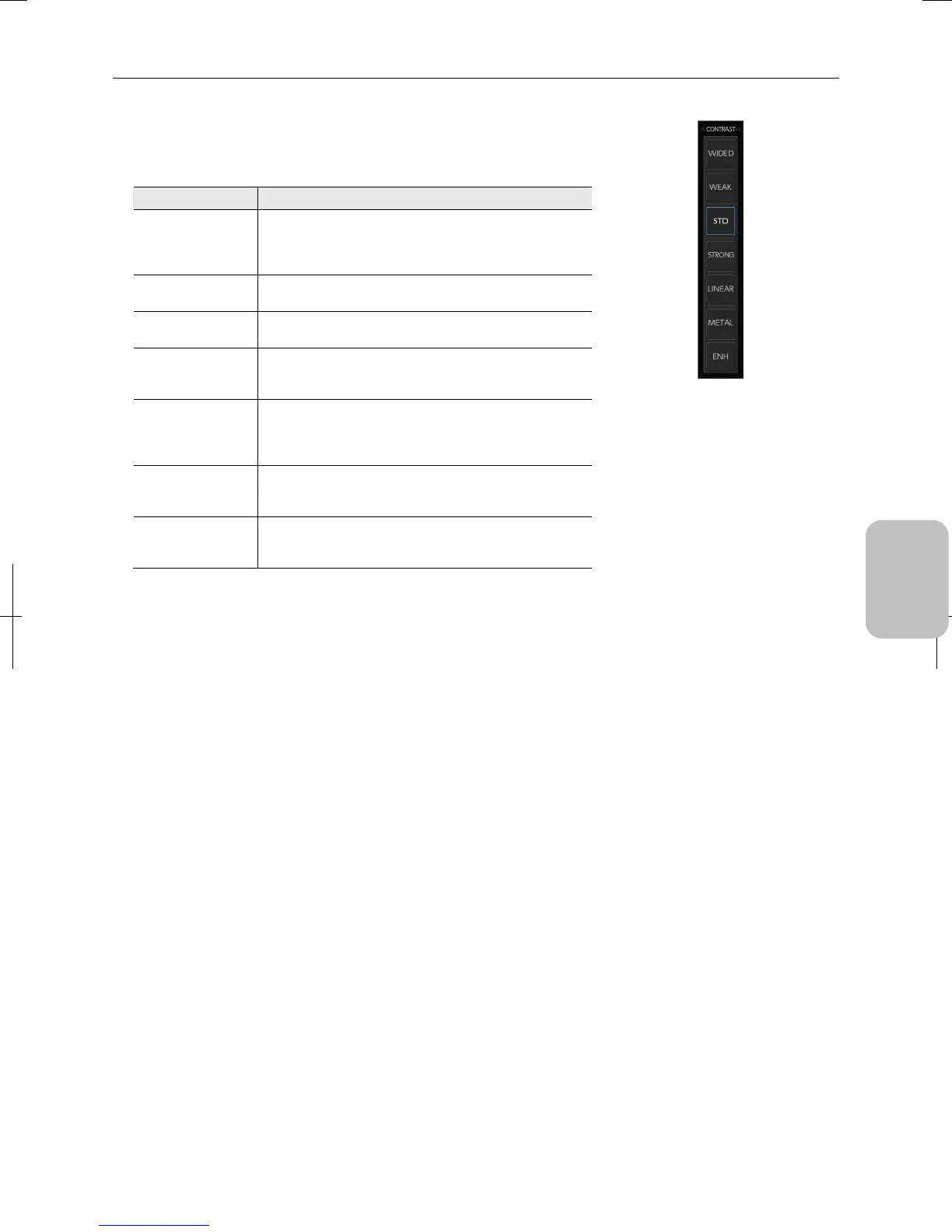
• Contrast:
Select a tone curve for adjusting the contrast of the image from the following
preset options (initial value: standard). Select a setting that is appropriate for
observing the subject.
Option Description
WIDE D
(Wide dynamic
range)
Use this option when you need a gradation covering from
the darkest section to the brightest section for a subject
that has high-brightness reflection. Recommended for: IC
chips, substrates, gears, etc.
WEAK
(Weak contrast)
Use this option to reduce the contrast. Recommended for:
cells, tissue, and other ordinary subjects.
STD
(Standard contrast)
Use this option for ordinary photographing. Recommended
for: cells, tissue, and other ordinary subjects.
STRONG
(Strong contrast)
Use this option to have strong contrast in the image.
Recommended for: cells, tissue, and other ordinary
subjects.
LINEAR
Use this option to obtain an output that is straight (linear)
relative to the input. Use this option to study the light
intensity differences from the photographed data.
Recommended for: DIC observation, PH observation.
METAL
Use this option to obtain a high-contrast image while
suppressing the irregularity in brighter sections.
Recommended for: metal tissue, ceramic materials.
ENH
Use this option to make observation with high contrast.
Recommended for: metal tissue, ceramic materials,
documentation photograph with lens, etc.
[CONTRAST] submenu











 To Next Page