Chapter 12 On-Screen Measurement
156
Adding Annotations
and Measuring
12.3.7
Displaying or Hiding Overlay
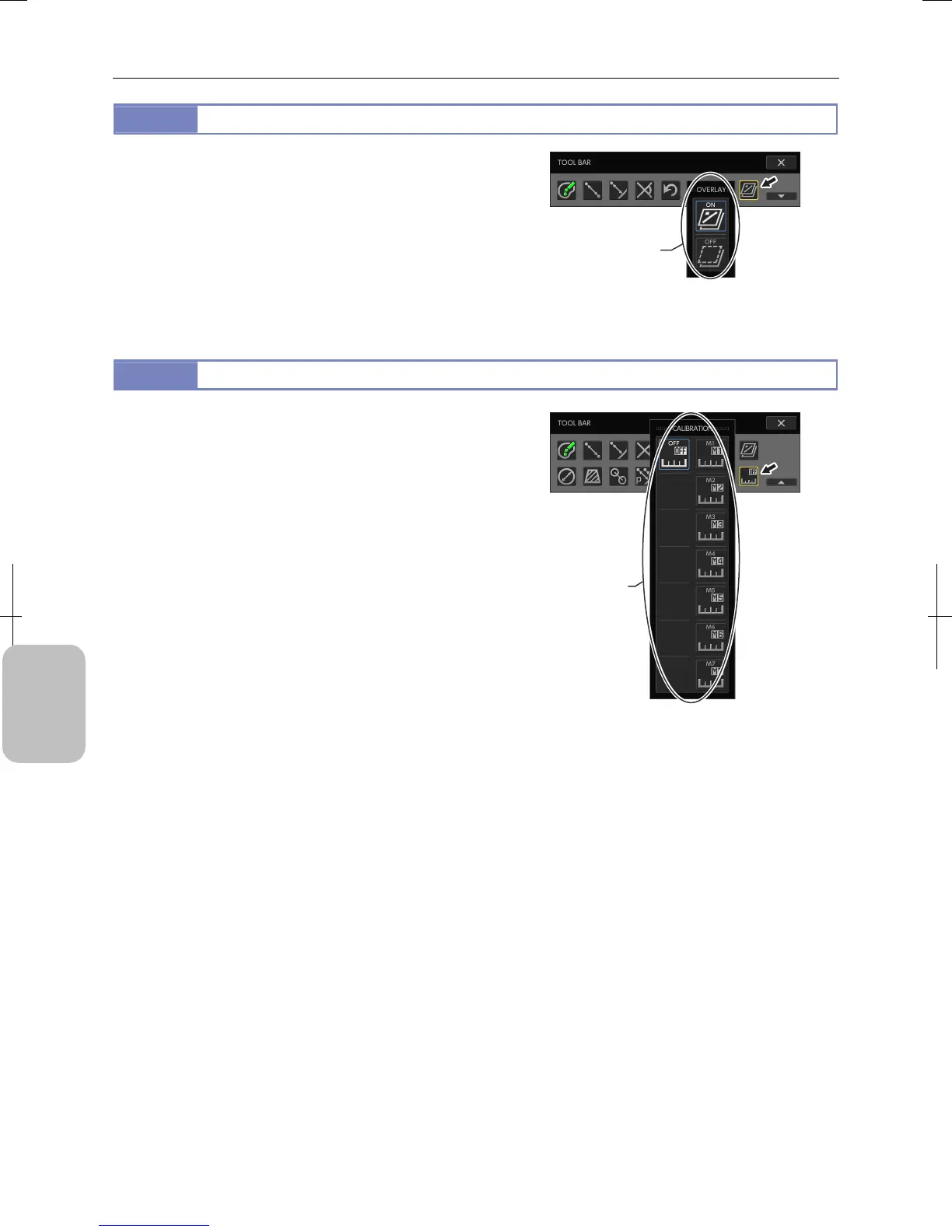
Measurement results are rendered on an overlay. You can display
or hide all the results at once by displaying or hiding the overlay.
Pressing the [OVERLAY] button on the toolbar displays the
[OVERLAY] submenu, allowing you to display or hide overlay.
Note: You can display or hide an overlay with either the tool
menu or toolbar.
Displaying or Hiding Overlay
12.3.8
Switching Calibration Settings
Select [OFF] or any one of [M1] to [M7] for calibration settings to
be the reference for length measurement.
Calibration must have been set in advance. For how to set
calibration, see “11.2.4 Registering Calibration Settings”.
Note:
All the executed measurement results are cleared if you
switch calibration setting.
Note: You can switch calibration settings by [TOOL MENU] and
[TOOLBAR].
Switching Calibration Settings
Display or hide overlay.
Switch calibration
settings.











 To Next Page