Chapter 3 Installation and Connection
19
Please
Read First
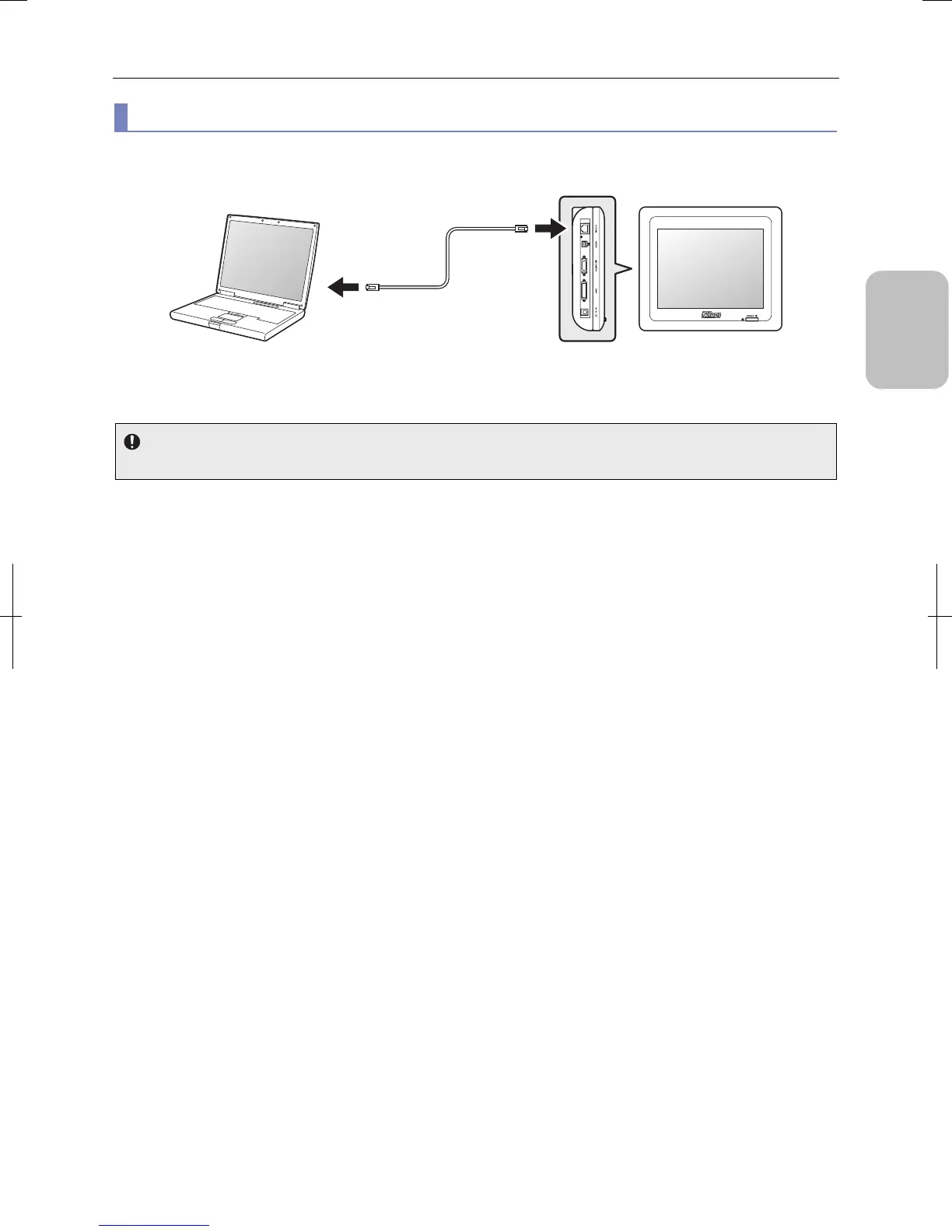
(2) Connecting to the PC directly without using LAN
Use a crossover network cable to connect the PC and DS-L3 directly without a network hub.
Connecting to the PC directly without using LAN
IP address setting
When you connect a PC and DS-L3 using a crossover cable, set fixed IP addresses to PC and DS-L3.
PC
Network cable
(category 5 or 5e,
crossover cable)
DS-L3
Left side
Connected to
Ethernet
connector
Connected to
10/100M
connector
(LAN
connector)











 To Next Page