Chapter 6 Capturing Images with Simple Operations
48
Photographing
Basics of DS-L3
6.6.1
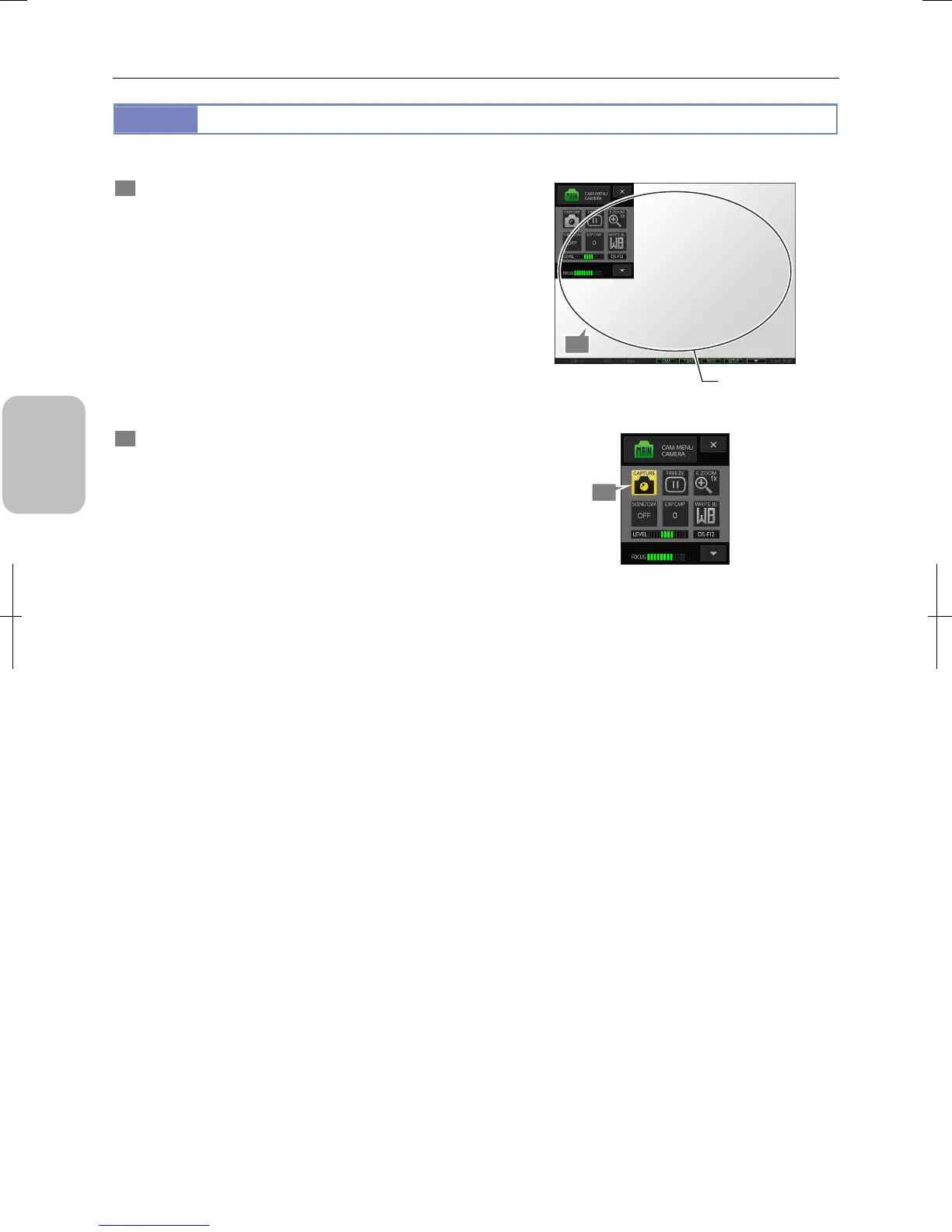
Capturing a Live Image
You can capture images displayed on the monitor, and save them as image files in the specified location.
1 Check the live image.
Check that the object is displayed at the proper brightness
and with focus on the desired part.
Checking the live image
2 Press the [CAPTURE] button of [CAM MENU].
The image file is stored in the specified location.
You hear a capture sound when you do capturing. While the
image is being saved, the pointer shape changes and the
“Saved..1/1” message appears on the task bar.
Upon completion of saving, the operable state returns.
Capturing live image
1
Check the live image.
2











 To Next Page