Chapter 16 Connecting to Network
212
Connecting to
PC, Printer, and
Network
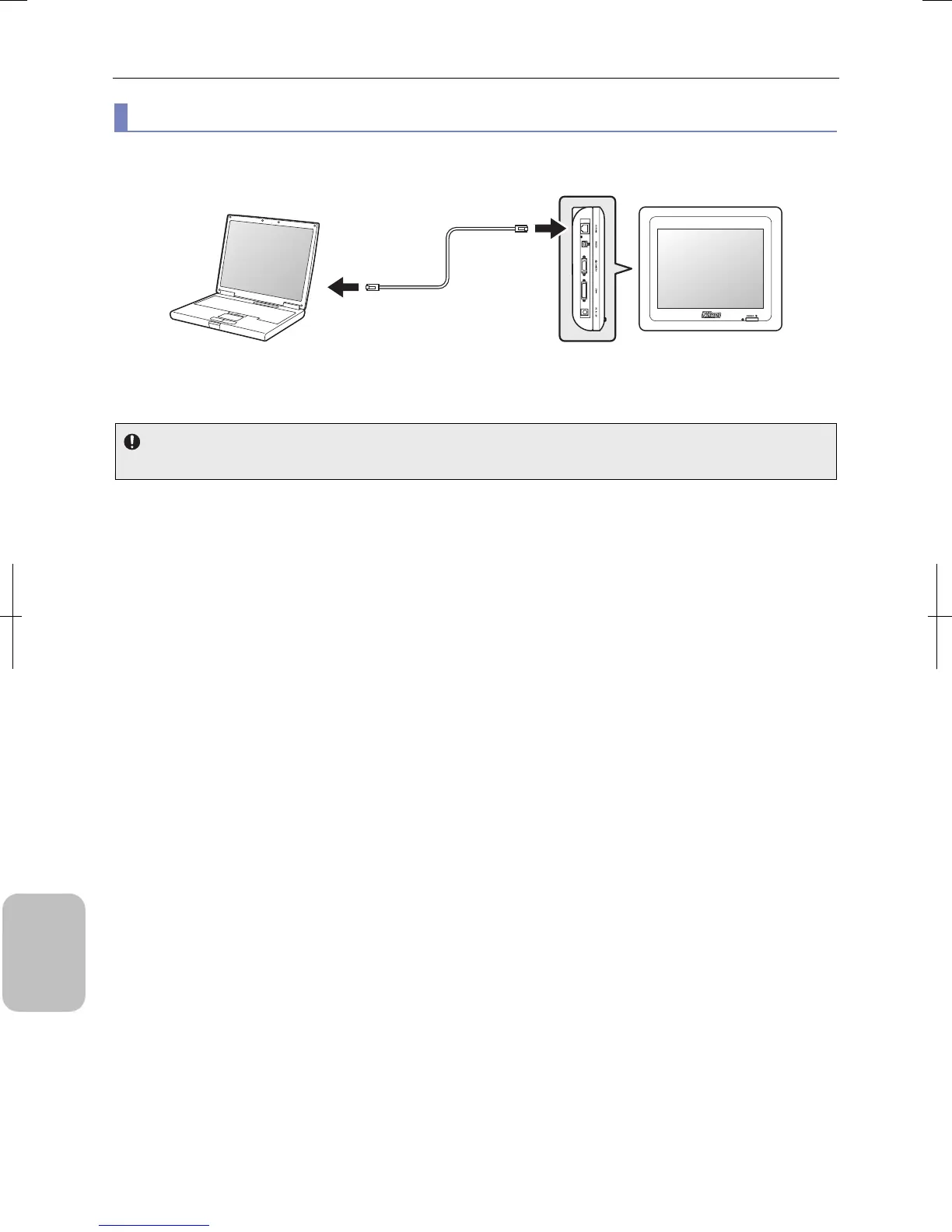
(2) Directly connecting to PC without going through LAN
Use a cross-wired network cable to directly connect a PC and the system without using a network hub.
Directly Connecting to PC without going through LAN
IP address settings
Use a fixed IP address for both the PC and this system when connecting them directly using a cross cable.
PC
Network cable
(Category 5 or 5e, cross)
DS-L3
Left side
Connect to Ethernet
connector.
Connect to
10/100M
connector
(LAN
connector).











 To Next Page