Chapter 8 Capturing Images with Advanced Setting Menu
100
Photographing and
Playing Images
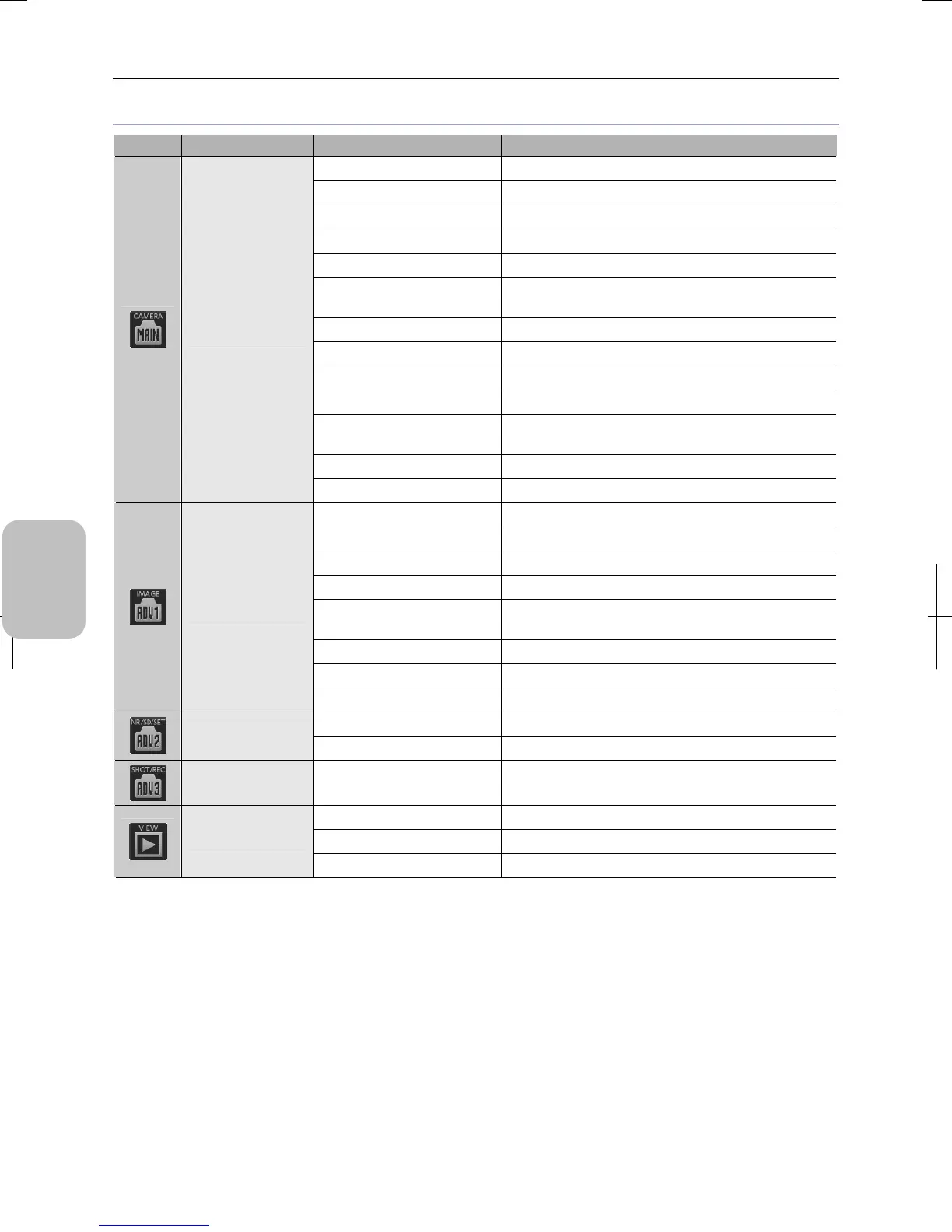
Items to be reset to the initial values by [CLR SET]
Button Screen Function Description
Pause Cancel → Live image display
Electronic zoom 1x
Scene/custom OFF
Exposure adjustment 0
Camera gain Canceled (since the exposure mode is PROG)
Image mode
FAST (DS-Fi2, DS-Fi1, DS-Fi1c)
FULL (DS-Vi1, DS-Ri1, DS-Qi1Mc)
Exposure mode PROG
Photometry mode Average
Photometry area Large
Frame No change
Customizing/moving
(photometry area)
Center
AE lock OFF
[CAM MENU:
CAMERA]
FUNC1 to FUNC3 No change in the function assignment
Brightness 100
RB adjustment 100, 100
Chroma 0
Hue 0
Color effect
Color (DS-Fi2, DS-Fi1, DS-Fi1c, DS-Vi1, and DS-Ri1)
Monochrome (DS-Qi1Mc)
Black level 0
Contrast Standard
[CAM MENU:
IMAGE]
Sharpness 2
NR OFF
[CAM MENU:
NR/SD/SET]
SD OFF
[CAM MENU:
SHOT/REC]
Continuous shot mode, drive,
log saving, and recording mode
No change
Replaying Canceling replayed image → video display
Electronic zoom 1x
[VIEW MENU]
Two-screen mode One screen
Note: The setting content of [TOOL MENU], [TOOL BAR], and [SETUP MENU] is not changed by [CLR SET].











 To Next Page