Chapter 5 Working with Touch Panel
39
Please
Read First
Operating on a submenu displayed
You can display a submenu and make various operations on it.
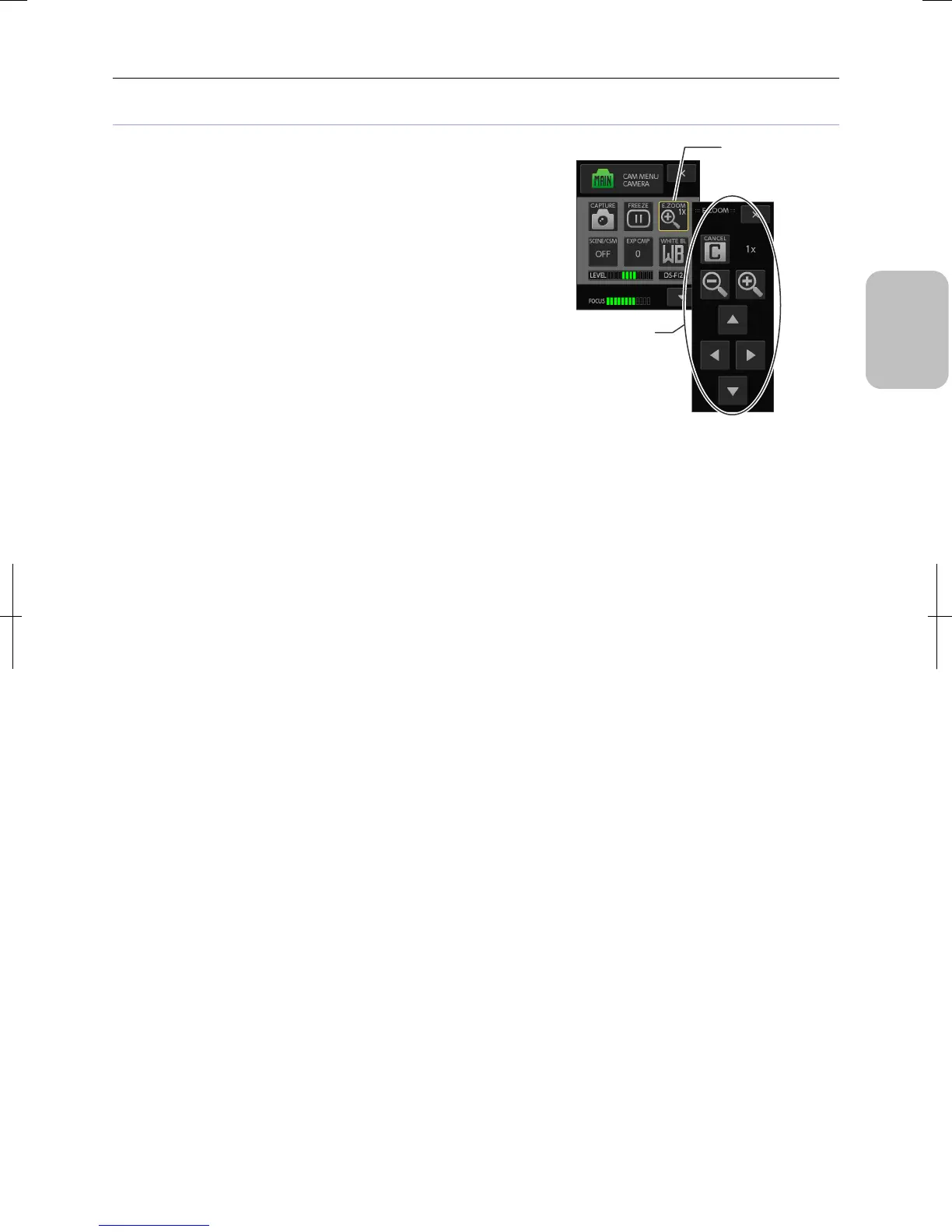
• Example: [E.ZOOM] button
Pressing the [E.ZOOM] button displays a submenu that allows
you to make operations such as changing magnification,
moving the display position, and canceling enlarged display.
Some submenus of this type include the [x] button for closing
the submenu. In the case of [E.ZOOM], you can close the
submenu maintaining the enlarged display.
Operating from the submenu
Operate from the
submenu.
Displays the submenu
for the operation.
Example: [E.ZOOM]











 To Next Page