7 System preferences
© Nortec Electronics 2018 35
7.2.3 Adjust gateway
After that adjust gateway. Often this is 192.168.0.1.
Using Microsoft Windows asked for (cmd.exe) (start, execute and “cmd”), the program “ipconfig
/all” can be performed. It issues Gateway and subnet mask.
7.2.4 MAC address
MAC stands for „Media Access-Control“. It identifies each netwerk woldwide and is allocated just
once. The MAC address is a fixed one and can not be changed by the user.
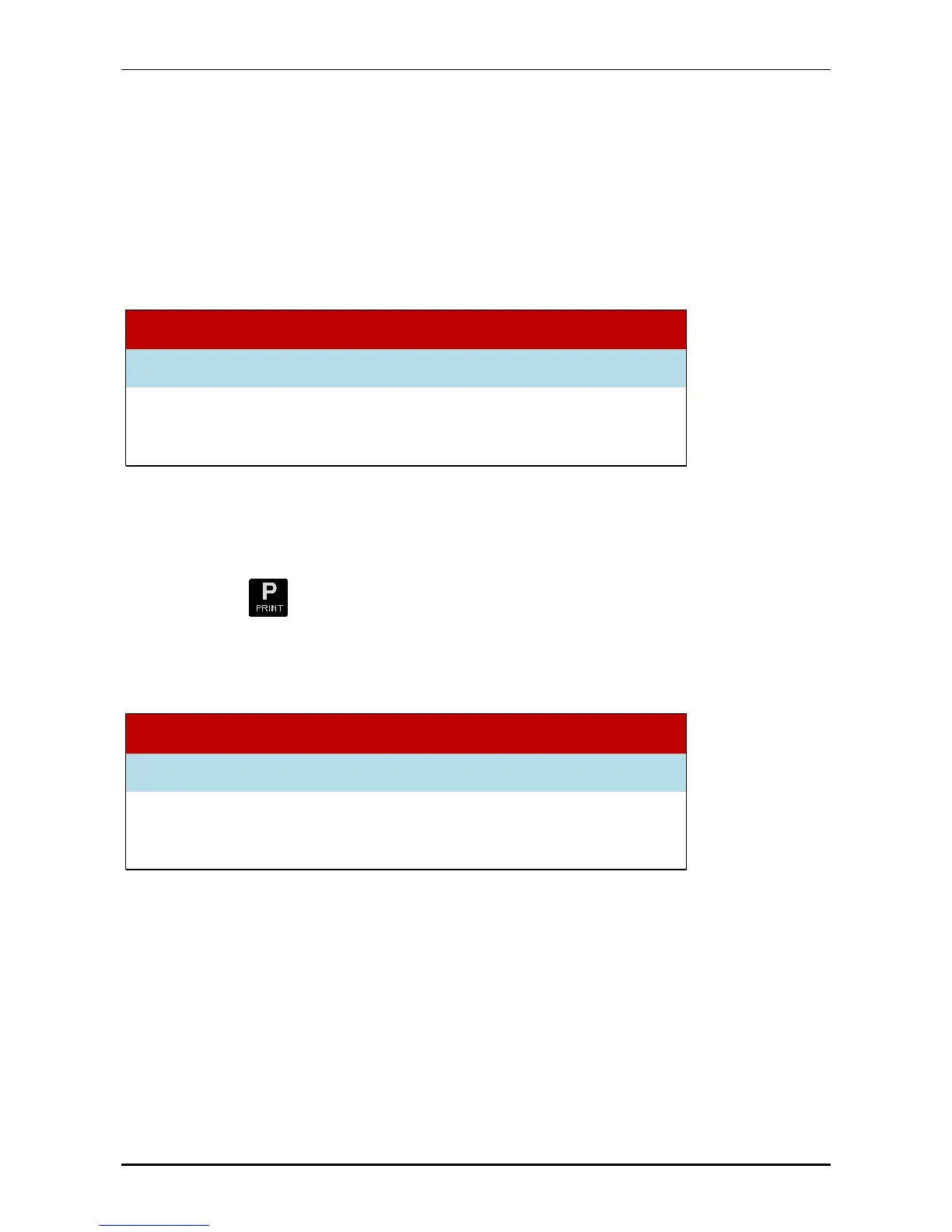
System preferences
Adjust Ethernet IP-address
MAC-address 00.00.00.00.00.02
7.2.5 Adjust network printer
The UL60 can be configured to start a record on a network printer at the end of the program by
pressing the key . Network-capable laser printers are addressed with the printer language
PCL5e /c. The communication is done by TCP/IP Port 9100.
The network printer is activated by entering the valid IP-address.
Entering 0:0:0:0 deactivates the printer.
System preferences
Adjust Ethernet IP-address
Printer (off = 0 ) 192.168.226.021


 To Next Page