8 Program selection Battery data entry
40 © Nortec Electronics 2018
8.4 Battery data entry
8.4.1 General information
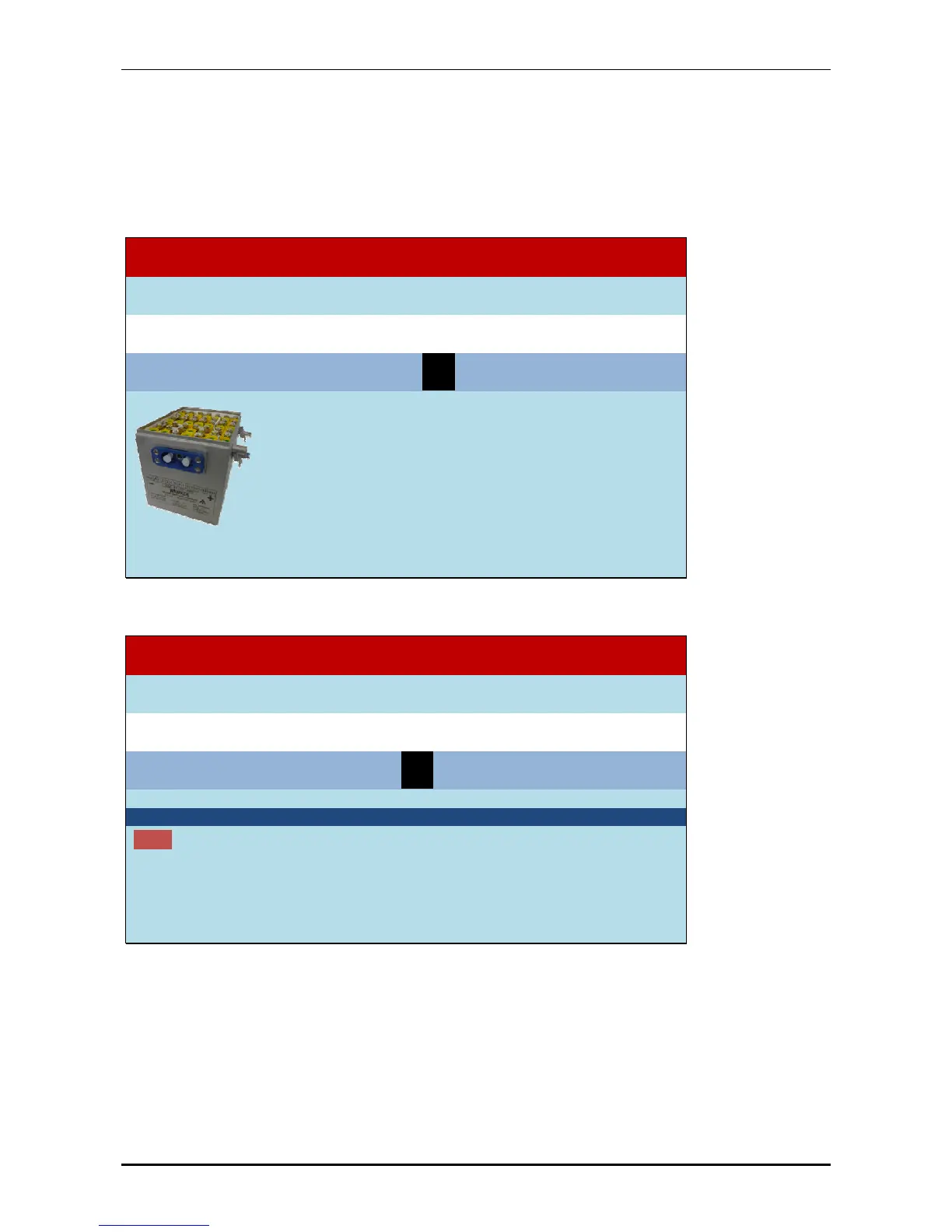
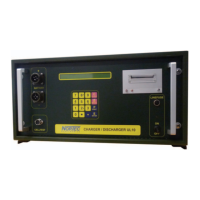
The charging program of the UL60 depends on the entry of the battery type which shall be treated
and the selection of the treatment. For correct use of the program entry of the size of the con-
nected battery type is necessary.
select Batterytype:
21: NiCd battery HAWKER
=
previous =next E =
select battery
the following procedures are available::
- Discharging
- Initial operation
- Charging
- Capacity test
- Rest discharging
- Reconditioning
- Constant voltage supply
After choosing the battery type you are asked for the kind of treatment:
21: NiCd battery HAWKER
select Batteryprocessing:
P0: Discharge
=
previous
=next E =
select program
Discharge without Cell shorting for HAWKER with C
1
Step1: Discharging enter C
1
until voltage of 1 V for each cell is reached.
After about 48 minutes you are asked for measurement of single cells voltages.
Continue with discharging enter C
1
until the voltage of 1 V for each cell is reached.
8.4.2 Work with „Other battery“ P: 00
With battery type 00 (Other battery) you can maintain individual batteries, such as Lithium or ZnO.
The treatments 8 constant voltage source and 0 discharging can be selected.


 To Next Page