2-6Service ManualXYAA6336
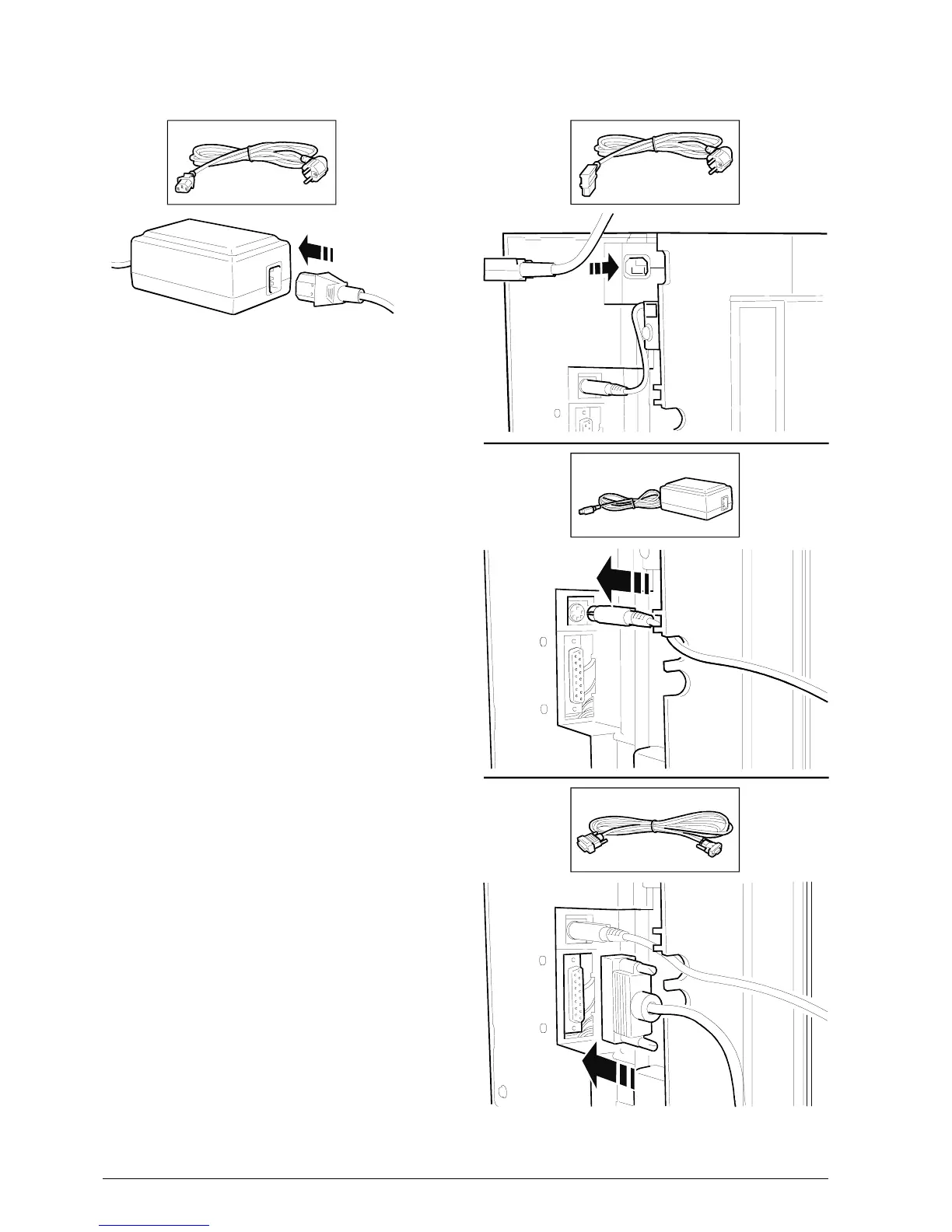
2.4 CONNECTIONS
Figure 2-6
1. Attach the power cord to either the external (A) or
internal (B) power supply.
If the internal power supply is used, the power cord
must have a 90
o
connector.
2. Attach the DC power cord to the related connector
underneath the printer.
3. Attach the serial interface cable to the related
connector underneath the printer.
Note: Skip step 2 if the printer is equipped with an
internal power supply.















 To Next Page