XYAA6336 Service Manual 5-17
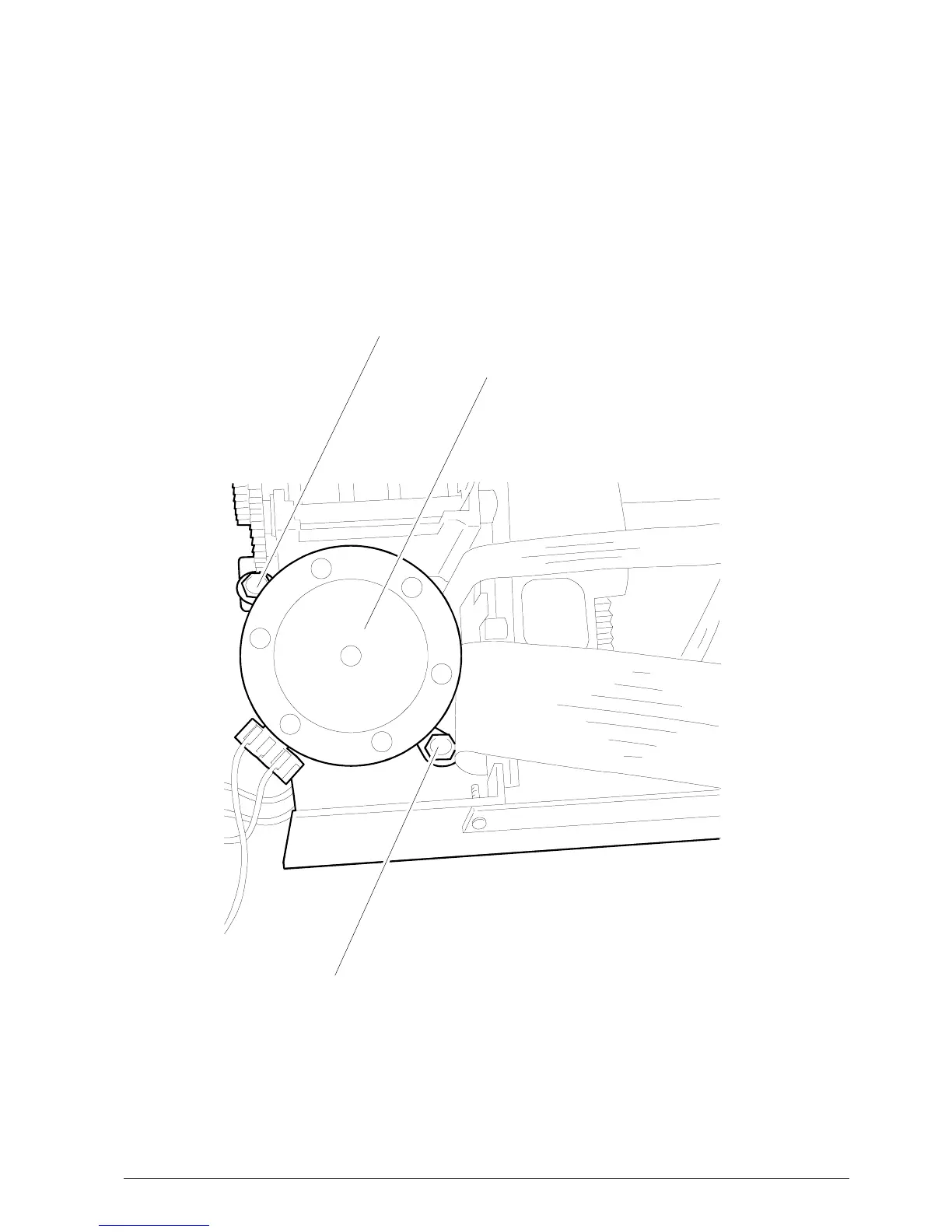
Figure 5-18
5.9 REMOVING THE CARRIAGE MOTOR
• Remove the case (Section 5.2).
• Proceed as explained in Section 5.4 to access the
print assembly.
• After having removed the plastic board, remove
screws A and B so that you can then remove the
motor.
SCREW B
SCREW A
CARRIAGE MOTOR















 To Next Page