XYAA6336 Service Manual 6-9
Photosensor Adjustment Errors
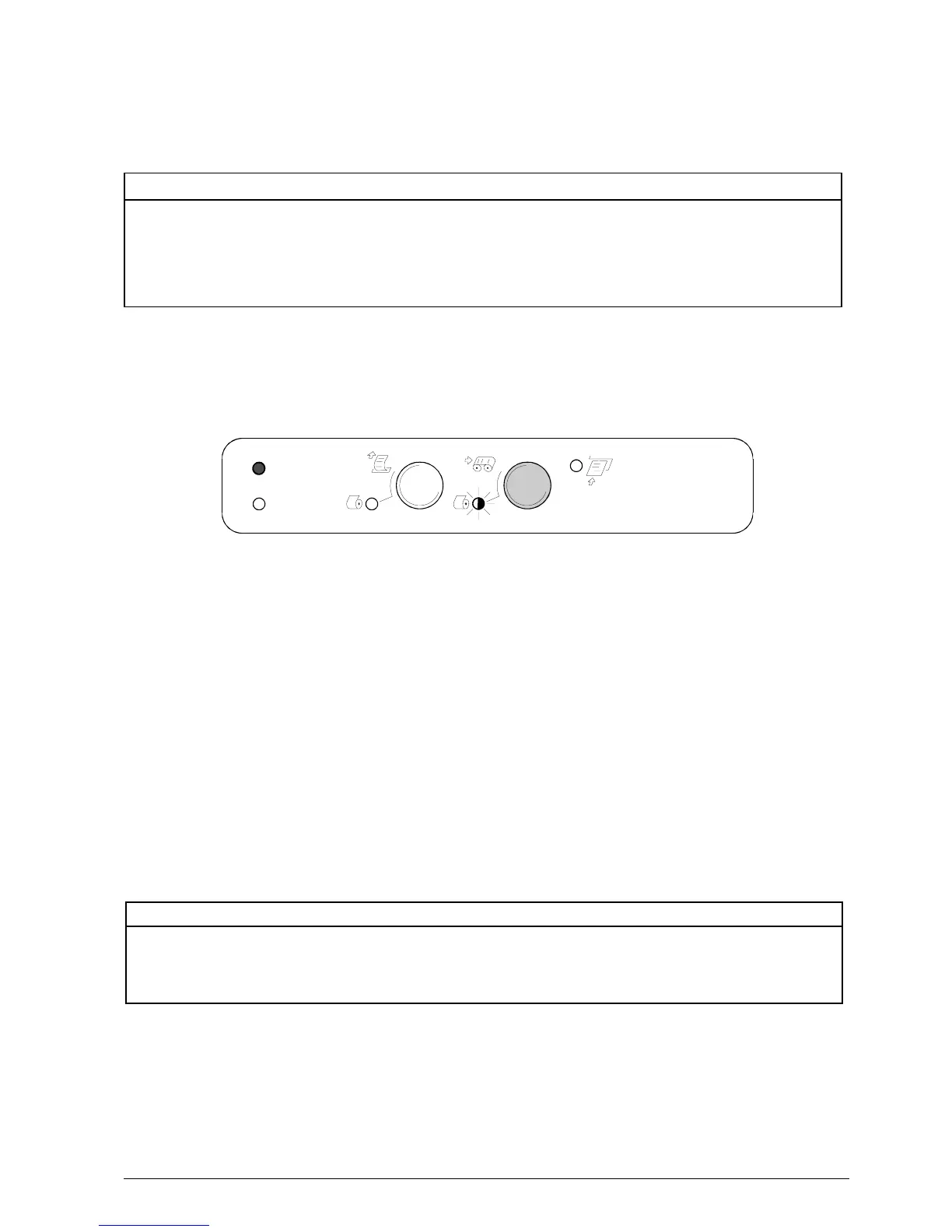
Any error detected is signalled by the flashing of the
console LEDs in the following way:
Error LED Receipt LED Journal LED Slip LED Photosensor Error
Blink Off Off Off Upper
Off Blink Off Off Lower
Off Off Blink Off Slip 1
Off Off Off Blink Slip 2
In case of error press the Journal key to return to the
initial configuration.
6.9.2 Adjusting the Carriage
The carriage adjustment procedure consists of two
phases:
1. Carriage reset photosensor adjustment.
2. Slip alignment position adjustment.
Printer Action
1. Acoustic signal indicating entrance to the
Adjustment Mode.
2. Reset photosensor adjustment.
3. Storage of the values in EEPROM and an acoustic
signal indicating OK.
4. Printing on receipt of the current values of a blank,
refracting photosensor and the previous threshold
values.
5. Printing on receipt of the previous carriage position
adjustment value.
6. Printing on receipt of the new current values of a
blank, refracting photosensor with respective
threshold.
Carriage Adjustment Errors
Any error is signalled by the following console LED
patterns:
Printer Action
1. Performs a mechanical reset with the values
calculated during the procedure.
Any error detected by the printer will be signalled
as follows:
Error LED Receipt LED Journal LED Slip LED Error
Blink Off Off Off Photo trans. not detected
Off Blink Off Off Positioning error
Off Off Blink Off Gap lower than 3 V
ON LED
Error LED
Journal LED
Slip LED
Receipt LED
Figure 6-11















 To Next Page