XYAA6336 Service Manual 5-19
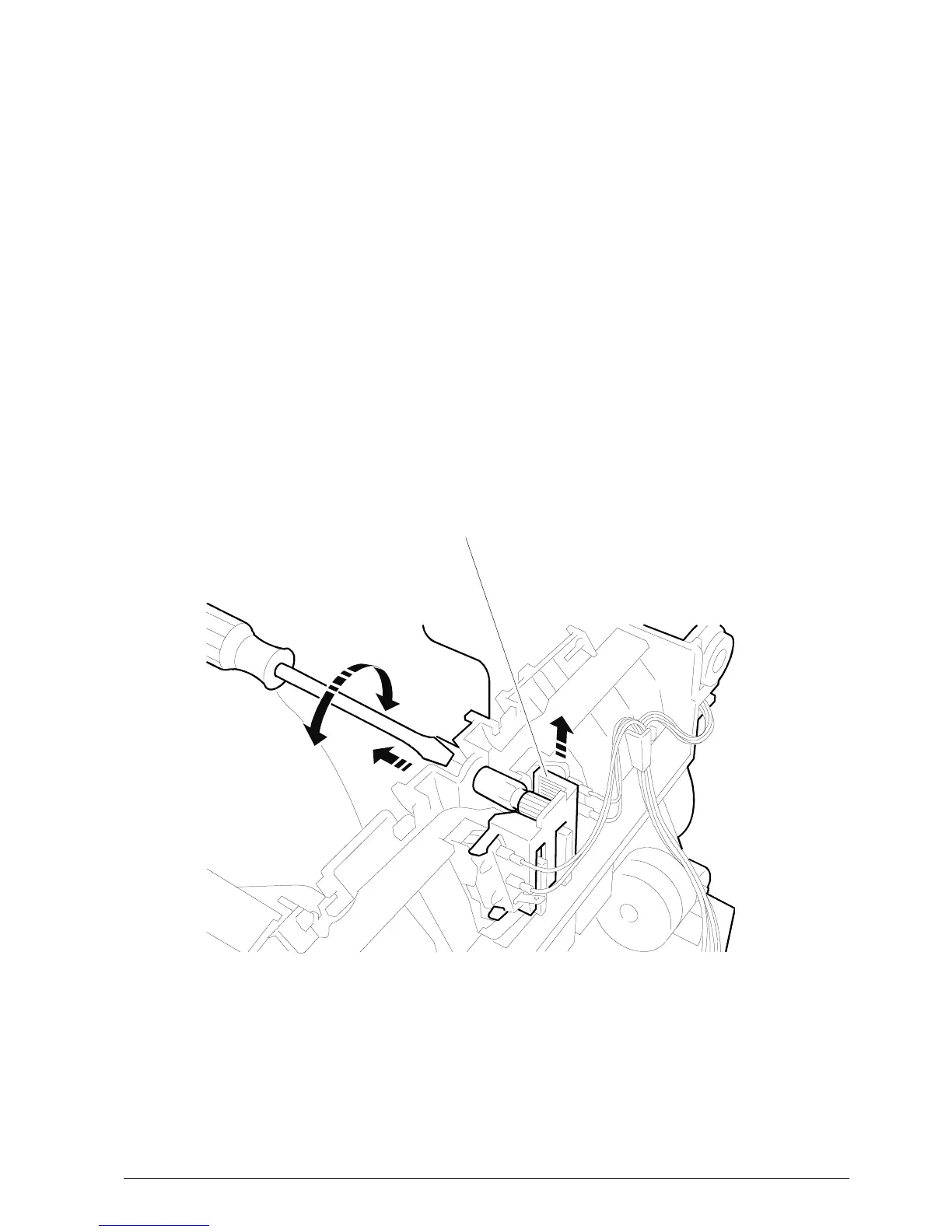
Figure 5-21
MICROSWITCH ASSEMBLY
5.11 OUT OF PAPER MICROSWITCH
ASSEMBLY
• Remove the case (Section 5.2).
• By following the procedure explained in Section
5.4, lift the machine from the base. You now have
access to the microswitch assembly support.
• Turn the red knob until it is completely extracted.
• Slide the assembly from its slot after having
separated the cables and after detaching connector
J20 from the electronic board.
• After replacement, adjust the microswitch assembly
by means of the appropriate screw until obtaining
a correct operation.















 To Next Page