XYAA6336 Service Manual 5-15
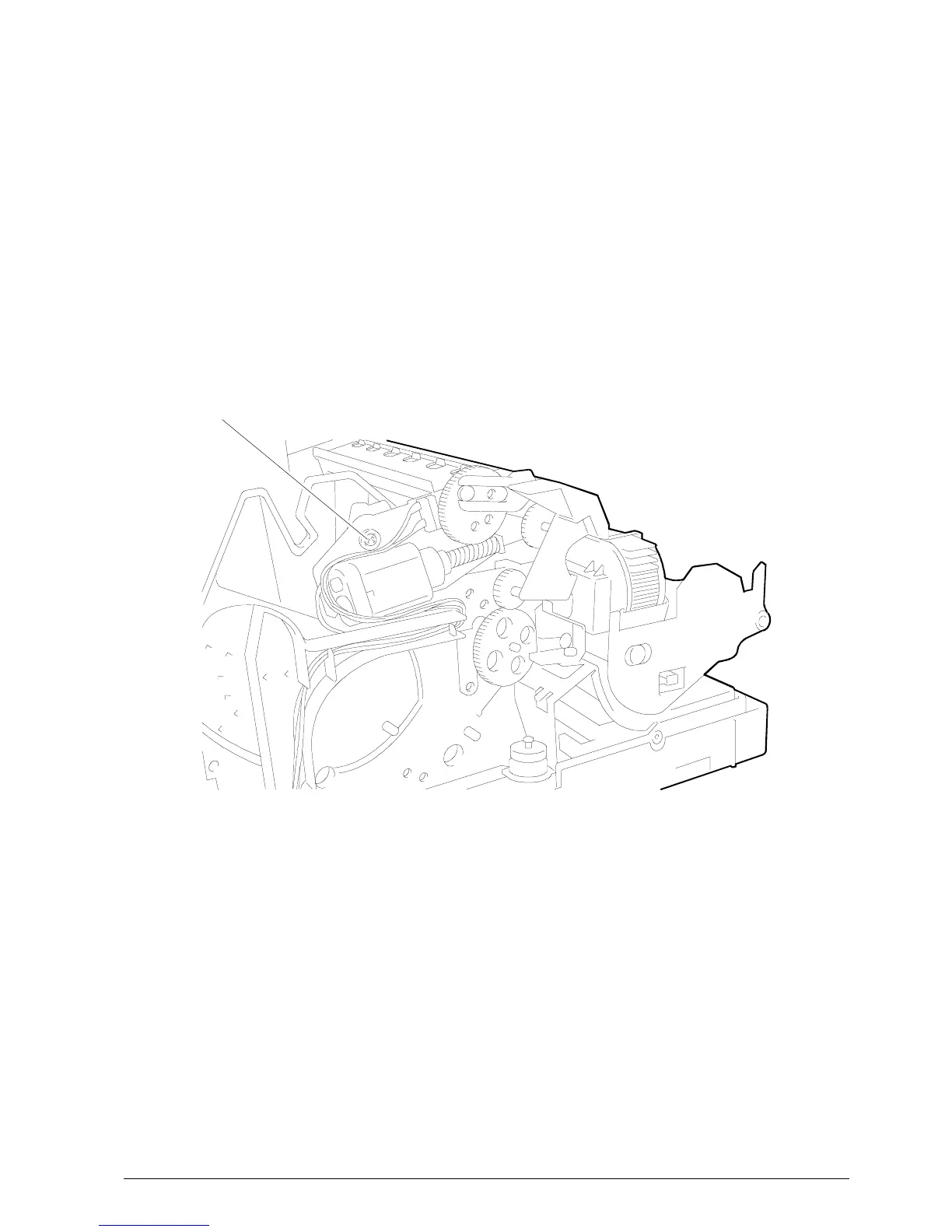
Figure 5-16
5.7.1 Cutter on the PR4 SR
• Remove the case (Section 5.2).
• Proceed as explained in Section 5.2 to access the
electronic board and disconnect cutter motor
connector J14.
• Remove the assembly's two securing screws and
lift it out of the printer.
RETENSION SCREW















 To Next Page