XYAA6336 Service Manual 3-1
3. FUNCTIONAL CHECKS
3.1 LEDS
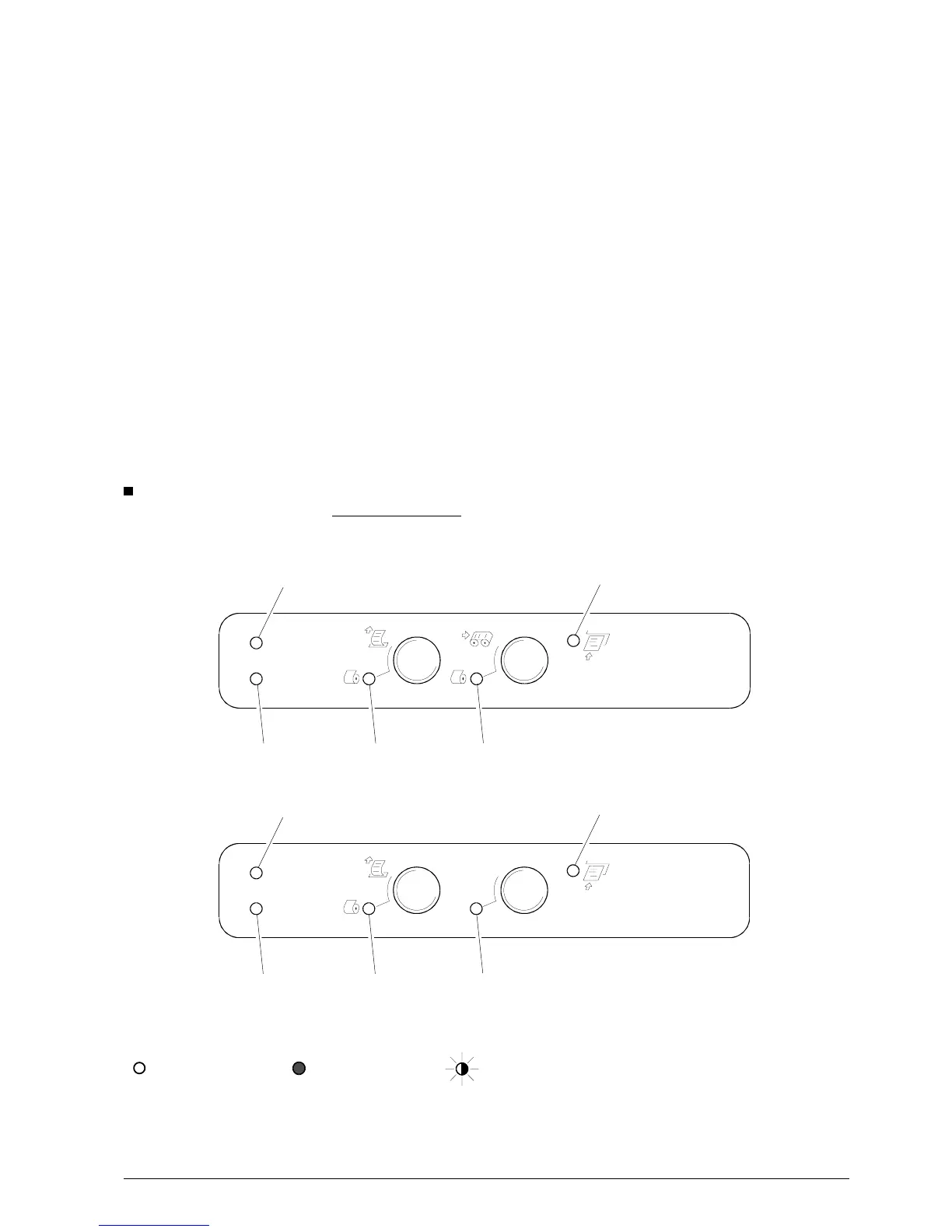
There are five LEDs on the console indicating,
respectively:
LED 1 - ON When on, indicates that the printer is powered.
LED 2 - error When on, indicates that the printer crashed.
When flashing, indicates a mechanical error or a paper jam.
(*)
LED 3 When on, (EPSON emulation)
When flashing, (OLIVETTI emulation)
indicates an almost out of receipt roll condition (when 50 to 150 mm of paper is still available,
depending on the adjustment made).
LED 4 When on, indicates an almost out of journal roll condition (when 50 to 150 mm of paper is still
available, depending on the adjustment made).
LED 5 When on, indicates that a form is inserted (from the top or from the front feeder).
When flashing, indicates that the printer is waiting for a form to be inserted from the front
insertion slot.
(*) Also see the section entitled
Console Indications
, which explains the error conditions signaled by the LEDs
(errors or malfunctions) and gives the appropriate corrective actions.
LED 2
LED 1
LED 3
LED 4
Figure 3-1
PR4 CONSOLE
LED 5 (SLIP)
LED 2
LED 1
LED 3
LED 4
PR4 SR CONSOLE
LED 5 (SLIP)
Figure 3-2
Each LED on the console can indicate a condition in any one of the following ways:
off
on flashing
The way in which the five LEDs come on indicates the different failures (errors or malfunctions).















 To Next Page