DP23-AOU/DP28-AOU
45
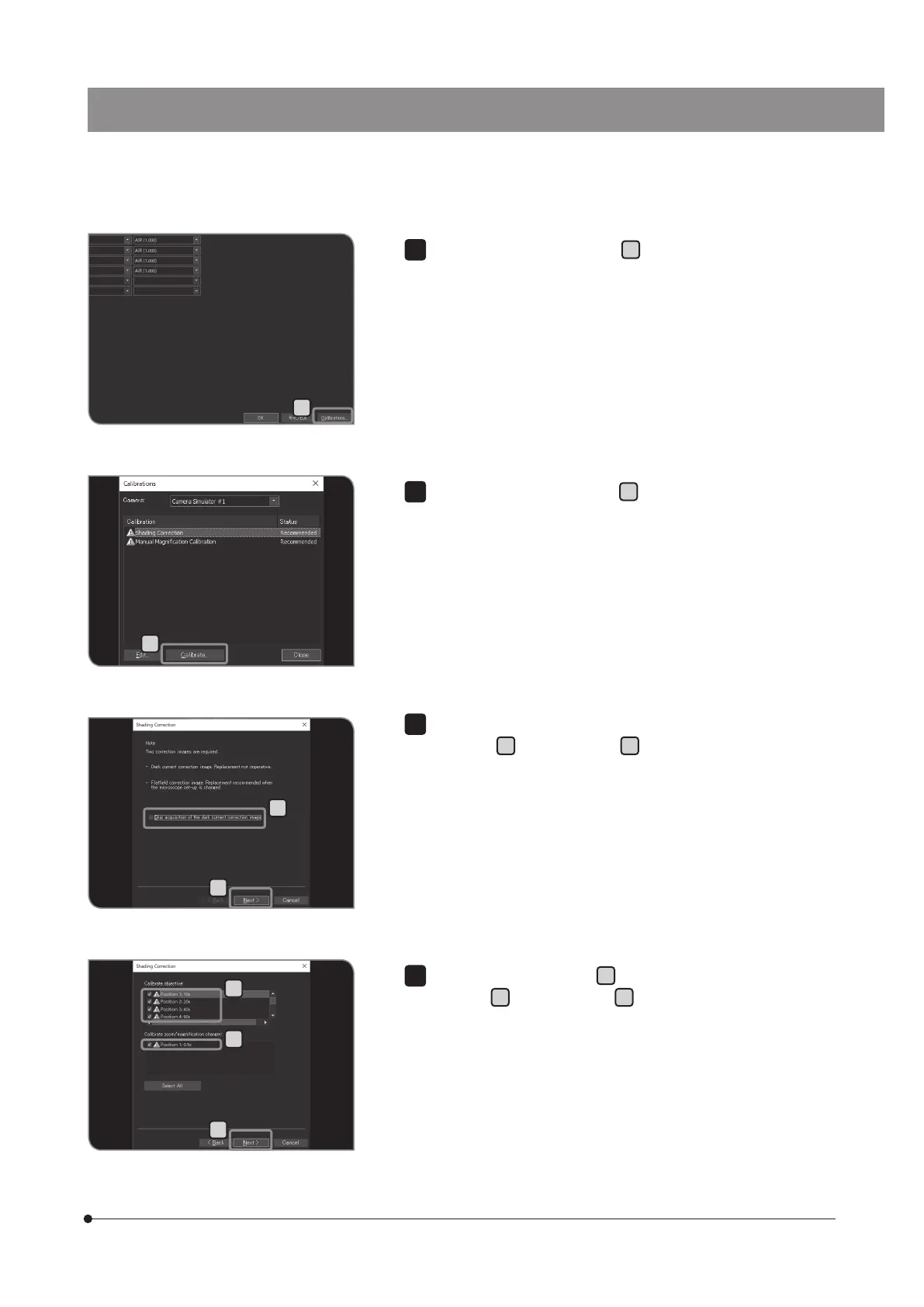
Press the [Calibrations] button
D
. The [Calibrations] dialog box is
displayed.
D
E
F
I
H
G
J
Press the [Calibrations] button
E
. The [Shading Correction] wizard
appears.
5
Uncheck the [Skip acquisition of the dark current correction image]
checkbox
F
, and press [Next]
G
.
6
Select [Calibrate objective]
H
and [Calibrate zoom / magnification
changer]
I
, and press [Next]
J
.
7



 To Next Page