72
Press the button.
Click the mouse to specify 3 points to create the angle you want to
measure.
You can measure another position continuously. Right-click the mouse
on the screen to finish measurement.
1
2
[3 Point Angle]
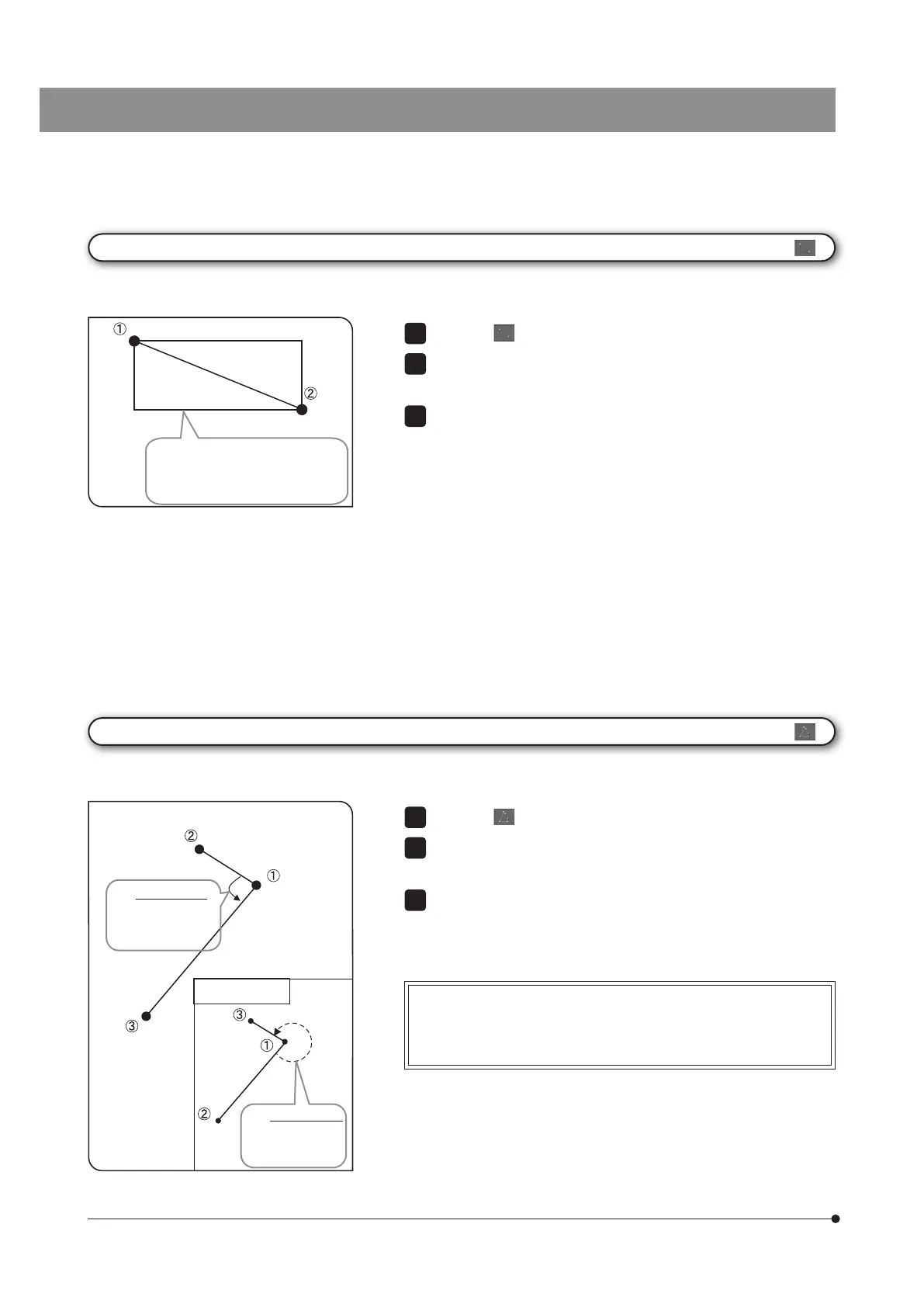
The 3 points are specified on the image, and you can measure the angle.
When measuring
the external angle:
The external angle
of the intersection
between 2 lines is
displayed.
Internal angle and external angle:
The angles of the arc drawn counterclockwise from the first line to
the second line are displayed.
Press the button.
Specify the position you want to measure using the rectangle. Click
the mouse to specify 2 diagonal points of the rectangle.
You can measure another position continuously. Right-click the mouse
on the screen to finish measurement.
1
2
3
[Rectangle]
The rectangle is created on the image, and you can measure the area, perimeter, width, and height of the rectangle.
A rectangle is drawn from the
specified 2 point positions, and the
area, perimeter, width and height of
the rectangle drawn are displayed.
The internal angle
of the intersection
between 2 lines is
displayed.



 To Next Page