Diameter: The target gripping diameter can be set by using the Save as Target button
(recommended) or by typing it in manually. The external gripper diameter will be shown if grip
internally is selected and the internal gripper diameter will be show if grip externally is
selected.
Force: Set the target gripping Force.
Stop if force not applied: If this is enabled and the Target Force is not applied, the robot
program will stop.
When pressed, the gripper will act as if the command is executed.
NOTE:
To achieve the Target Force, the Target Diameter must be the workpiece
diameter - [1-5] mm for external grip and + [1-5] mm for internal grip depending
on the softness of the workpiece. To ensure that target diameter is correct, it is
recommended to use the open and close buttons to
find the workpiece diameter and use save as target button to save the
diameter with ± 3 mm accordingly.
More information about the force can be found on section Gripping Force.
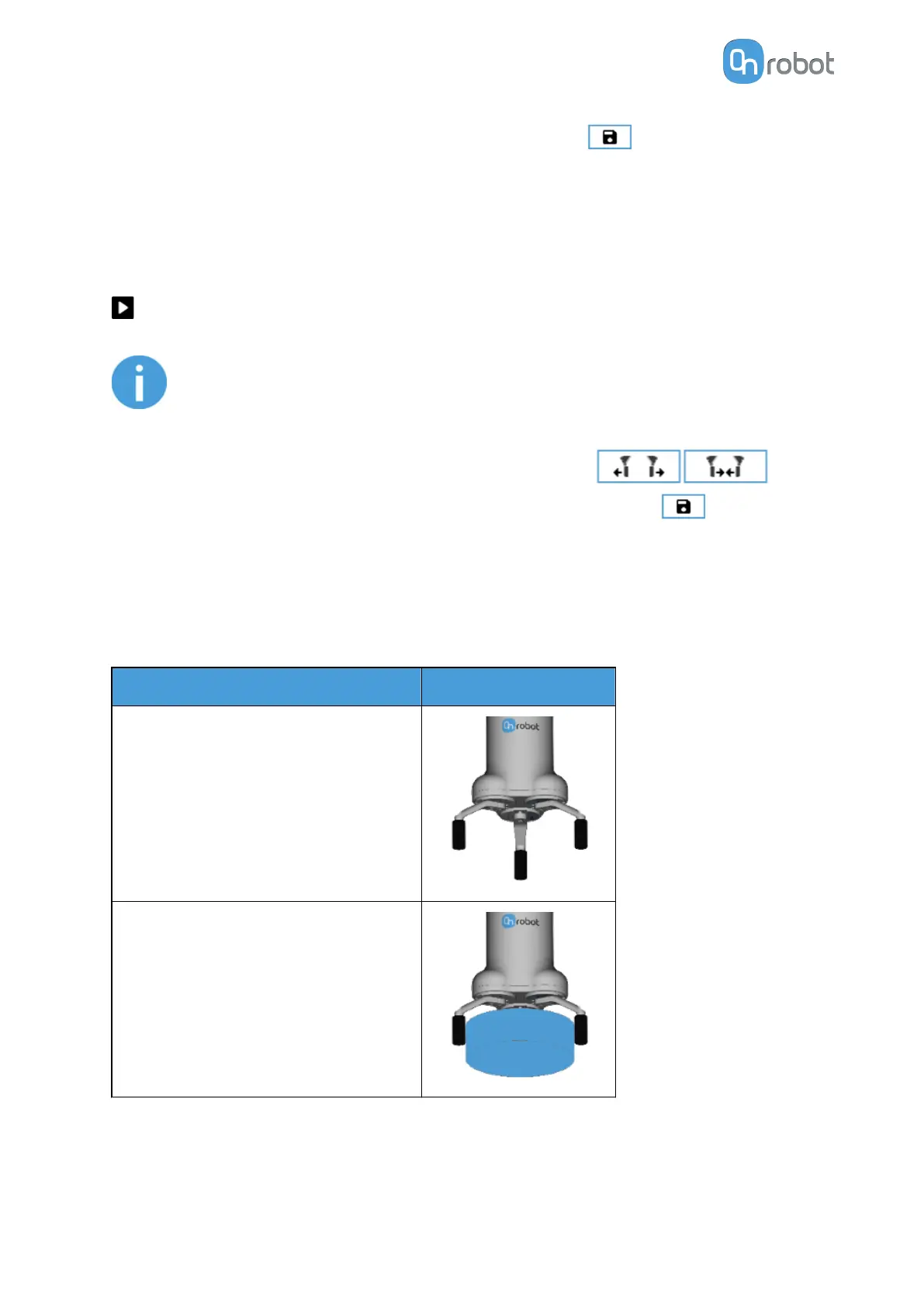
In the table below, the dierent states of the gripper are shown. This helps to ensure that the
command is programmed to grip with the specified force.
State
Feedback image
No grip detected
External grip with target force detected
OPERATION
64



 To Next Page