

 To Next Page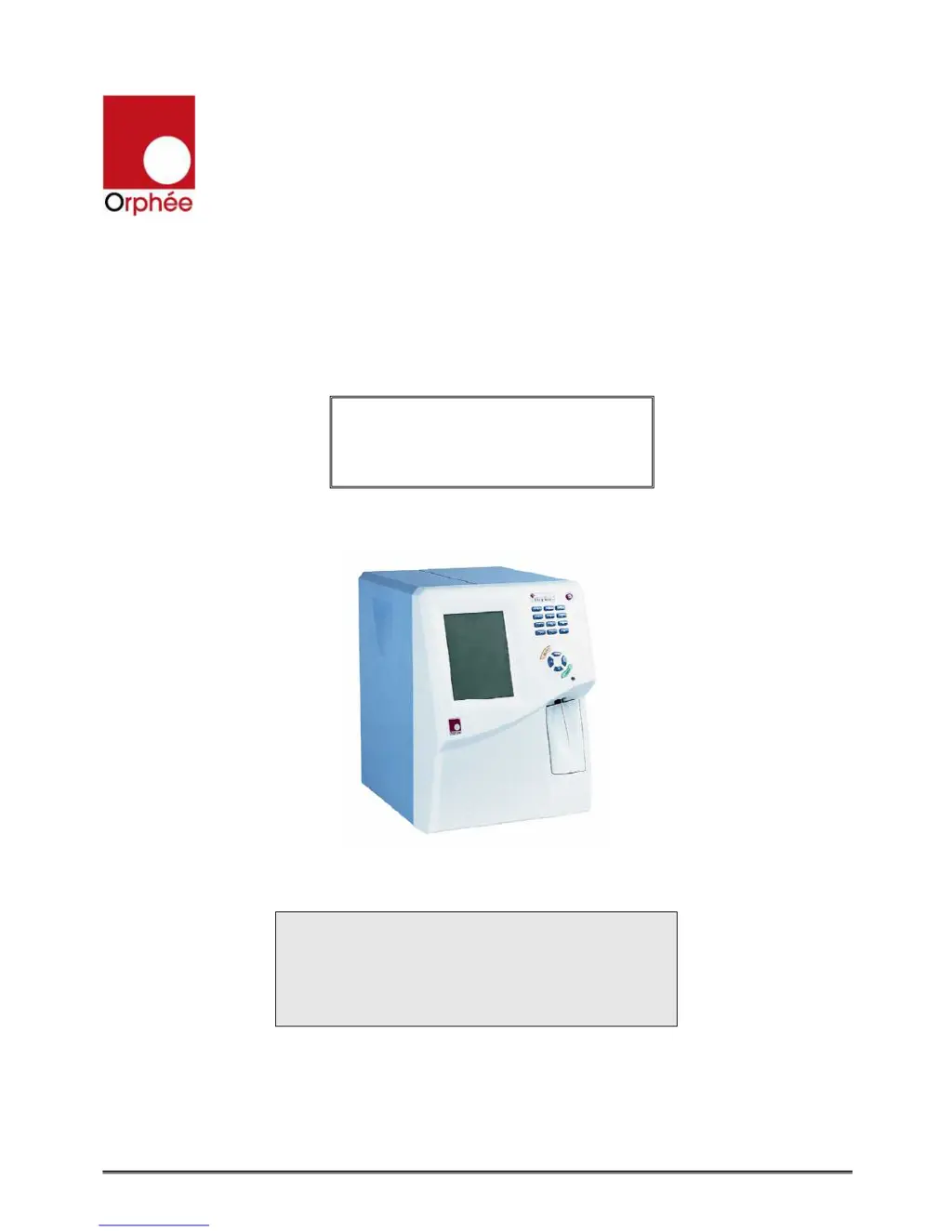


D
derrick71Sep 4, 2025
What to do if Orphee MYTHIC 18 displays 'HARDWARE: SYSTEM ERROR'?
- TTammy HardinSep 4, 2025
If the Orphee Measuring Instruments displays 'HARDWARE: SYSTEM ERROR', restart the Mythic.

What to do if Orphee MYTHIC 18 displays 'HARDWARE: SYSTEM ERROR'?
If the Orphee Measuring Instruments displays 'HARDWARE: SYSTEM ERROR', restart the Mythic.
What to do if Orphee Measuring Instruments displays 'START UP CYCLE FAILED'?
If the Orphee Measuring Instruments displays 'START UP CYCLE FAILED', perform a new start up cycle.
What to do if Orphee MYTHIC 18 displays 'INTERN : COUNT ERROR'?
If the Orphee Measuring Instruments displays 'INTERN : COUNT ERROR', restart the Mythic.
What to do if Orphee MYTHIC 18 displays 'BACKUP: FILE SYSTEM FAILED'?
If the Orphee Measuring Instruments displays 'BACKUP: FILE SYSTEM FAILED', restart the Mythic.
What to do if Orphee MYTHIC 18 Measuring Instruments displays 'BACKUP : BAD FOLDER DUPLICATION'?
If the Orphee Measuring Instruments displays 'BACKUP : BAD FOLDER DUPLICATION', restart the Mythic.
What to do if Orphee Measuring Instruments displays 'START UP CYCLE NOT DONE'?
If the Orphee Measuring Instruments displays 'START UP CYCLE NOT DONE', perform a start up cycle.
Key safety warnings including reading manual, operator training, and handling metal edges.
Emphasizes reading the user's manual before installation or maintenance.
Lists the three main boards and provides critical ESD handling instructions.
Mandatory safety measures, including wearing gloves and using disinfectant.
Emphasizes safety measures and the emergency stop procedure.
Table addressing issues with WBC, RBC, and HGB results and their solutions.
 General
| Brand | Orphee |
|---|---|
| Model | MYTHIC 18 |
| Category | Measuring Instruments |
| Language | English |