DigitalFlow™ DF868 Multipurpose Ultrasonic Liquid Flowmeter Programming Manual (2-Channel) 19
Chapter 1. Programming Site Data
1.6.4.2 Temperature Inputs
4. If you have not enabled the Energy Option, proceed to step 5. Otherwise, complete the steps below.
a.
At the Temperature Input Supply prompt, press [F1] to enter a constant temperature value or press [Fx] to select
the option card in Slot x that will supply the live temperature input.
Note: If Slot X contains an activated option card with an analog input assigned to TEMP or an RTD input, Slot X
appears as an option at the above prompt. If the process temperature is stable, a fixed value may be used,
but most applications require a live temperature input.
• If you selected Fixed, enter the known fixed process Temperature and press [ENT]. The meter only accepts
values from -328° to 1,832°F (-200° to 1,000° C).
• If you selected Slot X, press [F1] to [F4] to select the desired temperature input.
b. At the Temperature Input Return prompt, press [F1] to enter a constant temperature value or press [Fx] to
select the option card in Slot x that will supply the live temperature input.
• If you selected Fixed, enter the known fixed process Temperature and press [ENT]. The meter only accepts
values from -328° to 1,832°F (-200° to 1,000° C).
• If you selected Slot X, press [F1] to [F4] to select the desired temperature input.
5. If you have not enabled Temperature Compensation, continue to Procedure Options on the next page. Otherwise,
complete the steps below.
a.
At the Fluid Temperature Input prompt, press [F1] to enter a constant temperature value or press [Fx] to select the
option card in Slot x that will supply the live temperature input.
• If you selected Fixed, enter the known fixed process Temperature and press [ENT]. The meter only accepts
values from -328° to 1,832°F (-200° to 1,000° C).
• If you selected Slot X, press [F1] to [F4] to select the desired temperature input.
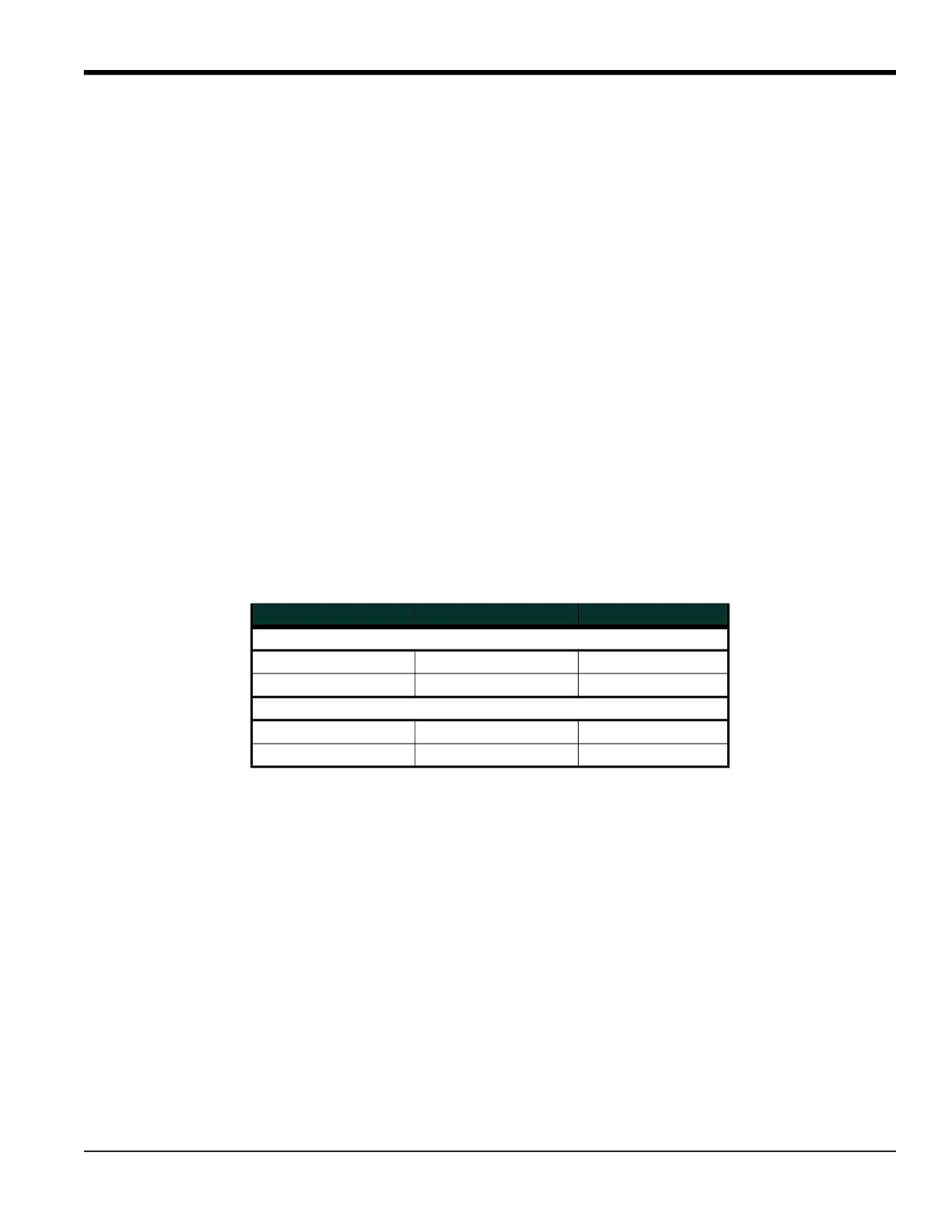
The DF868 returns to the Channel Program prompt. Table 12 lists low and high limits for I/O parameters.
Procedure Options
After completing the above steps, the meter returns to the Channel PROGRAM prompt. Continue as follows:
• To continue programming the meter, refer to the menu maps in Appendix A and navigate to the desired menu.
Then, proceed to the appropriate section of this manual for instructions.
• To leave the User Program and retain the previous settings, press [EXIT] twice and then press [F1] = NO at the
SAVE prompt. Any programming changes will be discarded and you will be returned to the data display.
• To leave the User Program and return to measurement mode, press [EXIT] twice and then press [F2] = YES at the
SAVE prompt. Your programming changes will be entered into the meter’s memory, and you will be returned to
the data display.
Table 12: Limits for I/O Parameters
Parameter Low Limit High Limit
CHAN 1/2
Zero Cutoff 0 1 ft/s (0.3 m/s)
Temperature Input -328°F (-200°C) 1,832°F (1,000°C)
GLOBL
Min. Pulse ON Time 50 µsec 500,000 µsec
Full Scale Frequency 1 10,000











 To Next Page