Chapter 1. Programming Site Data
32 DigitalFlow™ DF868 Multipurpose Ultrasonic Liquid Flowmeter Programming Manual (2-Channel)
1.7.4 Entering Global System Data (cont.)
6. Press [F1]-[F4] to select the desired number of Decimal Digits (digits to the right of the decimal point) in the
volumetric flow rate display.
7. Use the [
, [ and [F1]-[F4] keys to select the desired Totalizer Units.
Note: The option bar above shows English units. If Metric units are specified in the GLOBL menu, these will appear
instead.
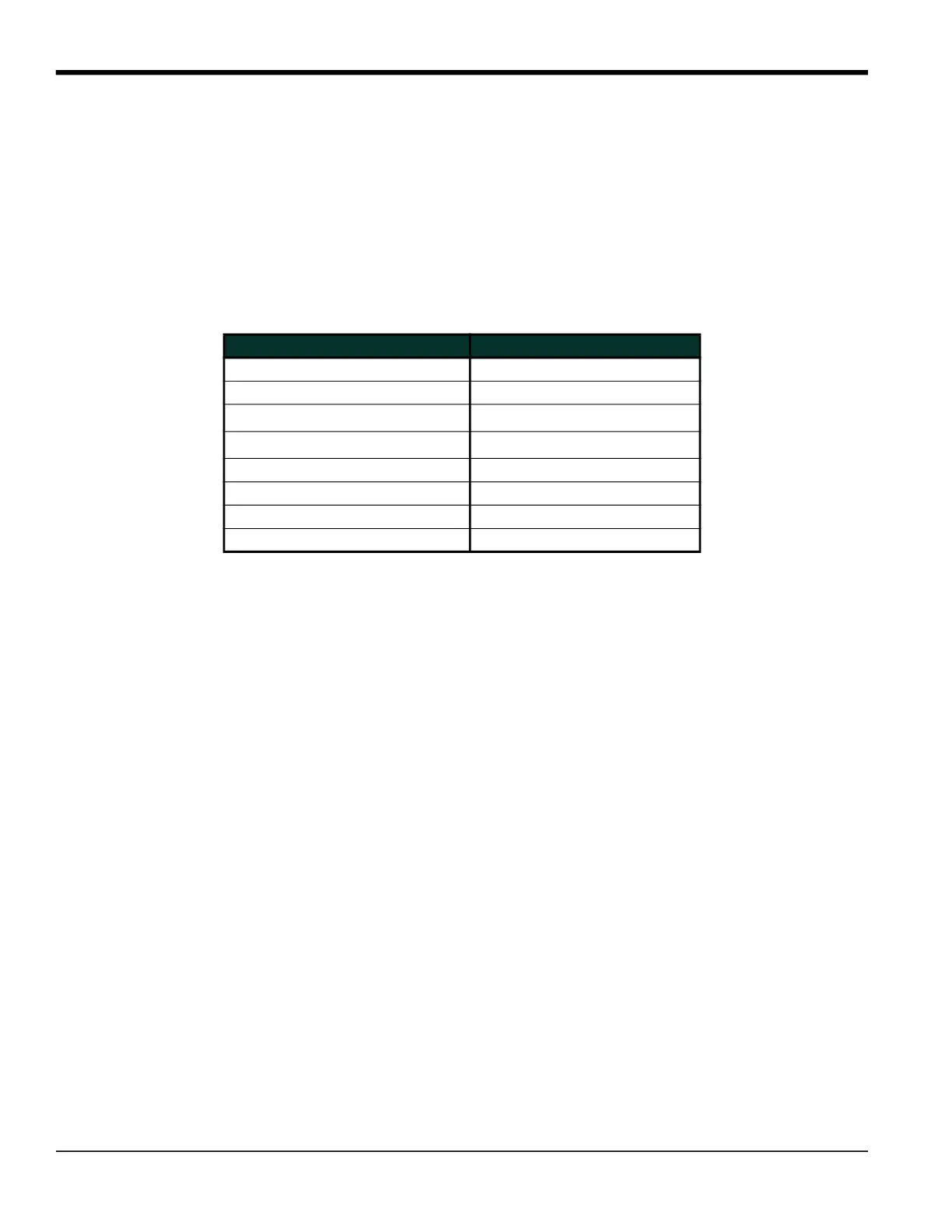
The abbreviations and definitions of all the available totalizer units are shown in Table 16. The choices shown on the
option bar in the prompt screen above are determined by the selections made at the previous System Units prompt
screen.
8. Press [F1]-[F4] to select the desired number of Decimal Digits (digits to the right of the decimal point) in the
totalized flow display.
If you did not select the Energy Option in the Channel SYSTEM option, the meter now returns to the initial SYSTEM
prompt. But if you selected the Energy Option, the following additional prompts appear.
Table 16: Totalizers Units Options
English Totalizer Units Metric Totalizer Units
Gal - U.S. Gallons L - Liters
MGAL - Mega U.S. gallons ML - Megaliters
ft
3
- Cubic Feet m
3
- Cubic Meters
Mft
3
- Mega Cubic Feet Mm
3
- Mega Cubic Meters
BBL - Barrels BBL - Barrels
MBBL - Megabarrels MBBL - Megabarrels
Acre-inches
Acre-feet











 To Next Page