EasyManua.ls Logo

PAX S80 - Page 163

PAX S80
247 pages
Print Icon
To Next Page IconTo Next Page

To Previous Page IconTo Previous Page
Loading...
Chapter 6
How to Setup the POS terminal
NOTE: This document is CONFIDENTIAL and must be used exclusively for the operation of PAX programs. It may not be
duplicated, published, or disclosed without prior written permission from PAX.
.
156
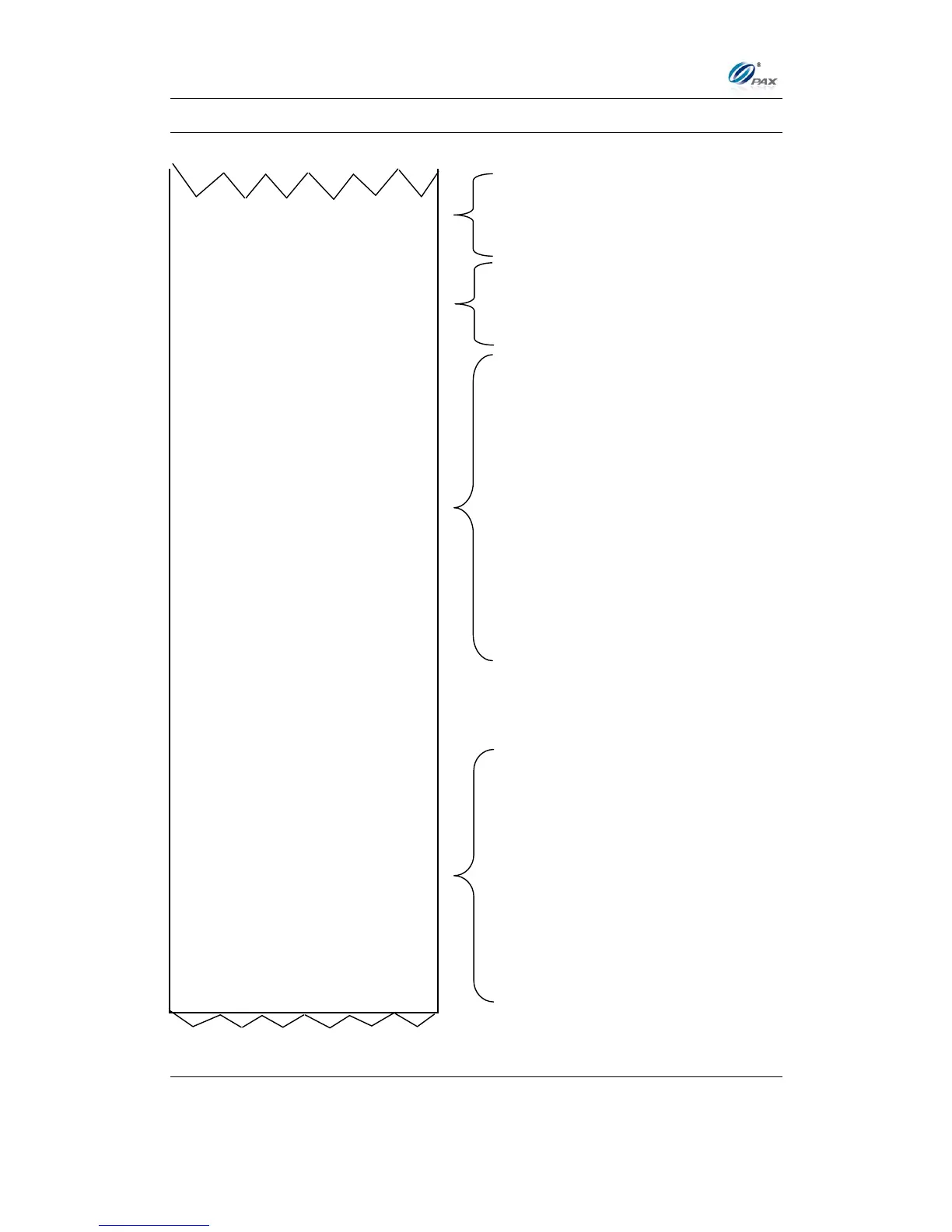
Sample of Print Setup receipt, Continued
Predial Mode:
CREDIT Swipe Only
DEBIT OFF
Working Mode:
Restaurant Mode
Demo Mode: OFF
Test Mode: OFF
Credit/Debit Mode: OFF
DCC Mode OFF
With Built in Pin Pad
VISA
AVS On Swipe: None
AVS OnCardPrsn: Zip
AVS onCrdNotPr: Addr&Zip
Card Present: Ask In Man
V-Code: On Man Ent
MasterCard
AVS On Swipe: None
AVS OnCardPrsn: Zip
AVS onCrdNotPr: Addr&Zip
Card Present: Ask In Man
V-Code: On Man Ent
AMEX
AVS On Swipe: None
AVS OnCardPrsn: Zip
AVS onCrdNotPr: Addr&Zip
Card Present: Ask In Man
V-Code: On Man Ent
TIP Setup
CREDIT +
DEBIT -
CASH +
TIP 1:
Mode: In Tip Menu
Name: Tip
Discounted: ON
TIP 2:
Mode: OFF
TIP 3:
Mode: OFF
Tip Edit Confirm ON
Terminal Mode settings
Tip settings from Working Mode in the
System Options menu.
Predial settings
Fraud Control settings for VISA,
MasterCard and American Express.

Table of Contents

Other manuals for PAX S80

Related product manuals