Chapter 6
How to Setup the POS terminal
NOTE: This document is CONFIDENTIAL and must be used exclusively for the operation of PAX programs. It may not be
duplicated, published, or disclosed without prior written permission from PAX.
.
175
6.7.3.1.1 EDC Tip
Note
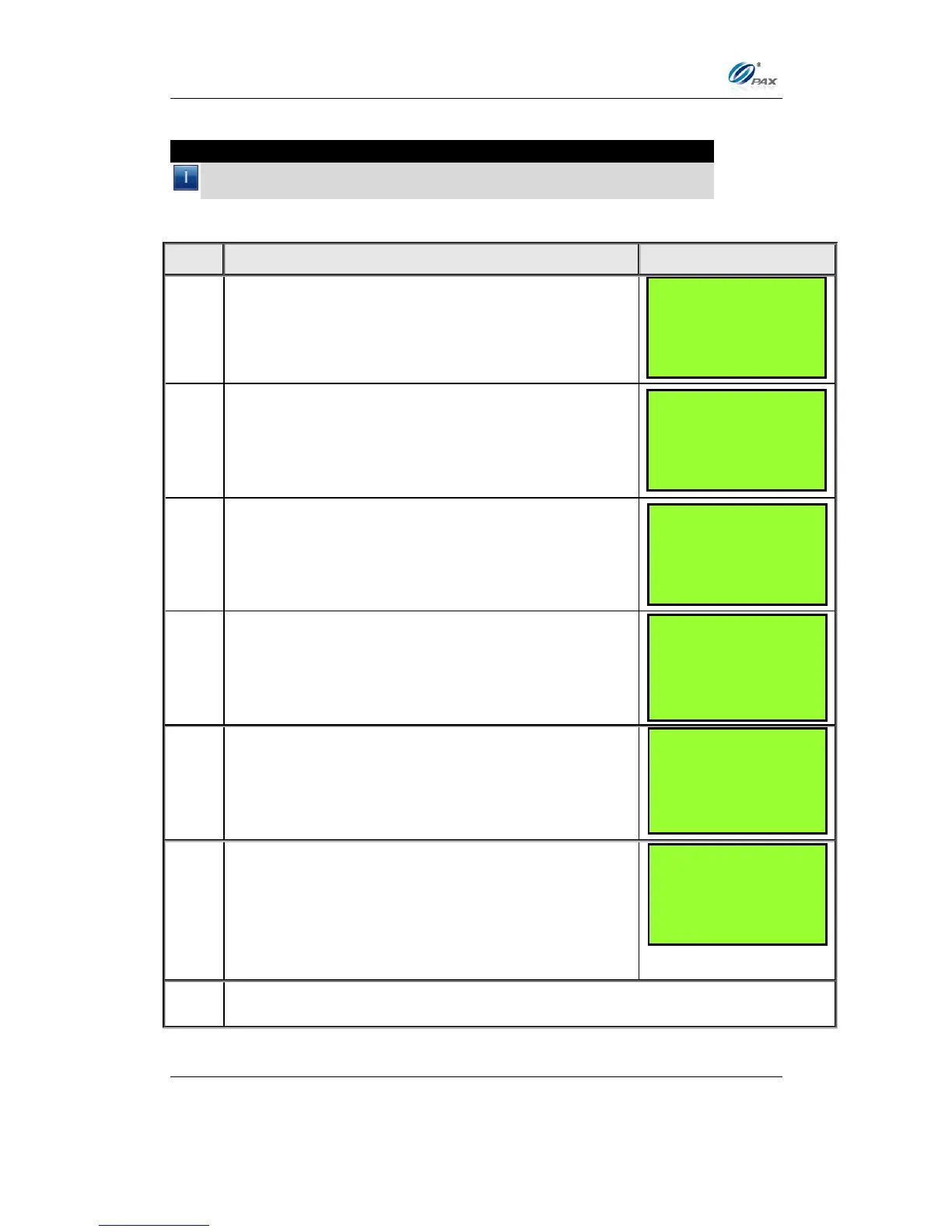
EDC Tip allows the user to enable/disable the active tips for individual
EDC types.
From the System Settings menu, press [3] for
Working Mode.
Input the Password and press [ENTER]
Press [ENTER] for EDC Tips.
Current setting is displayed in the first line.
Press [1] to disable tips for the selected EDC type.
OR
Press [2] to enable tips for the selected EDC type.
WORKING MODE:
1. Tip Options
2. Fraud Control
3. Comment Opt.
TIP OPTIONS:
1. EDC Tip
2. Tip 1: (OFF)
3. Tip 2: (OFF)
4. Tip 3: (OFF)
SYSTEM OPTIONS:
1. Date/ Time Setup
2. Batch Number
3. Working Mode
4. Pre-Dial Call
SELECT PMT TYPE:
1. CREDIT
2. DEBIT
3. EBT
4. GIFT



 To Next Page