Chapter 6
How to Setup the POS terminal
NOTE: This document is CONFIDENTIAL and must be used exclusively for the operation of PAX programs. It may not be
duplicated, published, or disclosed without prior written permission from PAX.
.
177
6.7.3.1.3 Edit Confirm
Note
Enabling Edit Confirm will cause the terminal to prompt the user to
press [ENTER] to accept the tip amount or press [CANCEL] to prompt
for a new tip amount. Edit confirm is supported in Restaurant only.
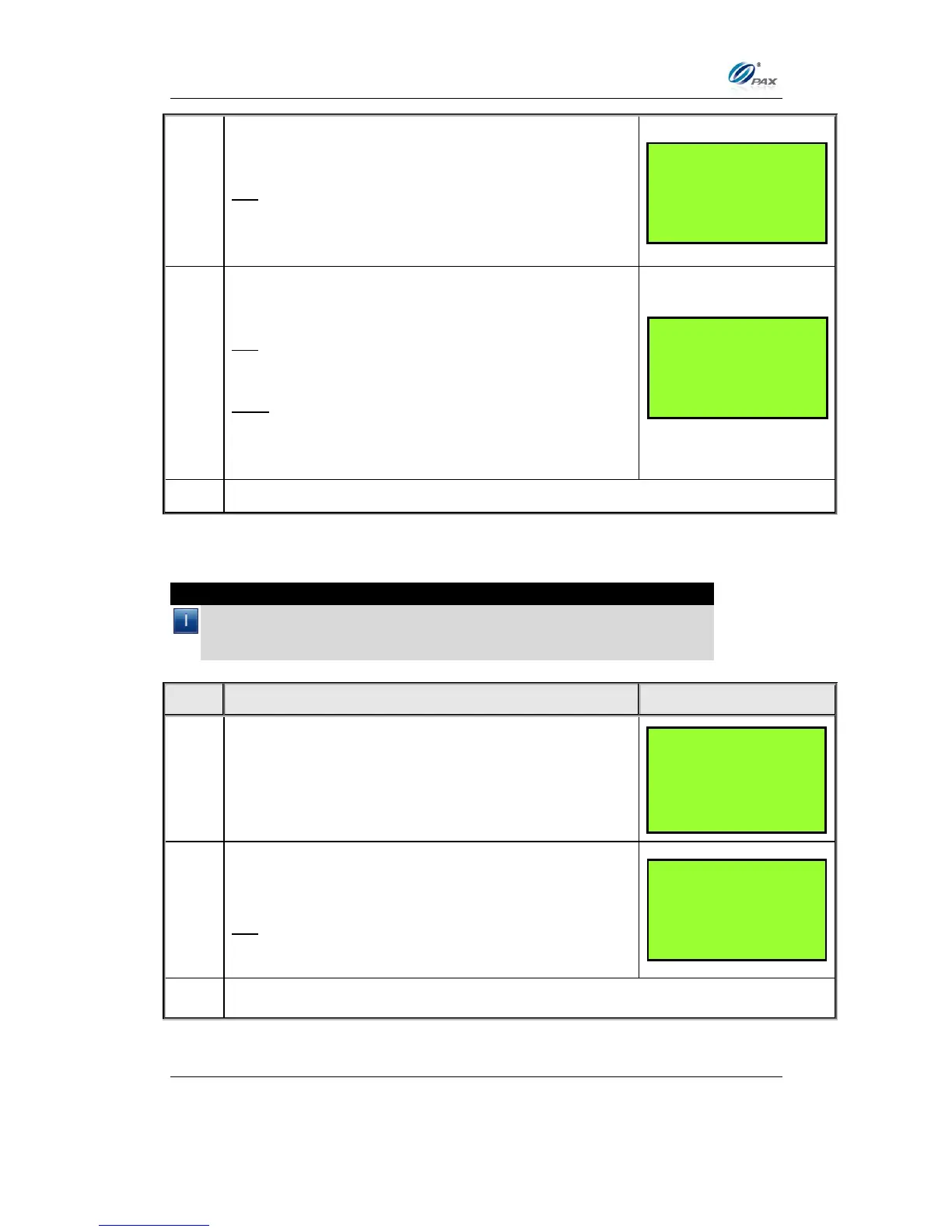
From the Tip Options menu press [5] for Edit
Confirm.
The current setting is displayed in the first line.
Press [1] to disable Edit Confirm.
OR
Press [2] to enable Edit Confirm.
Press [1] to have the terminal calculate the
Transaction Total after the Tip amount is entered.
OR
Press [2] to have the terminal calculate the Tip
amount after the Transaction Total is entered.
If in Step 3, Calculate Total is selected, enter the
default tip amount then press [ENTER].
OR
Press [ENTER] to bypass.
Note: Current rate is displayed in the first line.
The default tip amount will automatically be added to all
transactions.
TIP OPTIONS:
2. Tip 1: (OFF)
3. Tip 2: (OFF)
4. Tip 3: (OFF)
5. Edit Confirm
Edit Confirm: 2
1. OFF
2. ON
TIP Entry Method
1. Calculate Total
2. Calculate Tip



 To Next Page