Chapter 4
How to Do Transaction
NOTE: This document is CONFIDENTIAL and must be used exclusively for the operation of PAX programs. It may not be
duplicated, published, or disclosed without prior written permission from PAX.
.
48
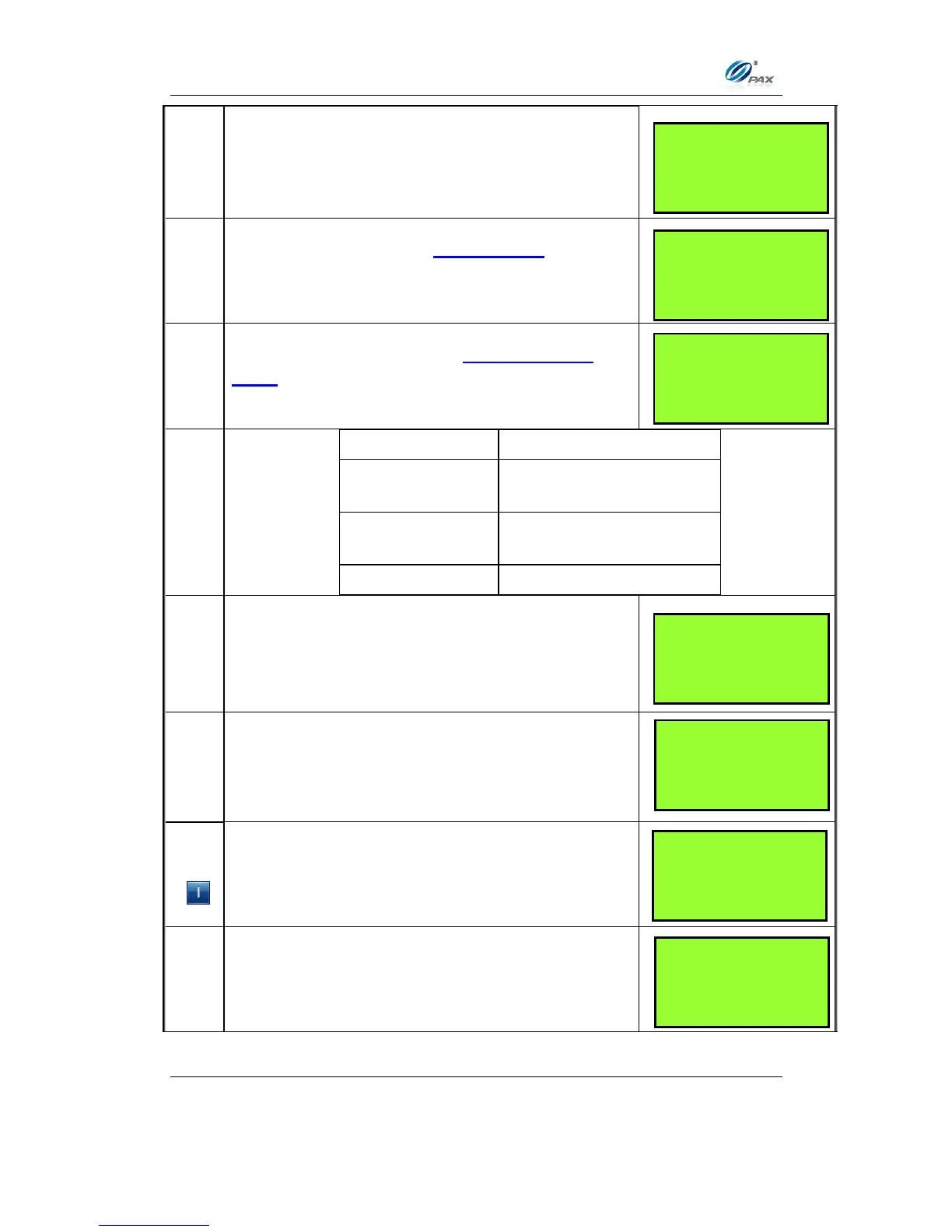
Input the dollar amount of the transaction then
press [ENTER].
This prompt occurs when Invoice Mode feature is
turned on. When prompted, enter the invoice No.
then press [ENTER].
This prompt occurs when the Clerk/Server ID
Mode feature is turned on. When prompted, enter
the clerk/server ID then press [ENTER].
Proceed to #9, & then skip
to step #12.
Proceed to #8 & #9 & then
skip to #12.
The terminal will now Prompt you to enter a Cash
Back amount or press [ENTER] to bypass.
Input the PIN on the Keypad then press [ENTER].
If using an external PIN pad the PIN Entry prompt
will be displayed on the PIN pad instead of the
terminal.
Enter the Voucher number then press [ENTER].
__________________
ENTER INVOICE #:
__________________
__________________
ENTER CLERK ID:
__________________
AMT $2.00
Enter PIN:
****
__________________
Voucher Number:
__________________
Please Enter PIN
On the PIN Pad>>



 To Next Page