Page 15
Ph: 804.227.3023
10511 Old Ridge Rd. Ashland, VA 23005
v 2.0
Powertrain Control Solutions
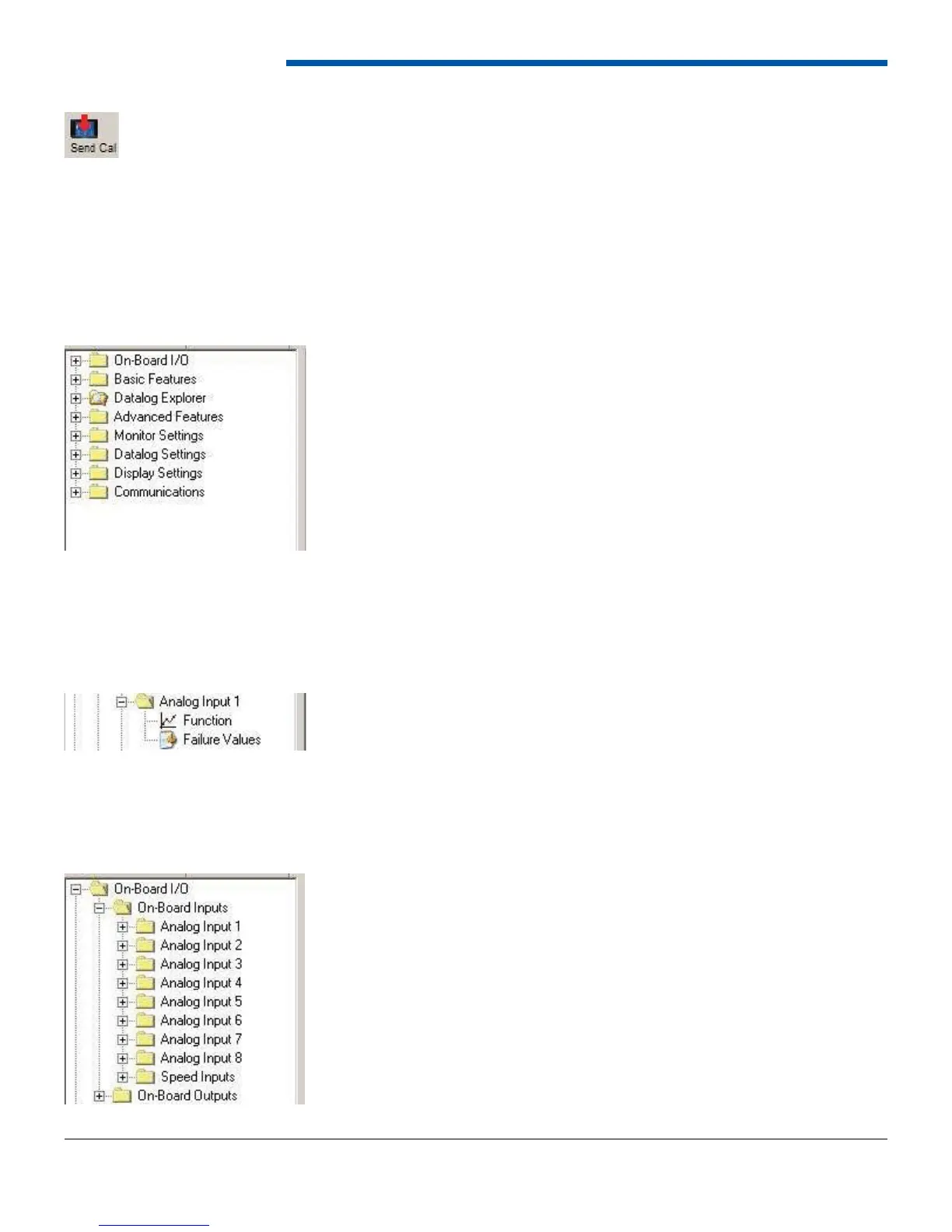
To send a calibration to the dash, select Communications then Send Calibration to dash, or select the Send Cal button
from the tool bar. The software will ask if it should send the currently opened calibration or a previously stored calibration.
Click Yes to send the opened calibration to the dash. Click No to browse for a calibration fi le to send.
6 Calibration Editing and Software Navigating
6.1 Overview
The On-board I/O Tree-view folder is the top level folder for all devices wired directly to your PCS D200 Dash Logger.
From this folder you can select between On-Board Inputs and On-Board Outputs.
6.3 On-Board Inputs
When a calibration is open in the software, a tree-view is shown on the left hand side of the screen. The tree-view contains
folders which contain sub items. To expand a folder double-click on it or click the + sign to expand it. The following
sections describe each top level folder and the associated sub items.
6.2 On-Board I/O


 To Next Page