Page 27
Ph: 804.227.3023
10511 Old Ridge Rd. Ashland, VA 23005
v 2.0
Powertrain Control Solutions
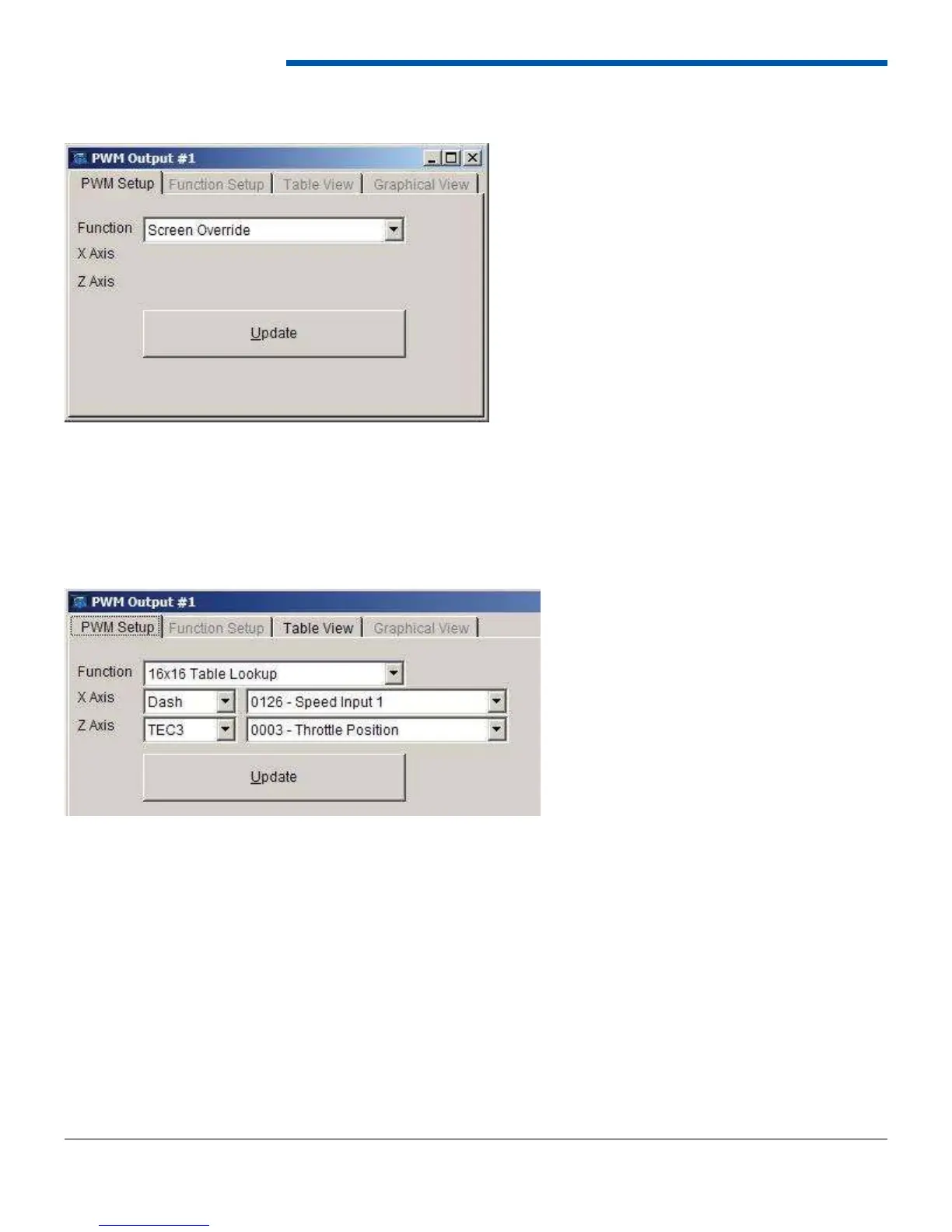
6.7.3 Screen Override
When a PWM output is set to the Screen Override function, it will allow direct control of the output duty cycle from the
touchscreen. The desired duty cycle is set from the touchscreen under the On-Board Inputs, PWM Control button from
the D200’s Main Menu as described in Section 4.2.4.1. When the dash is turned on, this duty cycle is 0%. If the output
channel is not set to screen override, it will clear the user entered value when the Back button is pressed from the PWM
Control screen.
6.7.4 Output vs. Generic 16x16 Table


 To Next Page