SGM700 Digitizer
Configuration Menu -Ind- -continue-
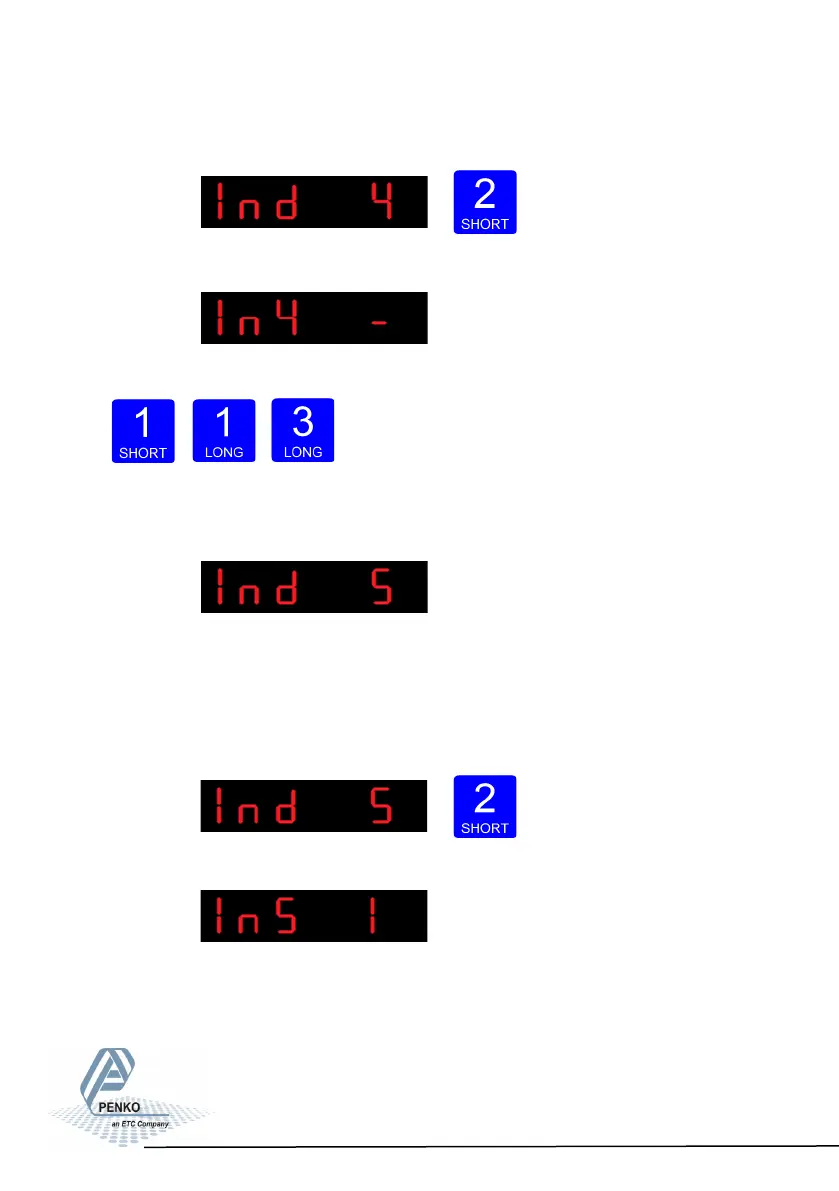
To change the filter press key 2 < 2 sec.
The following screen is vissable:
Use key 1 change the filter. Confirm by pressing key 3 for >2 sec.
Up Down Confirm
The following screen is vissable:
In Ind 5 you set the display step size. The step size
defines the scaled parts of the weight value. The display value will be rounded off
to the nearest value with a valid step size.
To change the display step size press key 2 < 2 sec.
The following screen is vissable:
63



 To Next Page